


RTX 4060 Ti Throttling Under Load: SA Temperature Guide
RTX 4060 Ti Throttling Under Load: Temperature. Everything you need to know with SA pricing, step-by-step instructions & expert recommendations.
Read moreFind the best 4K monitor for work and gaming by balancing color accuracy, high refresh rates, and ergonomic design. 🖥️ Transform your home office into a powerhouse for both professional tasks and late-night gaming sessions. 🚀
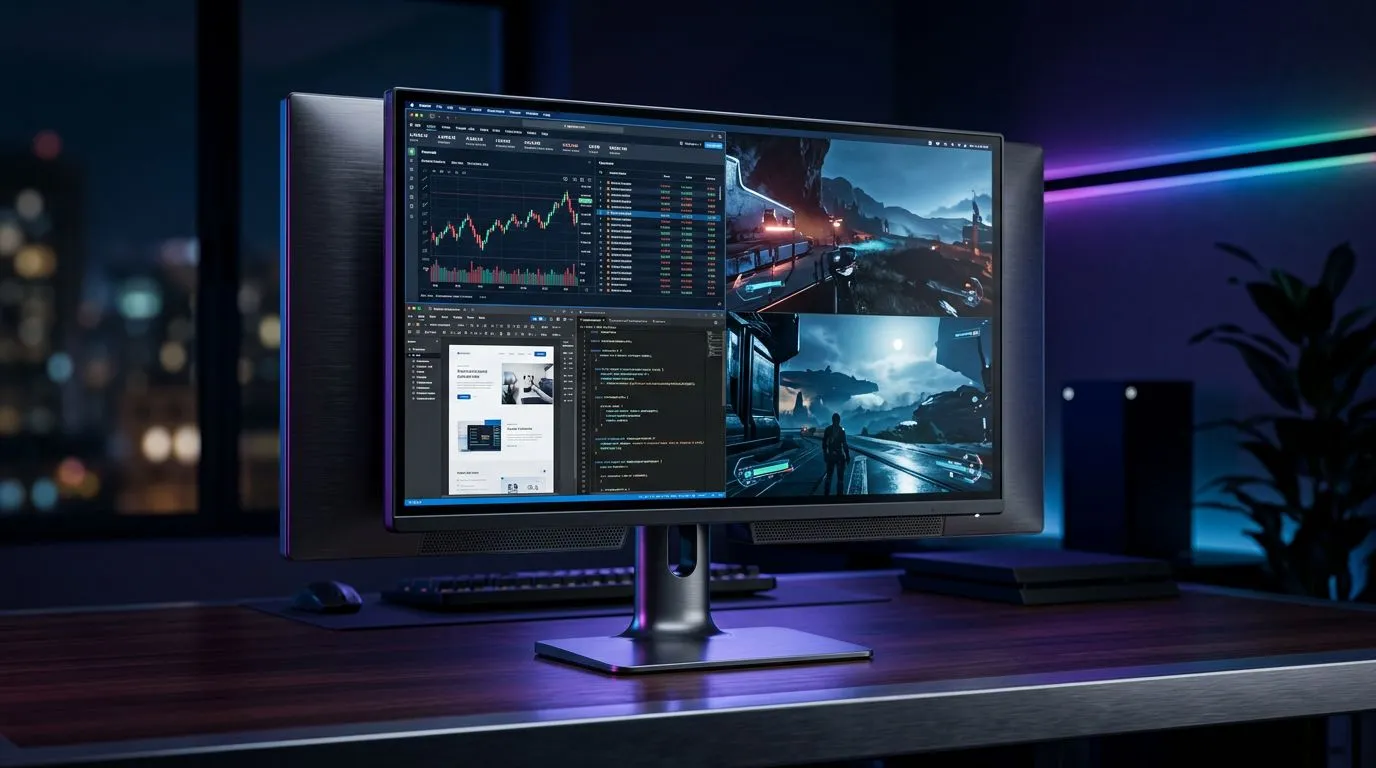
You’ve got spreadsheets to smash through, and bosses who expect neat reports… but at night you want smooth frames and sharp visuals. In South Africa, the trick is building a setup that works for both, without buying two different monitors. The good news? A properly chosen 4K display can do serious productivity and still hold its own in gaming… especially when you match the right panel, refresh rate, and cables. Let’s dial it in.
Not all “4K monitors” are equal. Before you click buy, focus on the parts that change your daily experience.
If you’re mostly working (documents, dashboards, editing) and occasionally gaming, IPS is usually the safer pick.
For gaming, you want at least 120Hz, and ideally 144Hz for newer high-refresh 4K models. Response time also matters, because fast motion blur can ruin your aim feel.
Reputable reference: Refresh rate basics are well documented by VESA’s DisplayHDR and monitor timing standards, and general refresh-rate behaviour is widely accepted across display engineering. When you shop, prioritize the manufacturer’s stated refresh rate at your target resolution.
To get high refresh rates at 4K, you typically need:
If your monitor has both, use the port that matches your PC’s output. This is one of those “small” decisions that prevents heartbreak later.
HDR can look incredible… but only if the monitor has meaningful HDR performance (brightness, local dimming if applicable, and proper HDR metadata handling). If you can’t verify these, treat HDR as a bonus, not the core requirement.
On Windows, use the PowerToys FancyZones utility to create custom snap layouts. It helps a lot when you’re working on spreadsheets plus reference docs, then switching to a game that needs full-screen.
Specs win debates… but your desk wins your daily comfort.
At 4K, Windows scaling is usually the difference between “crisp” and “why is everything soft?”
Reputable reference: Microsoft documents display scaling behaviour in Windows. Use their official guidance when tuning scaling to your hardware.
Aim for:
Before you get lost in colour profiles, check:
Sometimes the best monitor is not the biggest… it’s the one that fits your space.
Flat panels are typically easier to align in multi-monitor layouts and maintain consistent geometry. If you work in spreadsheets, flat 4K also helps reduce edge distortion issues that can show up with some curved designs.
If you’re hunting for competitive pricing, browse current deals like the best PC monitor deals here: see Evetech’s monitor deals.
Curved screens can feel more immersive for gaming, especially with wider fields of view. Just remember: curvature is a taste thing. Too much curve can feel awkward on a very small desk.
For curved models, compare here: buy curved monitors from Evetech.
If you do campus work, client visits, or you move between desk setups, a portable option can be surprisingly practical.
Look at options here: buy portable monitors.
Sometimes you want maximum sharpness, but you also need GPU breathing room. Many gamers and creators jump from 4K to 5K/4K combos. It can be brilliant, but don’t ignore scaling and performance costs.
Explore 5K/4K models: buy 5K 4K monitors.
Your monitor comes out of the box… but it often needs tuning.
If you design or edit photos, using the correct colour space (often sRGB) keeps your output consistent. This is especially important if you share files with clients or print-ready workflows.
If you know what you want, shopping is faster. If you’re still choosing, category pages help you compare like-for-like.
Don’t ignore accessories either. The stand and cable situation affects your final setup. Check what you need here: buy monitor accessories.
If you’re going for higher refresh 4K, plan for the right interface. DisplayPort is usually easiest for PC high refresh, but if you’re on a console, confirm the console output matches HDMI 2.1 support.
Before checkout, verify these points:
Want to make this decision faster? Start with the deals list and compare the models that meet your refresh rate first. Then fine-tune ergonomics and scaling… and suddenly your monitor feels “right” for both workdays and late-game nights. 🚀
Ready to Find Your Perfect Match? The Mac vs Windows debate is complex, but for maximum power, choice, and value in South Africa, Windows is hard to beat. Explore our massive range of laptop specials and find the perfect machine to conquer your world.
The best monitor balances a high-resolution IPS panel for color-accurate work with at least a 144Hz refresh rate to ensure smooth, responsive gameplay at night.
While 60Hz is sufficient for office work, a 144Hz or higher refresh rate is critical for gaming to minimize motion blur and ensure competitive performance.
IPS panels are superior for work due to better color accuracy and viewing angles, while modern high-end IPS monitors now offer response times suitable for gaming.
If your work involves design, video editing, or content creation, high color accuracy ensures your professional output looks exactly as intended on all devices.
Yes, if you use a console or high-end GPU, HDMI 2.1 is essential to support 4K resolution at 120Hz or higher with full bandwidth for gaming.
Look for height-adjustable stands, tilt, swivel, and VESA mount compatibility to ensure your monitor is at eye level for long work sessions.
RTX 4060 Ti Throttling Under Load: Temperature. Everything you need to know with SA pricing, step-by-step instructions & expert recommendations.
Read more
Apex Legends Max Settings on RTX 4080. Tested & verified settings for best FPS and visual quality on SA hardware budgets.
Read more
GPU Buying Guide. Everything you need to know with SA pricing, step-by-step instructions & expert recommendations.
Read more
GPU Terms Guide. Everything you need to know with SA pricing, step-by-step instructions & expert recommendations.
Read more
AMD Adrenalin Download & Setup Guide: GPU. Clear setup instructions with SA-specific considerations, troubleshooting tips & recommended components.
Read more
Back-to-School GPU Buying Guide. Everything you need to know with SA pricing, step-by-step instructions & expert recommendations.
Read more
Snapdragon X2 NPU Explained: How 80 TOPS Changes. Plain-English explanation of what it means, why it matters & how it affects your buying decisions in SA.

HBM? High Bandwidth Memory Used in GPUs and AI. Plain-English explanation of what it means, why it matters & how it affects your buying decisions in SA.

How much should you spend on sim racing accessories in South Africa for a realistic setup? We break down budgets by quality tiers, so you buy smart gear and avoid overspending 🎮💸

G-Sync and FreeSync? Variable Refresh Rate. Plain-English explanation of what it means, why it matters & how it affects your buying decisions in SA.

AMD Laptop: Value. SA-focused analysis with local pricing data, real-world insights & actionable buying advice.

How MacBook Neo Handles 30+ Chrome Tabs with Only. SA-focused analysis with local pricing data, real-world insights & actionable buying advice.

Why Apple Put 8GB RAM in MacBook Neo: The A18 Pro. SA-focused analysis with local pricing data, real-world insights & actionable buying advice.

Upgrade your work laptop with a New Motherboard. Step-by-step instructions with SA-specific tips, common pitfalls to avoid & expert recommendations.

Maintain wired headset — Checklist: • inspect cables • clean earpads • store properly 🔧🎧 Practical steps to preserve sound quality and avoid premature replacements.

Fix crackling headset fast: step-by-step checks for cables, connectors, drivers, and settings to remove static or distorted audio on wired headsets 🎧⚙️

Stereo vs mono headsets: learn which delivers clearer calls, better spatial music, or simpler mono voice performance — pick the right headset for meetings, music, or gaming 🎧💬

- Compare gaming headset vs studio headphones; - Assess comfort, mic and sound; - Recommend best daily picks. Gaming headset vs studio headphones: learn which suits work, music and casual gaming. 🎧⚖️