Quick Answer
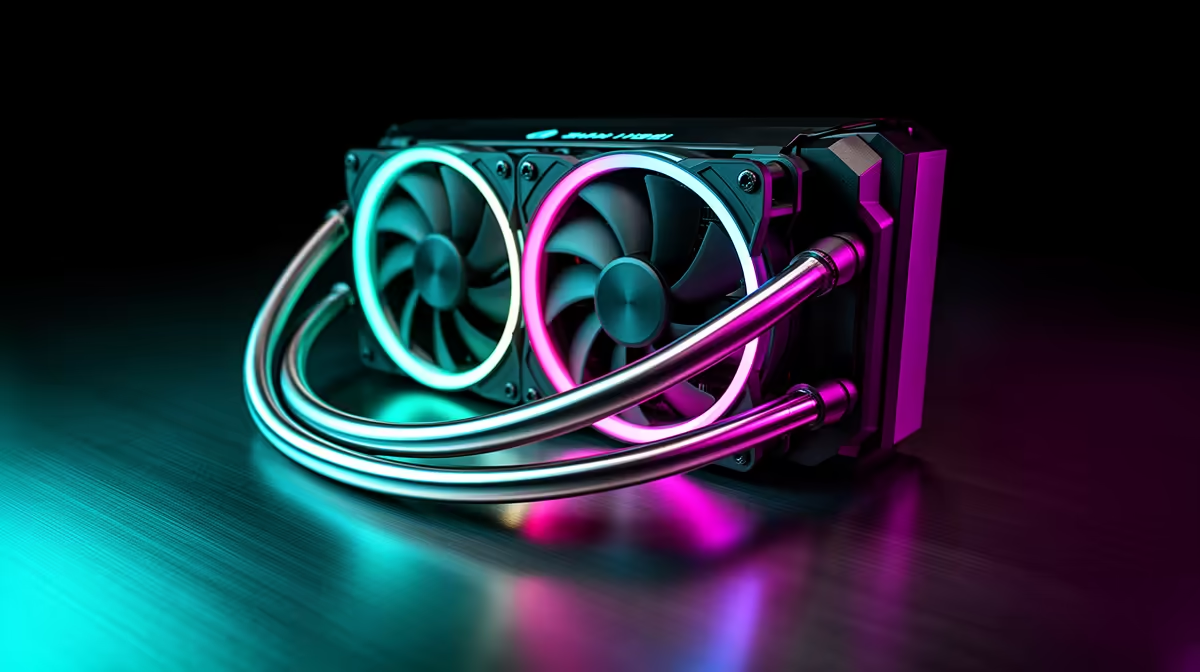
For AM5 (Ryzen 7000/9000-series) and LGA1851 (Intel Core Ultra 200-series) gaming builds, the most important AIO features are a large-coverage copper cold plate, a high-quality pump rated for the 150W to 200W TDP of these platforms, and included mounting hardware for both sockets. Daisy-chain ARGB fans and AMOLED displays are worthwhile additions at the premium tier but do not affect cooling performance.
Socket-Specific Considerations for AM5 and LGA1851 🔧
AM5 and LGA1851 both use larger CPU dies than the previous-generation AM4 and LGA1700 platforms they replaced. AMD's Ryzen 9000-series chips use a large monolithic die structure on the AM5 socket, while Intel's Core Ultra 200-series Arrow Lake processors on LGA1851 also run large integrated dies. This means the cold plate coverage area of your AIO matters more than it did in previous generations. Look for AIOs that specifically mention expanded cold plate coverage or high-density micro-fin arrays in their product descriptions. A standard legacy cold plate sized for older smaller-die chips may miss portions of the IHS, creating hot spots under full-load gaming plus streaming scenarios.
Pump and Radiator Specifications Worth Checking 💡
Both AM5 and LGA1851 platforms support sustained TDPs of 125W to 200W depending on the chip and power settings. A standard 240mm AIO with an older pump platform may struggle to manage a Ryzen 9 9950X or Core Ultra 9 285K at default clock settings without temperature excursions above 90 degrees Celsius. For these platforms, target AIOs with pump speeds between 2,400 and 3,600 RPM, a 360mm radiator (27mm or thicker), and three 120mm high-static-pressure fans rated above 2.5 mm-H2O. These combined specifications ensure your cooling loop moves enough coolant volume and dissipates enough heat to keep the CPU's boost algorithm fully active during extended gaming sessions.
Software Integration with AM5 and LGA1851 Platforms 🖥️
Modern motherboards on AM5 (X670E, X870E chipsets) and LGA1851 (Z890 chipset) include enhanced fan control headers and temperature sensors that integrate with AIO software suites.
AM5 Coolant Seating Confirmation ⚡
After installing your AIO on AM5, run a 15-minute stress test (Cinebench R24 multi-core loop works well) and check your CPU package temperature in HWiNFO64. Temperatures above 90 degrees Celsius during this test on a 360mm AIO typically indicate insufficient mounting pressure or thermal paste spread. Reseat the cold plate with light cross-pattern tightening before drawing conclusions about the cooler's performance.
FAQ
Does a 240mm AIO work for mid-range AM5 or LGA1851 builds?
Yes, for chips like the Ryzen 5 9600X (65W TDP) or Core Ultra 5 245K, a 240mm AIO is entirely adequate. The 360mm format becomes a clear recommendation only when using 105W or higher TDP chips or when running sustained multi-thread workloads.
Are all 360mm AIOs compatible with AM5 and LGA1851 out of the box?
Most premium AIOs manufactured in 2024 and 2025 ship with both AM5 and LGA1851 hardware included. If you buy a unit from stock at Evetech, check the product page for the socket compatibility list to confirm both are included before ordering.
What motherboard chipsets should I pair with a premium AIO?
For AM5, X870E or X670E chipsets provide the most fan header flexibility and the best sensor integration with AIO software suites. For LGA1851, Z890 chipset boards offer the equivalent feature set. Mid-range B850 and B760 boards work fine with any AIO but may have fewer 4-pin PWM headers.
Building on AM5 or LGA1851 and need the right cooler?
Evetech stocks a range of AIOs confirmed compatible with current AMD and Intel sockets, with mounting hardware included and specs listed for every product.