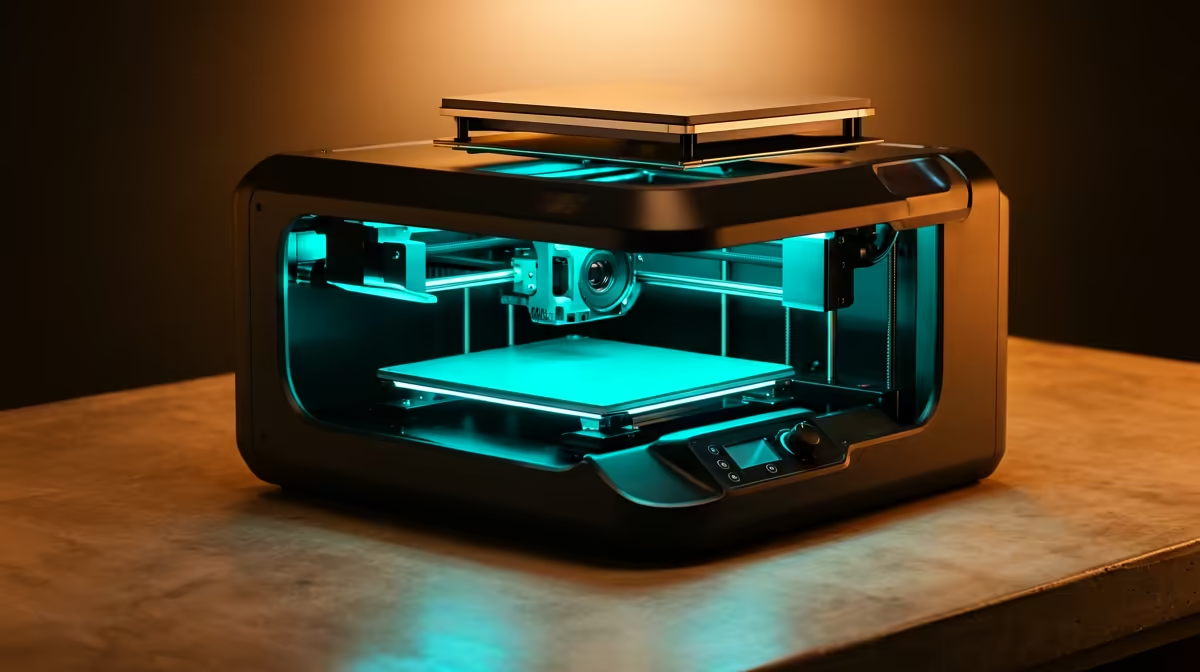
The Bambu Lab A1 Combo has quietly become the printer most South African hobbyists land on once they stop chasing the cheapest possible machine and start chasing the one they will actually keep using. At R12,495 it bundles a fast bed-slinger with the four-colour AMS Lite feeder, which turns a single weekend print into something that arrives painted rather than something you spend an evening hand-painting.
Quick Answer
If you want one FDM printer that does almost everything in South Africa, the Bambu Lab A1 Combo, priced around R12,495, is the smartest all-round choice. It prints fast, runs near silent, auto-calibrates the bed, and the AMS Lite feeder gives you four-colour prints without a second machine or manual filament swaps.
Why the A1 Combo wins for most hobbyists
Most people who buy a printer want three things at once: speed, easy multi-colour, and a machine they do not have to fight with on day one. The A1 covers all three. Its motion system pushes well past the slow first-generation Creality machines many of us started on, so a desk organiser that used to take a full day now finishes in a few hours.
The real swing factor is the AMS Lite. Single-extruder printers force a choice between one colour or hours of babysitting filament changes. With four spools loaded, the A1 handles figurines, two-tone signage, and display pieces that a single-colour machine simply cannot produce in one pass. To see the current machines and feeder bundles next to each other, the 3D printer range at Evetech shows what is on the shelf and how the prices compare.
Where the A1 Combo fits in a SA workspace
The A1 is an open-frame bed-slinger, which matters for two practical reasons here. First, it runs cool and quiet enough to live on a desk in a flat or a res room without a dedicated enclosure. Second, the open design makes maintenance approachable, which is worth a lot when courier turnaround on a small part can stretch across provinces.
Print quality you can actually show people
Out of the box the auto-calibration handles bed levelling and flow tuning, so first-layer adhesion stops being the thing that ruins prints. PLA looks clean, and the machine handles PETG for parts that need a bit more toughness. For a hobbyist printing tabletop miniatures, phone stands, and the occasional functional bracket, the surface finish is good enough that people assume you bought the part.
The running costs nobody mentions upfront
A printer is only as cheap as the filament habit it creates. The A1 sips standard 1.75mm PLA, and a 1kg spool covers a surprising number of small projects. Budget for a few spares: spare nozzles, a build-plate scraper, and a glue stick for tricky materials. Grabbing these in the same order as the printer saves a frustrating gap when something wears out, and the accessories best sellers gather the consumables most makers reorder in one easy list.
A1 Combo vs single-colour budget printers
A cheaper single-extruder machine at under R6,000 will print fine in one colour, and for someone who only ever wants grey functional parts, that is a defensible buy. The moment you want a two-tone keycap set, a painted dragon, or signage with a contrasting border, the gap opens fast. The AMS Lite is what separates a printer you use for utility from one you use for fun.
The other quiet advantage is reliability. Cheaper machines often need manual bed tramming and constant tinkering. The A1 spends that effort on calibration so you spend yours on designing and printing.
What you can realistically print on day one
A common worry with a multi-colour machine is that the learning curve cancels out the convenience. With the A1 Combo it does not. The 256 by 256 by 256 mm bed is roomy enough for the projects most hobbyists actually start with: desk organisers, phone and tablet stands, planters, board-game inserts, cosplay parts and the steady stream of repair pieces a household generates. None of these strain the build area, and the auto-calibration means your first attempt usually sticks instead of peeling off the plate.
The AMS Lite widens that range without adding fuss. A two-tone keycap set, a name plate with a contrasting border, or a model painted in the slicer rather than by hand all become a press-and-walk-away job. Because the swaps happen automatically mid-print, you are not stuck babysitting filament changes, so even a beginner can attempt a four-colour print in their first week and get a clean result.
Filament storage in the South African climate
One habit pays off quickly here, especially along the coast. PLA and PETG both absorb moisture from humid air, and a damp spool prints with stringing, popping and weak layers no matter how good the machine is. A sealed box with a few sachets of desiccant keeps your filament dry between sessions, and it matters far more in Durban or Cape Town than on the drier Highveld. Treat dry storage as part of the setup rather than an afterthought and your prints stay consistent for months.
Who should buy something else
If your only goal is printing large functional parts in a single material and you do not care about colour, a bigger single-extruder workhorse may give you more build volume per Rand. And if you are aiming straight at resin-quality miniatures, an FDM machine is the wrong tool entirely, a resin printer will out-detail it. But for the broad middle, the maker who wants speed, colour, and low fuss in one box, the A1 Combo is the safe answer.
Frequently Asked Questions
Is the Bambu Lab A1 Combo good for beginners?
Yes. The auto-calibration, guided setup, and slicer presets mean you can get a clean first print without understanding bed levelling or flow rates. It is one of the most forgiving machines for someone who has never printed before.
What does the AMS Lite actually do?
It feeds up to four filament spools into the single extruder and swaps between them automatically during a print. That gives you multi-colour models in one pass without standing over the machine to change filament by hand.
Can the A1 print PETG and not just PLA?
Yes, it handles PLA, PETG, and TPU for everyday hobby work. PETG is the better choice for parts that need impact resistance, while PLA stays easiest for display pieces.
How much space does the A1 need on a desk?
It is a compact bed-slinger, so a standard desk or sturdy shelf is enough. Leave clearance behind and beside it for the bed to travel and for the AMS Lite feeder to sit alongside.
Is R12,495 worth it over a R5,000 printer?
For multi-colour, speed, and reliability, yes. The cheaper machines save money upfront but cost you time in tuning and limit you to single-colour output, which most hobbyists outgrow quickly.
Ready to move from "thinking about it" to printing this weekend? Compare the A1 Combo and the rest of the lineup on the Evetech 3D printer range, add a couple of spare nozzles and a spool or two from the same order, and start with something simple before you load all four colours.