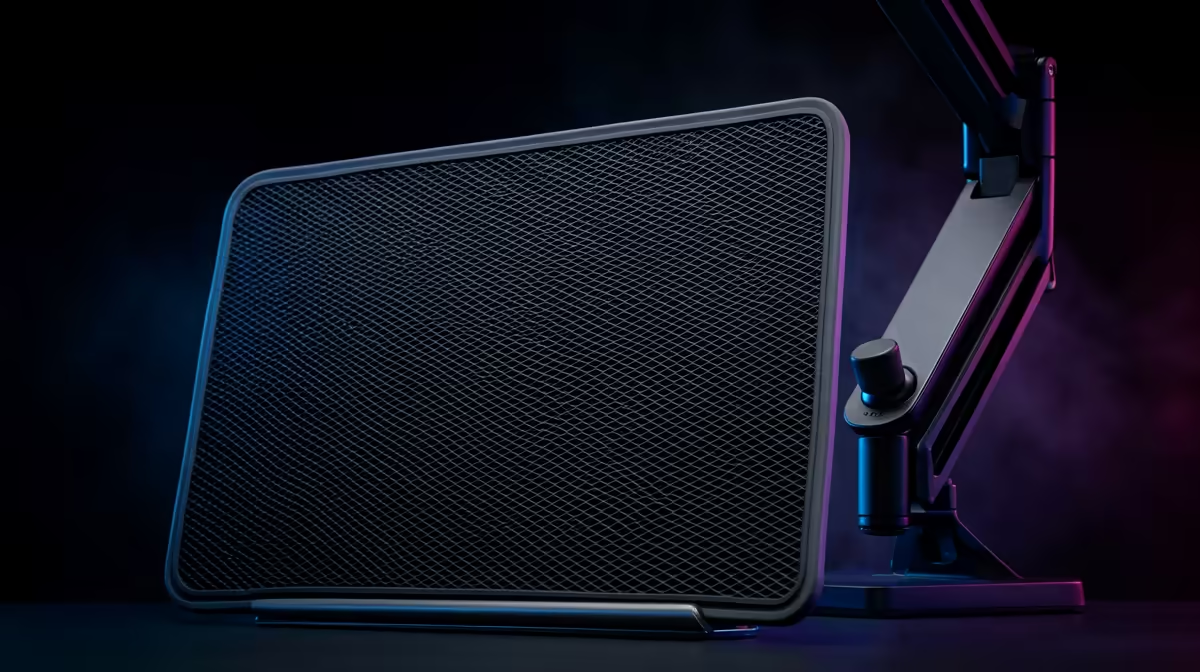
A motorised sit-stand frame is only half a workstation. The thing that actually keeps you standing for the back half of a workday is an anti-fatigue mat, the soft platform underfoot that quietly nudges you to shift your weight instead of locking your knees and aching by mid-afternoon. Pair it with a couple of inexpensive accessories, cable management and a keyboard tray, and a desk that merely goes up and down becomes a setup you genuinely want to stand at.
Quick Answer
An anti-fatigue mat reduces standing fatigue by encouraging constant small movements that keep blood flowing and muscles from stiffening, which is why standing-desk owners use one once they start standing for more than short stretches. To get full value from an electric frame, pair the mat with cable management and a keyboard tray so the desk moves cleanly and your wrists stay neutral at both heights.
Why an Anti-Fatigue Mat Is the First Accessory to Buy
Standing still on a hard floor is surprisingly tiring. When you hold a fixed posture, the muscles in your legs and lower back stay tensed in the same position, blood pools, and you start fidgeting or, worse, leaning. An anti-fatigue mat works by being slightly unstable underfoot. The cushioned surface makes your legs engage in tiny, near-invisible movements to stay balanced, and that micro-movement is exactly what keeps circulation going and fatigue at bay. It is the difference between lasting twenty minutes standing and lasting two hours comfortably.
What to Look for in a Mat
Thickness and density do most of the work. A mat around 18mm to 20mm thick with a firm-but-giving foam gives support without feeling like quicksand; too soft and your legs work too hard, too thin and it does nothing. Look for bevelled edges so you do not trip stepping on and off, and a non-slip base so it stays put on tile or laminate. A polyurethane or high-density foam core holds its shape far longer than a cheap open-cell pad that flattens within weeks. Size it so you have room to shift your stance and even step side to side a little.
Cable Management: the Accessory a Moving Desk Actually Requires
A static desk forgives messy cables. A sit-stand desk does not. Every time the frame rises and falls, the cables travel with it, and without management they snag, pull plugs loose, or get caught under the legs. This is the accessory people skip and then regret.
Cable Trays and Spines
An under-desk cable tray bolts to the frame and carries the power strip and excess slack up with the desk, so nothing dangles to the floor. A flexible cable spine, the vertical sleeve that bundles the cables running from the desk to the wall, lets that bundle bend smoothly through the full travel range without kinking. Together they mean you can cycle from sitting to standing all day without a single cable drama. Budget a little slack at both ends so the bundle is never stretched taut at full height.
Keyboard Trays and Monitor Positioning
A keyboard tray keeps your wrists neutral, which is the posture that prevents strain over long sessions. The catch with a height-adjustable desk is that the ideal keyboard height and the ideal monitor height are not the same distance apart for everyone, so an under-desk sliding tray lets you fine-tune the keyboard independently of the desktop surface. Set it so your arms angle gently downward from elbow to wrist, keeping your wrists flat rather than bent, then raise your monitor on an arm or riser so the screen's top edge reaches near eye level. Get those two right and you stop hunching at both sitting and standing heights. If you spend part of the day seated, the right desk setup still matters, and it is worth seeing how the gaming and standing desk range at Evetech complements a sit-stand mat-and-frame combination rather than competing with it.
Building the Setup in the Right Order
There is no need to purchase every accessory simultaneously. Begin with the mat, since it most directly determines whether you actually use the standing position. Bring in cable management second, because it removes the daily friction of cycling the desk height. Round out the setup with a keyboard tray and correct monitor height to cement good posture at both levels. Each purchase pays off before the next one, and the full kit adds a small fraction to the cost of the frame. When comparing the workspace accessory side, the best-selling desk accessories at Evetech give a clear picture of where quality ergonomic gear sits on price.
Mat Size and Placement
A mat that is too small restricts your movement and negates one of its key benefits: the ability to shift your stance. Aim for at least 50cm of depth so you can step slightly forward or back, and enough width to accommodate your natural shoulder stance. For most standing desks, a mat sized around 50 x 80cm covers the working zone without protruding into the seated area behind your chair. If you place a chair mat under the desk for seated periods, keep them separated by a clear gap so you do not ride up onto the anti-fatigue mat by accident when rolling back to sit.
Frequently Asked Questions
Do I really need an anti-fatigue mat with a standing desk?
If you stand for more than short bursts, yes. Standing still on a hard floor tires your legs and back quickly, while the mat's slight give keeps you making small balancing movements that maintain circulation. Most people only discover how much it helps after they start standing regularly.
What thickness should an anti-fatigue mat be?
Around 18mm to 20mm with a firm, high-density foam is a good target. That gives genuine support without being so soft that your legs overwork to stay balanced. Bevelled edges and a non-slip base are worth having too.
Why does a sit-stand desk need cable management more than a normal desk?
Because the desktop moves. Every rise and fall drags the cables along, and without a tray and a flexible spine they snag, pull plugs loose, or catch under the frame. Managed cables travel cleanly through the full height range.
Where should my monitor sit on a standing desk?
Aim for the top of the screen at roughly eye level, on a monitor arm or riser, at both sitting and standing heights. Combined with a keyboard tray that keeps your wrists flat, that posture prevents the hunching that long sessions otherwise cause.
What is the best order to buy standing desk accessories?
Start with the anti-fatigue mat, since it most affects whether you actually stand. Add cable management next to make moving the desk effortless, then a keyboard tray and proper monitor height for posture. Buying in that order means each piece pays off before the next.