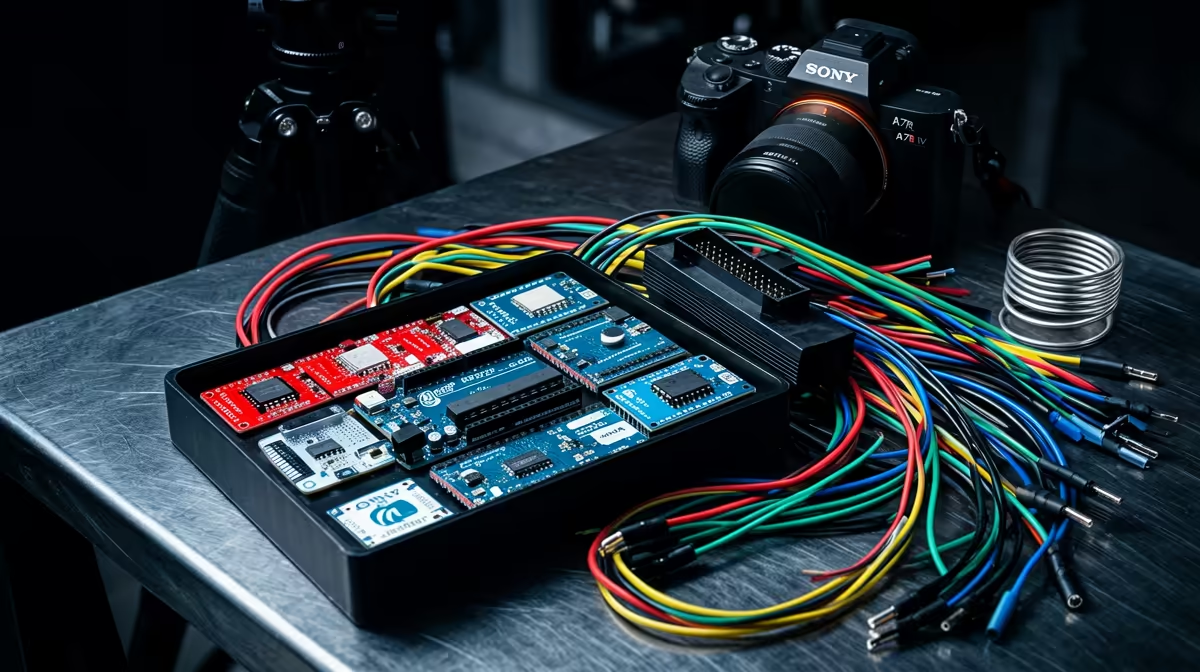
A bare Arduino board on its own does almost nothing useful. Plug it in, and you have a microcontroller staring at you with no way to blink an LED, read a sensor, or move a motor. That is why the best Arduino starter kit for beginners matters more than the board alone: a good kit bundles the Uno together with a breadboard, jumper wires, resistors, LEDs, and a spread of sensors, so you build working circuits on day one instead of waiting on a parts order.
Quick Answer
A strong beginner kit pairs an Arduino Uno (R3 or the newer R4) with an 830-point breadboard, a generous pack of jumper wires, an assortment of resistors and LEDs, and a handful of sensors and a servo. Budget roughly R900 to R2,500 depending on whether you choose a clone-based value kit or an official Arduino kit, and prioritise component variety over a flashy box.
What Belongs in a Real Starter Kit
The point of a kit is that everything you need to follow a beginner course is in one box, in the right quantities, with nothing critical missing. Strip away the marketing and a genuinely useful kit comes down to a short list of essentials.
The Board
The heart of the kit is an Arduino Uno. The long-running Uno R3 uses an 8-bit ATmega328P and is the board almost every online tutorial assumes you have. The newer Uno R4 steps up to a 32-bit RA4M1 processor with far more memory and headroom, and the R4 WiFi variant adds built-in Wi-Fi and Bluetooth plus a small LED matrix on the board itself. For a first kit, an R3-based bundle is the cheaper, fully tutorial-compatible route, while an R4 kit is worth the extra spend if you already know you want wireless projects later.
The Breadboard and Wires
A solderless breadboard is where you actually build circuits, plugging components in and pulling them out without any permanent joins. Look for an 830-point board rather than a cramped 400-point one, because the extra rows give you room to grow a circuit. Pair it with a mix of male-to-male, male-to-female, and female-to-female jumper wires, since sensors and modules use different connector styles and you will hit a wall fast without all three.
Passive Components
Resistors, LEDs, capacitors, push buttons, and a potentiometer are the bread and butter of early projects. A good kit gives you resistors across a range of values so you can correctly limit current to an LED or set up a voltage divider, plus enough LEDs in a few colours that you are not rationing them.
Sensors and Outputs
This is where kits separate themselves. The better bundles include a temperature and humidity sensor such as a DHT11, an ultrasonic distance sensor like the HC-SR04, a photoresistor for light sensing, a tilt switch, an LCD1602 character display, a servo motor, and often a small stepper motor with its driver board. A joystick module and an infrared remote with receiver show up in the more complete kits. The wider the spread, the more projects you can actually complete.
Matching the Kit to Your Goal
Not every beginner wants the same thing, and the right kit depends on where you are heading.
The Absolute First-Timer
If you have never written a line of code or wired a circuit, you want a kit built around teaching, not just a bag of parts. The official Arduino Starter Kit is the benchmark here. It ships with an Uno, an 830-point breadboard, around 70 solid-core jumper wires, a full assortment of components, and a printed Projects Book that walks you through about 15 builds, from a basic introduction to your tools up to a keyboard instrument and a light-reactive build. The hand-holding is the value, and the build quality is excellent.
The Value-Conscious Learner
If you are comfortable following free online tutorials and video lessons, a clone-based kit gives you far more components for the money. These bundles typically include an Uno-compatible board and a deep parts list: an LCD1602 display, ultrasonic and temperature sensors, a servo, a stepper motor with driver, a joystick, an IR remote, and a four-digit seven-segment display, often at roughly half the price of an official kit. You trade the polished printed manual for online guides, but the sheer component count means you can attempt dozens of projects.
The Learner Who Wants Wireless
If your end goal is anything connected, a smart sensor logging to your phone, a small home-automation gadget, or a project that talks to the internet, look for a kit built on the Uno R4 WiFi. Some explorer-grade kits ship the genuine R4 WiFi with 300-plus components, video lessons, and 40 to 50 projects. You pay more, but you skip the future cost of buying a wireless board separately.
Setting Up Once the Kit Arrives
The software side is free and quick. Download the Arduino IDE for Windows, macOS, or Linux, connect the Uno with the supplied USB cable, select your board and port in the IDE, and upload the built-in Blink example. When the on-board LED starts flashing, your toolchain works end to end and you are ready to wire your first circuit on the breadboard.
From there the natural path is the classic sequence: blink an LED, fade it with a potentiometer, read a button, drive a buzzer, then move up to reading a sensor and showing its value on the LCD. Each step reuses parts from the last, which is exactly why a well-stocked kit beats buying components piecemeal.
A Note on Quality and Spares
Two things separate a frustrating kit from a smooth one. First, jumper wire quality: thin, loosely crimped wires cause intermittent connections that look like code bugs and waste hours. Second, having spares of the parts you destroy most, namely LEDs and resistors, because a wrong wiring choice will cook a few while you learn. Keeping a few extra components and a decent USB cable on hand saves a lot of stop-start, and the accessories and small electronics worth keeping spare cover the consumables that go first.
For the broader picture of what plugs into an Arduino once you move past the starter projects, the smart home and connected-device gear stocked at Evetech gives a sense of the sensors, relays, and modules makers reach for next.
Who Should Buy a Starter Kit
A starter kit is the right call for students learning electronics or coding, hobbyists wanting a structured way in, parents setting up a STEM project at home, and anyone who would rather open one box than place ten separate orders. The only people who should skip a kit are experienced makers who already own breadboards and a parts bin, since they can buy a bare board and pull what they need from stock.
Frequently Asked Questions
Do I need the official Arduino kit or is a clone kit fine?
A clone-based kit is perfectly fine for learning and usually includes more components for less money. The official kit is worth the premium mainly for its printed Projects Book and guaranteed build quality, which suits a complete first-timer who wants structured guidance.
Should I start with the Uno R3 or the R4?
The R3 is cheaper and works with virtually every tutorial online, making it the safe default for a first kit. Choose an R4 kit if you want more processing headroom, or an R4 WiFi kit specifically if wireless and internet-connected projects are your goal.
What is the breadboard for?
A solderless breadboard lets you build and change circuits by pushing components and wires into its holes, with no soldering and no permanent joins. It is the workspace where almost every beginner project is assembled, which is why an 830-point board is worth having.
How much should a beginner spend on an Arduino kit?
A capable beginner kit generally falls between roughly R900 and R2,500. Value clone kits sit at the lower end with plenty of components, while official and wireless-capable kits sit higher because of the board, the printed guides, and the larger parts list.
Is Arduino hard to learn for a complete beginner?
No. The Arduino IDE is free, the language is approachable, and the first projects are simple enough to finish in an afternoon. The structured progression from blinking an LED to reading sensors is designed so each project builds on the skills from the last.
What can I build with a starter kit?
Typical first builds include a blinking and fading LED, a button-controlled buzzer, a light sensor that reacts to a room dimming, a temperature reading shown on an LCD, and a servo or motor controlled by a dial or remote. A well-stocked kit supports dozens of these without buying anything extra.