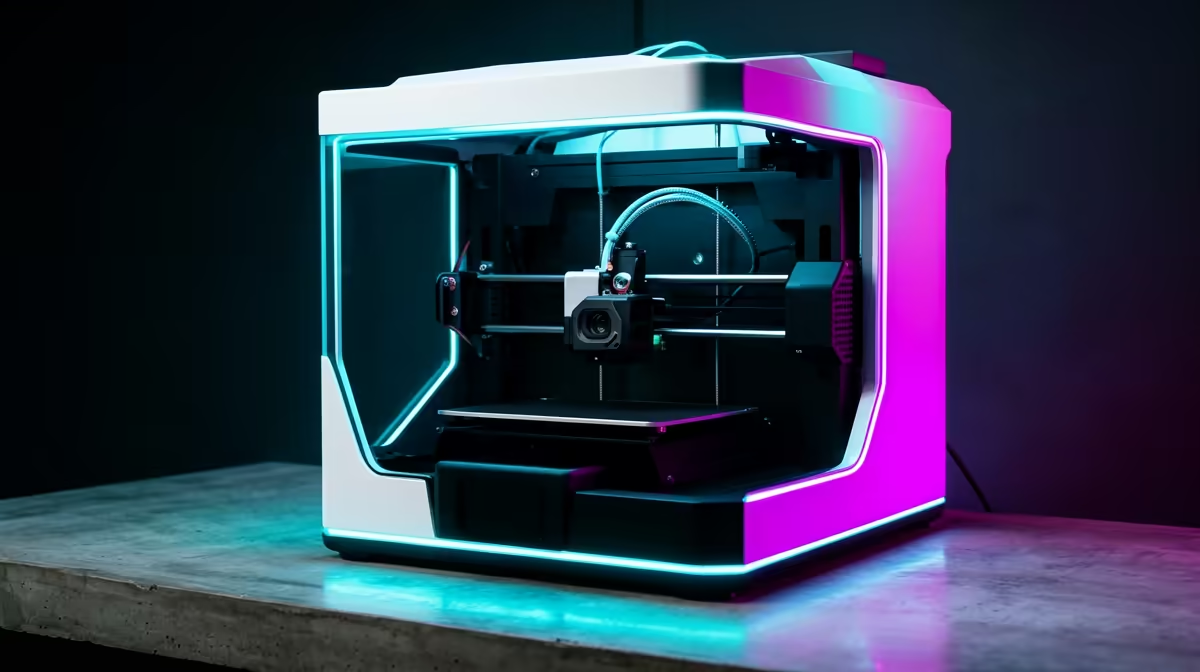
Your first 3D printer no longer demands a weekend of fiddling with paper-thin nozzle gaps and warped first layers. The best beginner 3D printers sold in South Africa now arrive with automatic bed levelling and factory-tuned print profiles, so the gap between unboxing and a finished print can be under an hour. Machines like the Bambu Lab A1 Mini and the Creality Ender series have quietly removed almost everything that used to scare newcomers off the hobby.
Quick Answer
A capable beginner FDM printer in South Africa starts at roughly R4,000 to R5,500. For that money you get auto bed levelling, a heated bed, and ready-to-run profiles in the slicer, which means your first successful print is a matter of loading filament and pressing start rather than calibrating for an afternoon.
What Changed for Beginners
Older entry printers shipped as semi-kits. You squared the frame, trammed the bed by hand using a sheet of paper at each corner, and chased a clean first layer through trial and error. Plenty of people printed one wobbly cube and shelved the machine.
Modern starter machines flipped that experience. A strain-gauge or inductive sensor probes the bed automatically and builds a height map, so the nozzle stays the right distance from the plate even if the surface is slightly uneven. Slicers ship with a profile that already matches your exact printer, meaning temperatures, speeds, and retraction are set sensibly out of the box. The current crop of FDM machines on the 3D printers shelf at Evetech shows clearly which models fall inside that beginner-friendly band.
The Machines Worth Knowing
Bambu Lab A1 Mini
The A1 Mini is the closest thing to an appliance the hobby has. Its smaller 180mm build volume suits desks and shelves, the auto-calibration runs before each print, and the tuned Bambu Studio profiles produce clean results with very little input. It is the machine to pick if you want printing to feel effortless and you do not need to produce large parts.
Creality Ender Series
The Ender line earned its reputation as the workhorse of beginner printing. Current Ender models include auto levelling and a larger build area, typically around 220 by 220mm, which gives you room for bigger props, brackets, and functional parts. There is also a vast community library of profiles, mods, and troubleshooting threads, so help is never far away when you want to push beyond defaults.
Where Your Money Goes
In the R4,000 to R5,500 band you are paying for a reliable heated bed, a tested auto-levelling system, and a printer the slicer already understands. Spending toward the top of that range usually buys a larger build volume, faster motion, or a quieter machine rather than fundamentally better print quality.
Filament and First-Print Reality
Start with PLA. It prints cool, smells faint, barely warps, and forgives small mistakes, which makes it the right material to learn on before you touch PETG or anything more demanding. A heated bed at around 60 degrees and a nozzle near 200 to 210 degrees covers most PLA without drama.
Keep a small kit nearby: a scraper for releasing prints, a roll of masking tape or a textured PEI plate for adhesion, and tweezers to clear stray strands from the nozzle. Most early failures trace back to a dirty bed or a tangled spool rather than the printer itself, so a quick wipe with isopropyl alcohol before a big print pays off. A few extra tools, nozzles, and adhesion aids turn up among the best-selling accessories at Evetech, which is a sensible place to grab the bits a starter machine does not include.
Build Volume and What It Actually Limits
Build volume is the spec beginners over-weight, so it helps to be concrete. The A1 Mini's 180mm cube comfortably handles phone stands, cable clips, dice towers, desk organisers and most miniatures. You only feel its ceiling when you want a full helmet shell, a long bracket, or a single large prop. Ender-class machines at roughly 220 by 220mm, and the full-size Bambu A1 at 256 by 256 by 256mm, give you that extra headroom for one-piece prints.
The honest trade-off is desk space against ambition. A larger bed takes a bigger footprint and heats more slowly, so unless you already know you want big single objects, the smaller machine prints faster and clutters your desk less. Many makers split larger models into sections and glue them, which means even a Mini can produce surprisingly big finished pieces with a little planning.
The Failures Beginners Actually Hit
Almost every early disaster traces back to bed adhesion rather than the printer itself. A first layer that will not stick is usually a dirty plate (skin oils are the silent culprit) or a Z-offset set slightly too high. A wipe with isopropyl alcohol and a one-time Z-offset tweak fix most of it. The second common failure is a tangled or damp spool: filament that has absorbed moisture pops and strings as it prints, so storing rolls in a sealed box with a desiccant pack genuinely matters in humid coastal areas.
Stringing, where fine hairs span the gaps of a print, is the third. On modern machines it is rarely the hardware and almost always retraction or temperature being slightly off, both of which the stock slicer profile gets close to out of the box. Treat the first week as learning these three habits rather than fighting the machine, and the success rate climbs fast.
Who Each Printer Suits
If you mainly want miniatures, desk toys, and tidy small prints with minimal setup, the A1 Mini is the simplest, smoothest route in. If you expect to print larger functional parts, organisers, and props, and you enjoy tinkering and learning, the Ender route gives you more room and a deeper community. Either choice puts a genuinely usable machine on your desk for well under the cost of a mid-range graphics card.
Frequently Asked Questions
Do beginner 3D printers really not need manual levelling?
Most current models do not. Auto bed levelling probes the surface and compensates in software, so you skip the old paper-gap routine. You may still tweak a Z-offset once, but the printer handles the rest.
How much does a starter 3D printer cost in South Africa?
Set aside about R4,000 to R5,500 for a solid beginner FDM machine. At that level you get auto levelling, a heated bed, and matched slicer profiles, the trio of features that take the pain out of early printing.
What filament should a beginner start with?
PLA. It prints at low temperatures, resists warping, and forgives minor errors better than PETG or ABS. Learn your machine on PLA before moving to materials that need higher heat or an enclosure.
How big are the prints I can make?
The Bambu A1 Mini offers around a 180mm build, suited to smaller parts. Ender-class printers typically give about 220 by 220mm, which handles larger props and functional pieces.
Is 3D printing hard to learn now?
Far less than it used to be. With auto levelling and pre-tuned profiles, the learning curve is mostly about bed adhesion and filament handling rather than mechanical calibration, and both are quick to pick up.
Ready to start printing? Compare current beginner-friendly machines in the 3D printers range at Evetech and pick the build volume that fits your desk and your projects.