


Maintain Wired Headset: Tips to Extend Lifespan
Maintain wired headset — Checklist: • inspect cables • clean earpads • store properly 🔧🎧 Practical steps to preserve sound quality and avoid premature replacements.
Read moreFind the best budget gaming PC case features under R2000 that actually boost performance. Learn what matters for airflow, cooling, and GPU fit—so your build stays stable and quiet 😊.
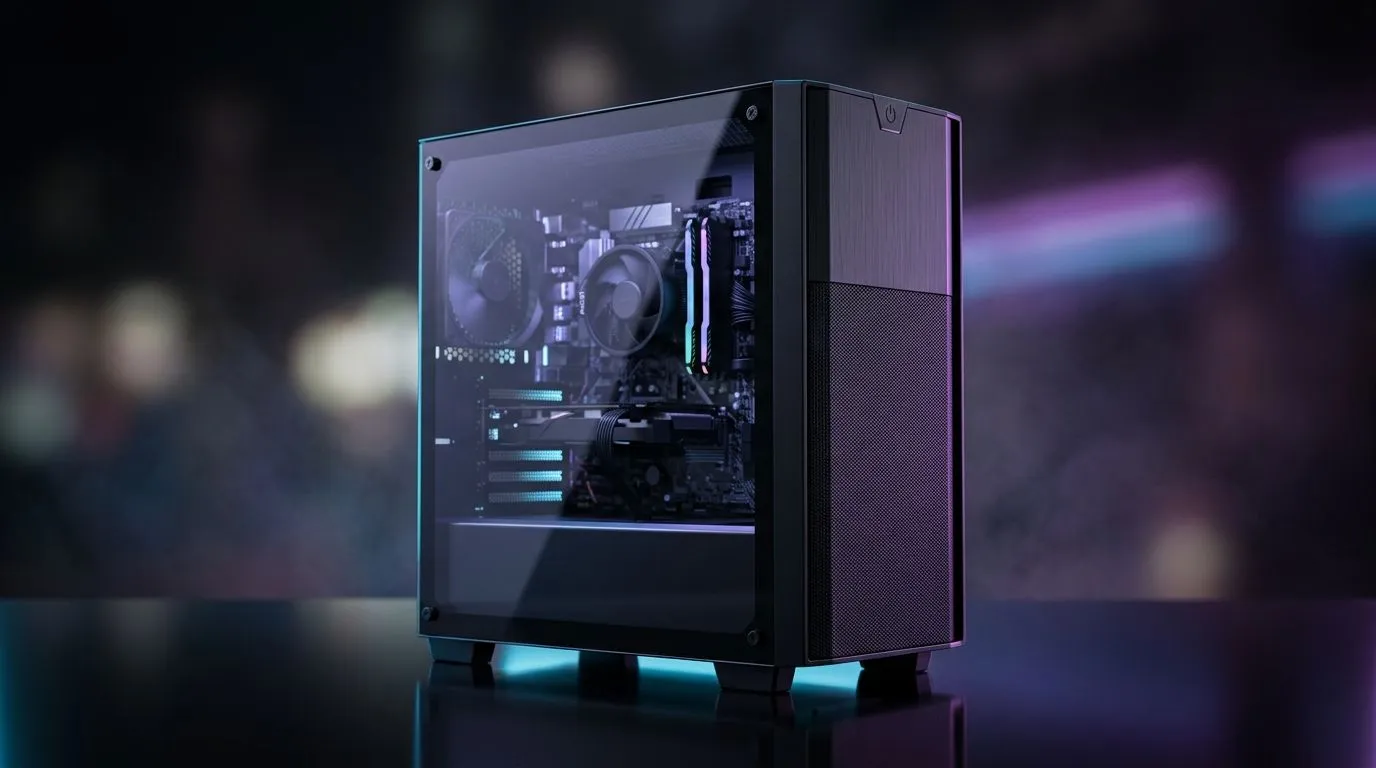
If you’re building a rig in South Africa, the case is easy to overlook. Big mistake. A good budget chassis does more than hold parts. It affects airflow, noise, upgrade room, and even how painless your next GPU swap will be 🔧
The trick is simple. Under R2000, don’t chase flashy RGB first. Chase the features that keep your PC cool, tidy, and easy to live with. That is where real value sits for local gamers who want the most out of every rand.
Warm air needs somewhere to go. That sounds obvious, but many low-cost cases still prioritise looks over ventilation. A front mesh panel, decent fan support, and clear intake paths matter more than a tinted window.
If you are shopping across Evetech’s computer cases range, look for cases that make airflow a priority without forcing you to buy extra fans immediately. That saves money now and headaches later.
A cheap case becomes expensive when your graphics card does not fit. Always check GPU length, CPU cooler height, and PSU clearance before buying. These details are often the difference between a clean build and a weekend of frustration.
This matters more in South Africa, where replacing a case because of a sizing mistake is just wasted budget. If you already know you want a larger air cooler or a chunky triple-fan GPU, choose a case with room to spare.
Clean cable routing is not only about looks. It improves airflow and makes future upgrades easier. Even a basic budget case should give you enough behind-the-motherboard space, tie-down points, and cut-outs for tidy routing.
A well-designed interior can make a R1800 case feel much more premium than a poorly laid-out R3000 one. That is especially true for first-time builders.
Always leave a little extra room in your budget for case fans or a better airflow layout. A cheaper case with good ventilation often outperforms a prettier one that traps heat.
Front USB ports, audio jacks, and a sensible power button placement sound basic. They are. But basic matters. You will use these ports every day for flash drives, headsets, and quick file transfers.
Also check whether the front panel includes USB 3.0 or Type-C support if you need faster external storage access. Not every sub-R2000 case will offer it, so choose based on your real devices, not marketing photos.
A budget case should not rattle like a taxi on a rough road. Look for solid panel fit, decent steel thickness, and filters that do not feel flimsy. Better materials usually mean less vibration and a quieter machine.
For buyers who prefer cleaner, more restrained designs, Fractal Design cases on Evetech are worth a look, especially if you want a premium feel and practical layout.
Future-proofing matters. A good case should support extra storage, more fans, and possibly a bigger GPU later. That is smart spending... because your case often outlives two or three hardware upgrades.
If you are building on a tighter budget, Gamdias gaming cases often land in that value sweet spot where style, airflow, and affordability meet.
Sometimes a small price bump unlocks better airflow or easier assembly. If you are trying to stay close to the lower end of the market, these Gamdias cases under R1500 can help you compare options without overspending.
That comparison is worth doing. Saving R200 today is not smart if it forces you into a hotter, noisier build that you regret later.
The best budget gaming PC case is not the one with the most LEDs. It is the one that fits your parts, cools them properly, and makes upgrades easy. That is the real sweet spot under R2000.
So when you compare options, ask three questions. Does it breathe well? Does it fit my hardware? Will I still be happy with it next year? If the answer is yes, you are probably looking at the right case.
Ready to Find Your Perfect Match? The Mac vs Windows debate is complex, but for maximum power, choice, and value in South Africa, Windows is hard to beat. Explore our massive range of laptop specials and find the perfect machine to conquer your world.
Prioritise front-to-back airflow, enough fan mounts, good CPU/GPU clearance, and cable management that helps keep temps low under load.
Airflow is a top performance factor. Look for mesh or vented front panels and a layout that supports intake at the front and exhaust at the rear.
Often yes. Many budget cases ship with limited fans. Confirm fan mount locations and plan for at least a front intake plus rear exhaust.
Check the maximum GPU length with the front drive cage and PSU shroud. If you plan a larger GPU, verify clearance before purchase.
Check CPU cooler height limits and motherboard clearance. If you use an AIO or large air cooler, budget cases may require careful fit checks.
Tempered glass is not automatically bad. Performance depends on airflow design. Ensure vents and fan placement still provide strong intake and exhaust.
Better cable routing improves airflow by reducing obstruction in the main intake path, helping your GPU and CPU run cooler.
Choose cases with mesh airflow, adequate fan mounts for lower-RPM setups, and support for quality fans or simple fan curves in your BIOS.
Maintain wired headset — Checklist: • inspect cables • clean earpads • store properly 🔧🎧 Practical steps to preserve sound quality and avoid premature replacements.
Read more
Fix crackling headset fast: step-by-step checks for cables, connectors, drivers, and settings to remove static or distorted audio on wired headsets 🎧⚙️
Read more
Stereo vs mono headsets: learn which delivers clearer calls, better spatial music, or simpler mono voice performance — pick the right headset for meetings, music, or gaming 🎧💬
Read more
- Compare gaming headset vs studio headphones; - Assess comfort, mic and sound; - Recommend best daily picks. Gaming headset vs studio headphones: learn which suits work, music and casual gaming. 🎧⚖️
Read more
- Check pressure points - Compare earcup materials - Adjust clamp and fit Best gaming headsets for glasses: quick guide to reduce temple pressure, pick breathable memory foam earcups, and optimize fit for long sessions 🕹️👓
Read more
Gaming microphone noise reduction: Use beamforming mics, AI noise suppression, and hardware filters to cut background noise and boost in-game voice clarity. 🎧⚙️ Learn setups, settings, and top mic features.
Read more
Snapdragon X2 NPU Explained: How 80 TOPS Changes. Plain-English explanation of what it means, why it matters & how it affects your buying decisions in SA.

HBM? High Bandwidth Memory Used in GPUs and AI. Plain-English explanation of what it means, why it matters & how it affects your buying decisions in SA.

How much should you spend on sim racing accessories in South Africa for a realistic setup? We break down budgets by quality tiers, so you buy smart gear and avoid overspending 🎮💸

G-Sync and FreeSync? Variable Refresh Rate. Plain-English explanation of what it means, why it matters & how it affects your buying decisions in SA.

AMD Laptop: Value. SA-focused analysis with local pricing data, real-world insights & actionable buying advice.

How MacBook Neo Handles 30+ Chrome Tabs with Only. SA-focused analysis with local pricing data, real-world insights & actionable buying advice.

Why Apple Put 8GB RAM in MacBook Neo: The A18 Pro. SA-focused analysis with local pricing data, real-world insights & actionable buying advice.

Upgrade your work laptop with a New Motherboard. Step-by-step instructions with SA-specific tips, common pitfalls to avoid & expert recommendations.
Maintain wired headset — Checklist: • inspect cables • clean earpads • store properly 🔧🎧 Practical steps to preserve sound quality and avoid premature replacements.
Fix crackling headset fast: step-by-step checks for cables, connectors, drivers, and settings to remove static or distorted audio on wired headsets 🎧⚙️
Stereo vs mono headsets: learn which delivers clearer calls, better spatial music, or simpler mono voice performance — pick the right headset for meetings, music, or gaming 🎧💬
- Compare gaming headset vs studio headphones; - Assess comfort, mic and sound; - Recommend best daily picks. Gaming headset vs studio headphones: learn which suits work, music and casual gaming. 🎧⚖️