Working from home in South Africa has its quirks, right? One minute you’re smashing a deadline, the next, a loadshedding switchover glitches your display. A stable, productive remote work setup isn't just about your PC; it's about the unsung heroes connecting it all. Investing in the best cables for your remote work setup is one of the smartest, most affordable upgrades you can make for pure, uninterrupted focus. Let's get you connected properly. 🚀
Why Quality Cables are Remote Work Essentials
It’s tempting to grab the cheapest cable off the shelf, but that's often a recipe for frustration. Flimsy, uncertified cables can lead to flickering screens, slow data transfers, and even damage your precious gear. The difference lies in shielding, build quality, and certification. A well-made cable ensures a stable, consistent signal, which is crucial for everything from video calls to transferring large project files. Investing in quality power and connectivity solutions from GIZZU provides the peace of mind that your connections won't fail when you need them most.
Choosing the Best Cables for Your Home Office Setup
Your specific needs will dictate the exact cables required, but a few types form the backbone of any great remote workspace. Getting these right is fundamental to building an efficient and clutter-free desk.
Crystal-Clear Displays 🔧
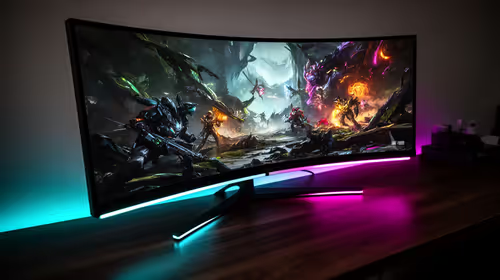
A second (or third!) monitor is a massive productivity booster. To get a crisp, reliable image, you need the right display cable.
- HDMI: The universal standard, perfect for most monitors up to 4K at 60Hz.
- DisplayPort (DP): The preferred choice for gamers and creators, offering higher bandwidth for 144Hz+ refresh rates and multiple monitor daisy-chaining.
Don't let a poor cable compromise your visual real estate. A dodgy connection can cause annoying screen blackouts or "digital snow." Ensure you're getting every pixel you paid for with reliable HP display cables designed for stable performance.
Cable Management Zen ✨
Tangled cables aren't just ugly; they can cause stress on your device ports. Use simple velcro ties or a cable sleeve to bundle everything neatly behind your desk. It’s a 10-minute job that brings hours of calm and makes it easier to swap out gear.
The All-in-One Power of USB-C
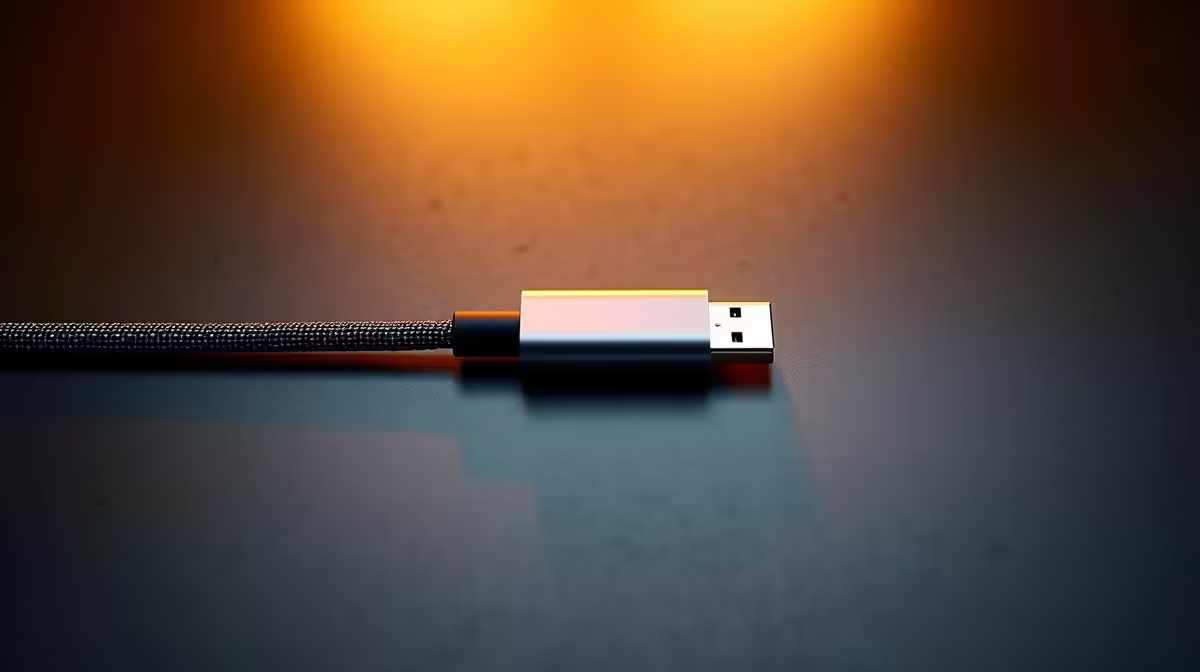
Modern laptops and devices have embraced USB-C for a reason: it does it all. A single, high-quality USB-C or Thunderbolt cable can handle video output, data transfer, and even power delivery to charge your laptop. This is the key to a one-plug docking station setup that keeps your desk incredibly tidy. Pairing your PC with versatile hubs and adapters from Promate can transform a single port into a connectivity powerhouse for all your peripherals.
Ready to Upgrade Your Connections?
Stop letting flimsy cables bottleneck your productivity and clutter your desk. A clean, organised, and reliable setup is just a few clicks away. Explore our full range of cable solutions at Evetech and build the dependable workspace you deserve.