Quick Answer
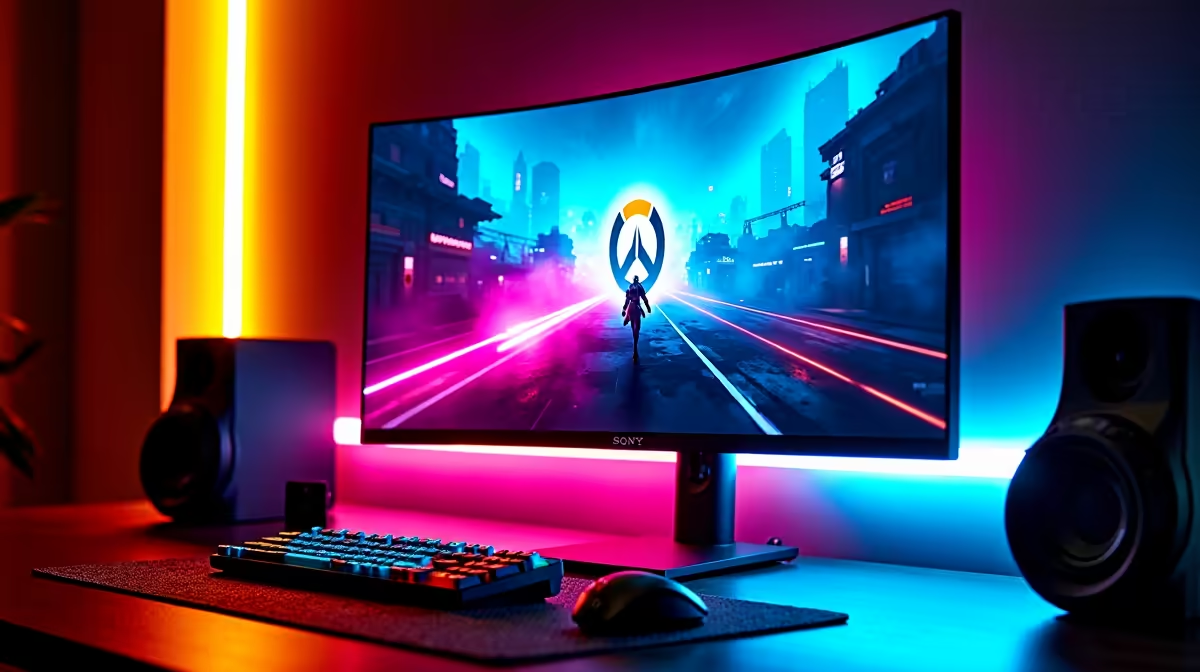
For competitive Overwatch 2, a 1080p 240Hz IPS monitor with a 1ms GtG response is the esports pick, running near R6,500-R9,000. It maximises reaction speed for tracking mobile heroes, fully fed by a Ryzen 5 7600 and RTX 4070-class GPU that pushes past 240fps.
Why These Specs Suit Competitive Overwatch 2
Overwatch 2 demands fast tracking and flicking onto fast-moving heroes, so a high refresh rate and low response time matter. A 240Hz panel halves the frame interval of a 120Hz screen, helping you react sooner, while a 1ms GtG response and low input lag minimise smearing and delay. Hero readability across busy backdrops favours an IPS panel with strong contrast and viewing angles. FreeSync or G-Sync support keeps the picture tear-free at the high frame rates the game produces.
Picks, Response Times and Pairing
A 1080p 240Hz IPS monitor near R6,500-R9,000 is the competitive choice, with response times around 1ms GtG and input lag in the low single-digit milliseconds. Pair it with a Ryzen 5 7600 and RTX 4070-class GPU that pushes Overwatch 2 past 240fps at competitive settings, so the panel is always fed. For a settings FAQ, lower shadow and effect detail to lift frame rate further while keeping hero outlines clear.
FAQ
What response time should an Overwatch 2 monitor have?
Around 1ms GtG with low input lag in the low single-digit milliseconds. That minimises smearing and delay, helping you track and flick onto mobile heroes accurately.
Is 240Hz necessary for competitive Overwatch 2?
For serious competition it helps, halving the frame interval of a 120Hz panel for quicker reactions. Casual players still benefit greatly from 144Hz or 165Hz.
What settings raise Overwatch 2 frame rate?
Lower shadow and effect detail while keeping hero outlines clear. On a Ryzen 5 7600 and RTX 4070-class GPU this pushes well past 240fps at 1080p competitive settings.
Overwatch 2, a 1080p 240Hz IPS with 1ms GtG response keeps mobile heroes sharp; lower shadow detail to push frame rates even higher.