Quick Answer
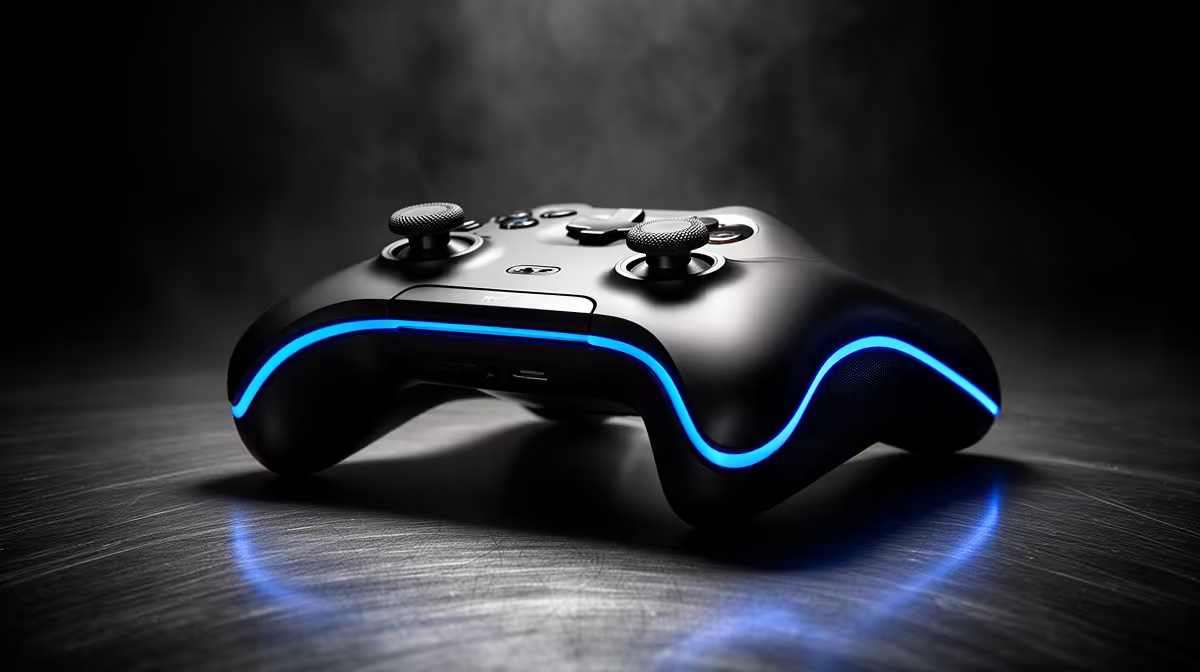
The Xbox Wireless Controller (R1,350 at Evetech) is the best pick for Clair Obscur: Expedition 33 in SA. The game is a turn-based RPG with real-time reaction windows (Parry, Dodge, attack timing) — the Xbox controller's responsive face buttons and comfortable grip suit these quick inputs well. The DualSense (R1,500) is also excellent and adds haptic feedback for ability casts via Steam. Either controller is correct; personal ergonomics are the deciding factor.
Expedition 33's Unique Control Needs
Expedition 33 is not a pure turn-based game — it overlays real-time reaction mechanics on a turn-based RPG framework. Parrying enemy attacks requires pressing a face button within a tight window (roughly 200–300 ms), similar to Dark Souls parry timing. Dodging requires a left-stick directional input plus a button press simultaneously. These demands make controller responsiveness genuinely important, unlike in a pure menu-driven RPG.
The Xbox Wireless Controller's face buttons have a short travel (~0.7 mm actuation) and clear click, which helps with the precise timing Expedition 33 rewards. The DualSense's face buttons are slightly softer in travel — most players find this makes no practical difference, but competitive players who are timing-sensitive may prefer Xbox.
DualSense Advantage in Expedition 33
Expedition 33 has DualSense haptic support on PC via Steam. Ability cast types register differently — light attacks have one haptic signature, magic has another. Environmental triggers (rain, terrain) also pulse through the controller. For an atmospheric RPG like Expedition 33, this meaningfully adds to immersion. Connect your DualSense via USB-C for the lowest-latency haptic experience (~4 ms).
Price and Availability for SA Buyers
Both the Xbox Wireless Controller (R1,350) and DualSense (R1,500) are stocked at Evetech. The 8BitDo Ultimate 2.4G (~R1,200) is a budget-conscious third option with hall-effect sticks — long Expedition 33 sessions (the game is 40–80 hours) make drift-resistant sticks a legitimate consideration.
FAQ
Is Expedition 33 playable on keyboard and mouse?
Yes, but the real-time parry and dodge mechanics are noticeably harder on mouse and keyboard — the timing windows are designed around controller input latency and button press feel. Most SA players who reviewed the game recommend a controller for the best Expedition 33 experience.
What FPS does Expedition 33 target on PC at 1080p?
Expedition 33 targets 60 fps at 1080p on an RTX 3060 (High settings). On an RTX 4070, expect 90–120 fps at 1440p on Ultra. The game uses Unreal Engine 5 Nanite — a capable mid-range GPU is important, but the CPU load is moderate for a turn-based RPG.
Do I need a premium controller like the Xbox Elite Series 2 for Expedition 33?
No — the standard Xbox Wireless Controller handles all of Expedition 33's inputs comfortably. The Elite Series 2's trigger locks and back paddles add nothing meaningful to a turn-based RPG. Spend the R1,850 price difference on the game itself or a headset for the atmospheric soundtrack.
Tip" content="In Expedition 33, the Parry window is highlighted with a yellow ring that appears just before an attack lands — press the Parry button exactly when the ring reaches the inner circle. On Xbox controller, map Parry to the A button for fastest thumb-to-button response from your resting grip position."