Quick Answer
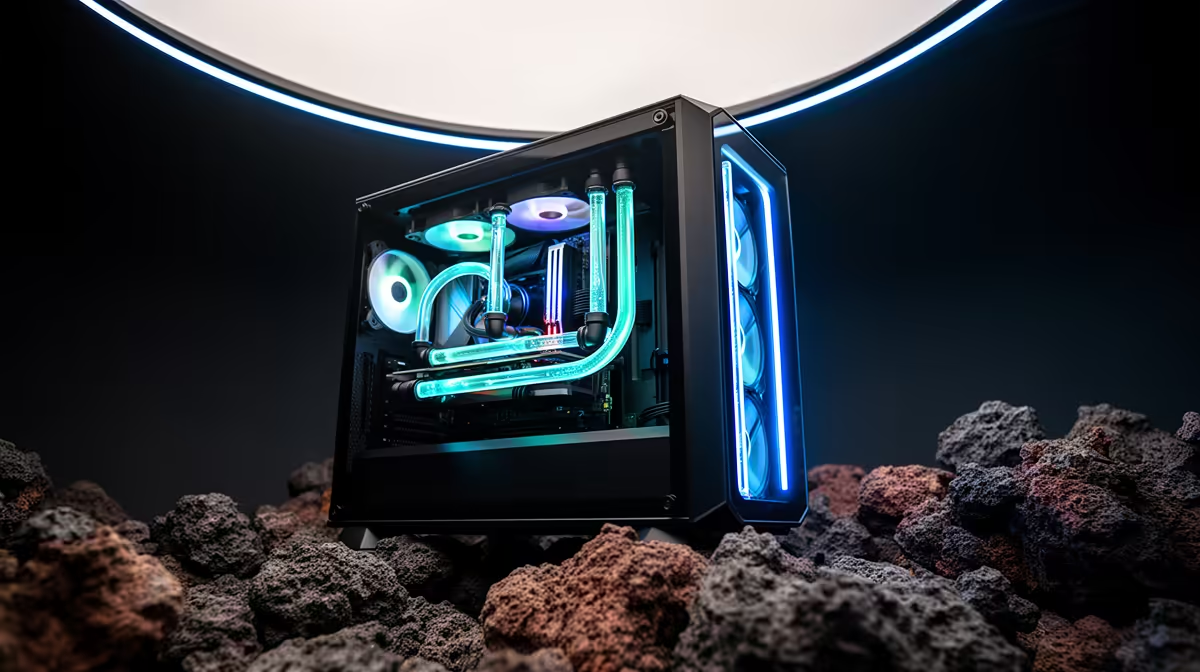
For high-end South African gaming builds (R35,000 and above), prioritise CPU cooling first with a 360mm AIO, then case airflow with at least three case fans in a balanced positive-pressure configuration, then GPU aftermarket cooling if your card runs above 83 degrees Celsius under sustained gaming load.
CPU Cooling: The Non-Negotiable First Priority 🔥
A high-end gaming build typically centres on a Ryzen 9 9900X, Core i7-14700K, or Core Ultra 9 285K, all of which sustain 125W to 200W+ under demanding workloads. Getting CPU cooling right before anything else determines whether your chip runs at advertised boost frequencies or thermally throttles mid-session. A 360mm AIO from a mid-tier or premium brand (R2,200 to R3,500 locally) is the standard recommendation here. Skimping to a 240mm unit to save R500 to R700 is a false economy when it costs you sustained boost clock performance on a R10,000 CPU.
Case Airflow: Pressure Balance Matters 🌬️
Even the best AIO cooler performs below its potential if case airflow is poorly configured. For high-end builds in mid-tower or full-tower cases, the standard advice is a positive pressure configuration: more intake airflow than exhaust to prevent dust ingress through unfiltered gaps. Quality case fans from Lian Li, Noctua, or be quiet! in the R150 to R350 per fan range are worth the upgrade from budget no-name fans that generate more noise for less airflow.
GPU and Ambient Thermal Management 🖥️
High-end GPUs like the RTX 5080, RTX 5090, or RX 9070 XT generate 200W to 575W of heat respectively, and their junction temperature targets are typically 83 degrees Celsius. If your GPU consistently hits 85 to 90 degrees under sustained gaming, review case airflow first since additional front intakes often resolve the issue without any GPU-level changes. If airflow is already optimised and GPU temps remain high, aftermarket GPU coolers exist for some models but are not universally available for current-gen cards locally. The priority hierarchy remains: fix case airflow before considering component-level cooling upgrades.
Check M.2 Thermal Pads If Adding Storage ⚡
High-end gaming builds often include two or three M.2 NVMe SSDs, and SSDs running above 70 degrees Celsius throttle read and write speeds. Ensure your motherboard's M.2 slots have proper thermal pads or heatsinks installed, particularly for PCIe Gen5 NVMe drives which run warmer than Gen4 equivalents. This takes five minutes during the build and prevents avoidable storage bottlenecks months later.
FAQ
Should I add a GPU water block to a high-end SA gaming build?
For most South African gaming builders, GPU water blocks are an enthusiast-level addition that adds significant cost and complexity (custom loop hardware runs from R8,000 to R20,000 for quality components) without proportional gaming performance gains. Unless GPU thermals are genuinely causing throttling after optimising case airflow, a GPU water block is not a practical cooling priority.
Does ambient temperature in South Africa meaningfully affect high-end PC cooling?
Yes. A 35-degree ambient room versus a 22-degree room raises CPU and GPU temperatures by roughly the same delta under load, since cooling efficiency scales with the temperature difference between the component and the ambient air. South African builders in hot climates should spec their cooling 10 to 15 percent more aggressively than international benchmarks suggest.
How often should I clean dust filters in a high-end SA gaming PC?
Every 4 to 6 weeks in Gauteng's dry season (May to August) when airborne dust levels peak. Other regions vary but quarterly cleaning is a safe baseline. Blocked dust filters reduce fan airflow significantly, raising all component temperatures across the board.
Building a high-end gaming rig that stays cool in any SA season?
Evetech stocks 360mm AIOs, quality case fans, and everything else your thermal setup needs for year-round performance.