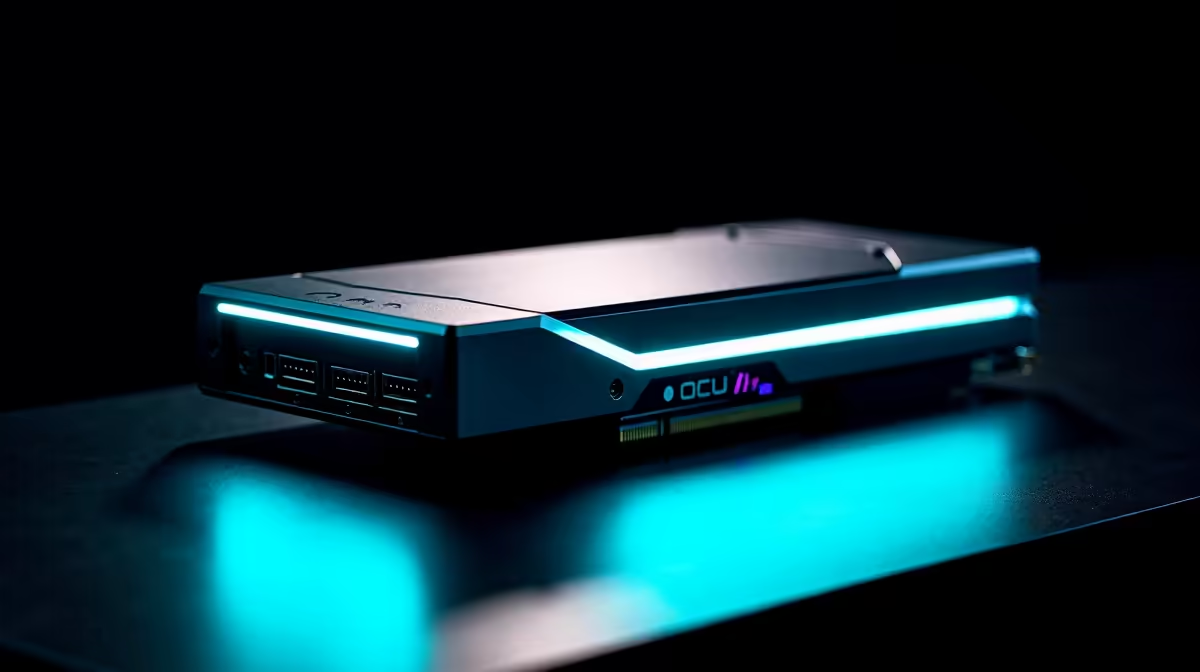
A tiny computer that fits in your palm can drive a full desktop graphics card, and the connector that makes it possible is OCuLink. The best eGPU for a mini PC is whatever serious card your budget allows paired with an OCuLink-equipped host, because OCuLink runs an external card like an RX 9070 XT with performance losses measured in the single digits versus an internal slot. Many current mini PCs include OCuLink natively, which turns them into surprisingly capable eGPU hosts and lets one small box switch between quiet productivity and full desktop gaming.
Quick Answer
Pick a strong desktop GPU such as an RX 9070 XT and connect it to an OCuLink mini PC. OCuLink is the key, because it delivers near-desktop graphics performance with only single-digit percentage losses, far ahead of older external connections. If your mini PC has OCuLink, your eGPU choice is essentially the same as choosing any desktop card for your budget and resolution.
Why OCuLink Changes Everything
External graphics has a reputation for disappointing performance, and that reputation was earned by bandwidth-starved connections that throttled a powerful card. OCuLink rewrites that story. It provides a direct, high-bandwidth PCIe link to the external card, so the GPU gets close to the data rate it would inside a tower.
The practical result is that an OCuLink-connected card loses only single-digit percentages of performance compared with the same card in an internal slot. That is the difference between an external GPU that feels like a compromise and one that feels like a real desktop. For mini PC owners, it means the small form factor no longer caps your graphics ambitions.
When you are weighing which card to hang off the OCuLink port, an OCuLink dock or enclosure does the physical connecting, and the docking station range at Evetech is where to look for the hardware that bridges the mini PC and the card.
Confirm Your Mini PC Has OCuLink
This is the make-or-break check. The near-desktop performance described above depends entirely on OCuLink. A mini PC without it cannot deliver the same result, so verify the port before you plan a build around external graphics.
Look for the right port
Many current mini PCs from performance-focused brands now include OCuLink as standard, often alongside USB4. Check the specification sheet for an explicit OCuLink port, since the connector is distinct and not interchangeable with USB-C. If the spec lists it, you have a high-bandwidth eGPU host ready to go.
Why not just use USB4 or Thunderbolt
Those connections can drive an external card too, but with more bandwidth limitation than OCuLink, which costs you more performance, especially with a powerful GPU. For the strongest possible result with a high-end card, OCuLink is the connection you want.
Choosing the Card Itself
With OCuLink handling the link cleanly, picking the eGPU becomes the same exercise as choosing any desktop graphics card. Match the card to your target resolution and the games or applications you run.
Pairing the card to your resolution
A card like the RX 9070 XT is a strong choice for high-resolution and high-refresh gaming, and OCuLink lets the mini PC realise most of that potential. For 1080p or lighter workloads, a more modest card keeps the cost down while still transforming what the mini PC can do.
Mind the power and enclosure
A full desktop GPU needs proper power, so your eGPU enclosure or dock must supply enough through its own power supply, separate from the mini PC. Confirm the enclosure's wattage suits the card you choose, particularly for higher-tier cards that draw a lot under load.
What You Gain Over a Traditional Desktop
The appeal of this setup is not raw performance, since a desktop with the same card will always match or slightly beat it. The appeal is what the form factor buys you around that performance.
A mini PC plus eGPU collapses into a tiny, near-silent box the moment you unplug the card. For anyone working in a small flat or a shared space, that footprint is a real advantage: the machine disappears into a corner during the week and becomes a gaming rig on the weekend. You also get genuine portability of the brains of the system. The mini PC travels easily, and the heavy, bulky part stays home.
The flexibility of one host, several roles
Because the mini PC is a full computer in its own right, it stays useful without the card attached. It can run as a quiet media box, a small server or a productivity machine, then transform into a gaming station when you connect the GPU. That dual life is hard to replicate with a conventional tower, which is always the same size whether you are gaming or just browsing.
Setting Realistic Expectations
It is worth being honest about the limits so the build does not disappoint. The OCuLink connection itself is excellent, but the mini PC's own CPU still matters. A high-end GPU paired with a weak processor can be held back in CPU-bound games, so choose a mini PC with a capable chip if you intend to drive a top-tier card. Match the host to the card, not just the port.
There is also the cabling reality. Plugging and unplugging an external card means handling a connector and a powered enclosure each time, which is a minor ritual rather than a flaw, but worth knowing if you imagined it would be as casual as a USB stick. For most owners the trade is well worth the flexibility it unlocks.
Who This Setup Suits
This approach is ideal if you want one small, quiet machine for everyday work that can become a gaming or rendering rig on demand. Plug in the OCuLink eGPU when you want desktop graphics, unplug it for a tidy, low-power mini PC. It also suits anyone short on desk space who still refuses to give up serious GPU performance.
It is less ideal if you would rarely disconnect the card, since at that point a conventional desktop may be simpler and cheaper. But for flexibility, the OCuLink mini PC plus external GPU combination is genuinely compelling. To compare current cards and their value, the top-selling GPUs at Evetech give a clear picture of where performance per Rand sits right now.
Frequently Asked Questions
What is OCuLink and why does it matter for an eGPU?
OCuLink is a high-bandwidth connection that provides a near-direct PCIe link to an external graphics card. It matters because it lets an eGPU run with only single-digit percentage performance losses versus an internal slot, far better than older external connections.
How much performance do I lose with an OCuLink eGPU?
Very little. An OCuLink-connected card typically loses only single-digit percentages of performance compared with the same card installed inside a desktop, which makes the external setup feel close to native.
Can any mini PC use an eGPU?
Only effectively if it has the right port. For the best results you want a mini PC with OCuLink. Mini PCs limited to slower connections can still use an eGPU but with more performance loss, especially with a powerful card.
Do I need a separate power supply for the eGPU?
Yes. A full desktop graphics card needs its own power, supplied by the eGPU enclosure or dock rather than the mini PC. Make sure the enclosure's power rating matches the card you choose.
Is an OCuLink eGPU worth it over a desktop?
It is worth it when you value a small, quiet, flexible machine that can switch between low-power use and full graphics on demand. If you would never unplug the card, a traditional desktop may be the simpler choice.
Turn a compact mini PC into a real gaming machine. Pick your card from the GPU range at Evetech, pair it with an OCuLink dock, and get near-desktop performance from a box that fits in your hand.