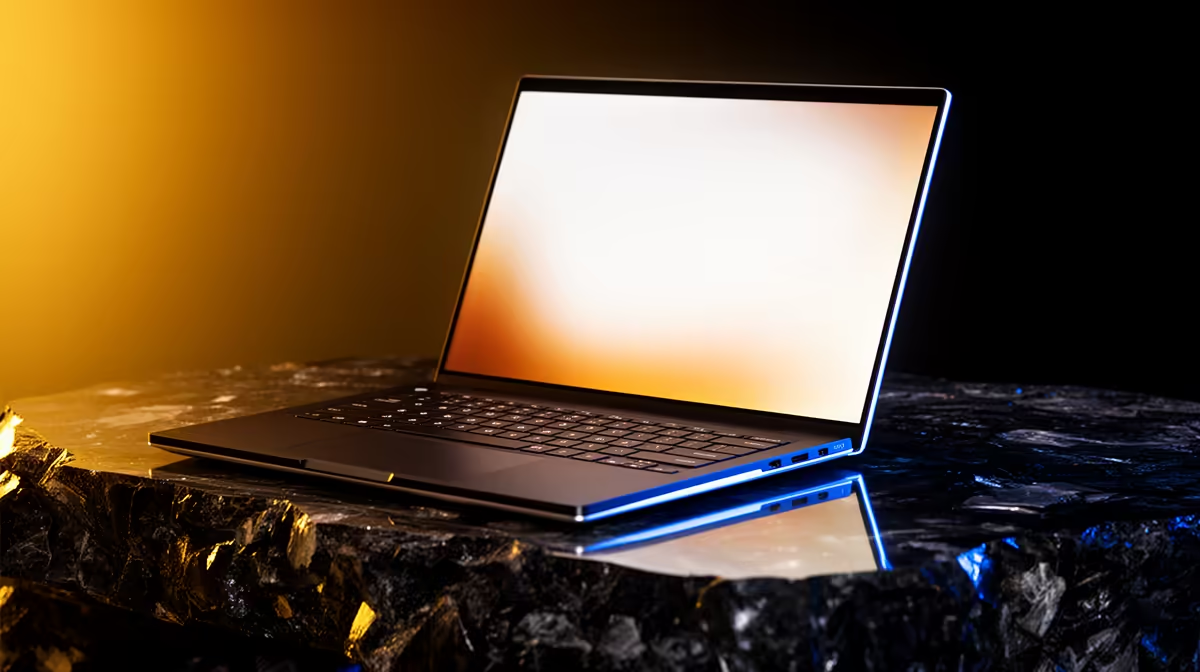
Google Antigravity runs its agents in the cloud, which quietly changes the whole hardware question for South African buyers. Because the heavy inference happens on Google's servers, your laptop is mostly a smart terminal: it edits code, holds your browser tabs, and streams the agent's work back to you. That means the best laptop for Google Antigravity in SA is not a R30,000 GPU monster. It is a sensible 16GB to 32GB machine that handles your editor, browser and the local toolchain without breaking a sweat.
Quick Answer
You do not need a discrete GPU for Google Antigravity. The agent does all model inference remotely, so a laptop with 16GB to 32GB of RAM, a capable multi-core processor and an SSD covers every workflow. In South Africa that lands in a practical R10,000 to R18,000 band, and the money is better spent on RAM, screen and battery than on graphics.
How Antigravity actually uses your machine
Antigravity is an agentic coding environment. You describe a task, and cloud-hosted agents plan, write, run and verify code on Google's infrastructure. Your laptop's job is to run the IDE surface, manage local files, keep a stack of browser tabs open for testing, and maintain a steady connection to the service. None of that is GPU-bound.
This is the opposite of running a local large language model, where you would genuinely need a 16GB-plus VRAM card. With cloud inference, the bottleneck shifts to memory and responsiveness, not raw graphics horsepower. A laptop that feels snappy with twenty browser tabs and a running dev server is a laptop that feels snappy with Antigravity.
The specs that genuinely matter
RAM is the real lever
Memory is where you spend first. 16GB is the comfortable floor for an editor, a browser, a container or two and the agent surface running together. 32GB is the sweet spot if you keep many projects open, run local databases, or live in a browser with thirty tabs. Going beyond 32GB rarely pays off for this specific workflow unless you also do heavy local virtualisation.
CPU: cores over clock theatrics
A current-generation multi-core CPU keeps local builds, linters and test runs quick. Recent Intel Core, AMD Ryzen and Apple Silicon chips all clear the bar comfortably. You are looking for sustained multi-core performance for compiling and container work, not a chart-topping single-core score.
Storage and connectivity
An NVMe SSD of at least 512GB keeps project checkouts, dependencies and Docker images from clogging up. Because everything routes through the cloud, a stable connection matters more than usual. Reliable Wi-Fi 6 and a wired Ethernet option, even via a dongle, smooth out the agent round-trips on a busy SA fibre line.
Why skipping the GPU saves you real Rand
A gaming or workstation laptop with a strong discrete GPU often costs R8,000 to R15,000 more than an equivalent thin-and-light with the same CPU and RAM. For Antigravity that premium buys you almost nothing, because the agent never touches your graphics card. Redirect that budget into more RAM, a brighter higher-resolution screen, and longer battery life, all of which you will actually feel every working day.
If your work occasionally needs local AI acceleration outside Antigravity, the AI PC range at Evetech covers machines that pair NPUs and capable CPUs without forcing you into a heavy gaming chassis. For pure portability and value, though, a well-specced mainstream laptop wins.
Matching a machine to how you work
The student or solo developer doing web and scripting work is well served by a 16GB ultrabook in the R10,000 to R13,000 range. A professional juggling multiple repos, containers and a heavy browser load should aim for 32GB and a faster CPU, landing closer to R15,000 to R18,000. Either way, prioritise screen quality and battery, because Antigravity is a sit-and-think tool you will use for long stretches. To gauge which models offer the best balance of CPU, memory and price right now, the current Evetech best sellers show what local buyers are actually choosing in this segment.
Screen and battery: the parts you live with
Because Antigravity is a read-and-think tool rather than a render-heavy one, the display and battery shape your day more than any benchmark. A 14-inch or 16-inch panel at 1920x1200 or higher gives you room to read agent output beside your own code without constant scrolling. A matte or low-reflection finish helps in bright SA rooms, and a colour-accurate IPS or OLED panel keeps long reading sessions easy on the eyes.
Battery life is the quiet winner of skipping the GPU. A thin-and-light without discrete graphics routinely clears a full working day on one charge, which matters if you work between campus, a coffee shop and home. A gaming laptop with the same CPU often manages half that, because the GPU and its cooling drain the cell even when idle. For a cloud-first workflow, all-day endurance is worth more than frames per second you will never use.
Keeping the cloud link responsive in SA
Since the agents run remotely, your connection quality is effectively part of your hardware. A few practical steps keep the experience smooth on local infrastructure.
- Prefer a wired Ethernet connection at your main desk, even through a USB-C dongle, for the steadiest round-trips.
- On Wi-Fi, sit within solid range of a Wi-Fi 6 router rather than relying on a weak signal across the house.
- Keep a mobile data fallback ready, since a quick tethered connection can rescue a session if your fibre line drops.
None of this needs special hardware, but it is the difference between an agent that feels instant and one that feels laggy.
Common mistakes SA buyers make
The biggest one is overpaying for a GPU that Antigravity ignores. The second is underspecing RAM to hit a price point, then watching the system stutter under a real workload. The third is ignoring connectivity, since a flaky link makes a cloud agent feel sluggish no matter how fast the laptop is. A fourth, easy to miss, is buying a heavy gaming chassis for a tool you will carry between locations, then resenting the weight and short battery every day. Spend on memory, screen, battery and a stable connection, not graphics, and the experience stays smooth.
Frequently Asked Questions
Do I need a discrete GPU for Google Antigravity?
No. Antigravity performs all model inference on Google's cloud servers, so your laptop never uses a graphics card for it. A capable CPU and adequate RAM matter far more.
How much RAM should my Antigravity laptop have?
16GB is the practical minimum for the editor, browser and agent surface together. 32GB is ideal if you keep many projects, containers or browser tabs open at once.
What does a suitable laptop cost in South Africa?
A solid 16GB machine sits around R10,000 to R13,000, while a 32GB model with a stronger CPU runs roughly R15,000 to R18,000. You avoid the GPU premium entirely.
Does internet quality affect Antigravity performance?
Yes, more than hardware does in some cases. Because the agents run remotely, a stable Wi-Fi 6 or wired connection keeps the back-and-forth responsive on SA fibre.
Can I use a Mac for Antigravity?
Yes. Apple Silicon laptops handle the editor and browser workload comfortably, and the cloud inference model means you do not need the higher-end GPU configurations.
Building your Antigravity setup? Skip the GPU tax and put the budget where it counts. Compare current value picks among Evetech's best-selling machines (https://www.evetech.co.za/pc-best-sellers/x/1912) and find a 16GB or 32GB laptop that keeps your cloud agents flowing.