Choosing a new laptop in South Africa can feel overwhelming. With so many options, how do you find the one that perfectly fits your daily hustle, whether it's for varsity assignments, demanding work projects, or after-hours gaming? We’re breaking down the essentials to help you find the right machine for your routine and budget. Let’s dive into the most common questions our customers ask. 💻
Finding Your Perfect Laptop Match
Q: I'm a student on a budget. What should I prioritise?
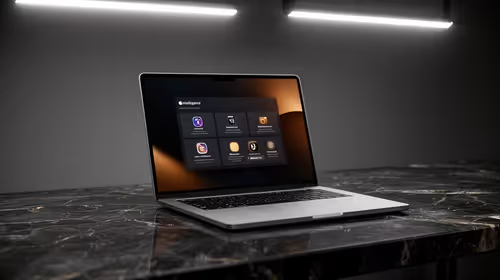
A: For students, the trifecta is battery life, portability, and reliable performance. You need a machine that can last through a day of lectures without being chained to a plug socket. Look for models with at least 8GB of RAM for smooth multitasking between research, writing, and streaming. Many of the latest Ryzen laptop deals offer an excellent balance of power and efficiency, making them a smart choice for academic life.
Q: I work with heavy software like CAD and video editors. What do I need?
A: When your livelihood depends on performance, you can't compromise. You should be looking at dedicated workstation laptops. These machines are built for stability and power, featuring high-core-count CPUs, ample RAM (32GB or more), and professional-grade graphics cards. They are optimised and certified to run demanding software smoothly, saving you time and preventing frustrating crashes.
Q: Can one laptop really handle both my 9-to-5 job and serious gaming?
A: Absolutely! The line between productivity and gaming laptops is blurrier than ever. A modern device equipped with a powerful CPU and a dedicated graphics card is a perfect hybrid. The key is the GPU. Investing in one of the latest GeForce RTX gaming laptops gives you incredible gaming performance and accelerates creative tasks like video rendering and 3D modelling, making it a true do-it-all machine. ✨
Don't Forget the Display!
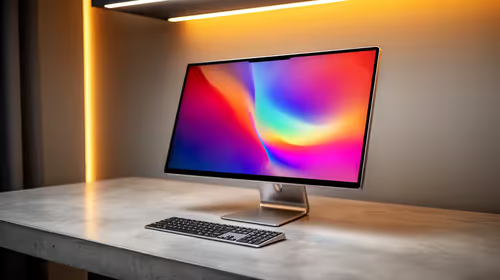
A laptop's screen is your window to everything. For creative work, prioritise colour accuracy (look for 100% sRGB coverage). For gaming, a high refresh rate (120Hz or more) makes gameplay feel incredibly smooth. For outdoor use, look for high brightness (over 300 nits).
Q: Intel vs. AMD... what's the real difference for a daily user?
A: Both brands make fantastic processors, and for everyday tasks like browsing, email, and streaming, you'll be happy with either. Generally, you’ll find that many Intel laptops on special offer excellent single-core performance, which is great for general responsiveness and some games. AMD often shines in multi-threaded workloads, offering great value for tasks that use multiple cores, like video editing.
Q: How much RAM is actually enough in 2024?
A: 8GB is the bare minimum for a smooth experience today. However, we strongly recommend 16GB as the sweet spot for most users. It gives you comfortable headroom for having multiple browser tabs, apps like Discord and Spotify, and your primary work software open at once without slowdowns. For intense gaming or professional creative work, 32GB is the new standard.
Q: What's the most overlooked feature when buying a laptop?
A: The keyboard and trackpad. You'll be interacting with them constantly, yet they're often an afterthought. A comfortable, backlit keyboard with decent key travel can make typing a pleasure rather than a chore. Similarly, a large, responsive trackpad makes navigating your work much easier when you don't have a mouse handy. Always try to check reviews that mention the typing and trackpad experience.
Key Takeaways
Before you make your final choice, here’s a quick summary of what to keep in mind: 🚀
- Match the Machine to Your Mission: Students need battery and portability. Professionals need power and stability. Gamers need a strong GPU.
- 16GB of RAM is the Sweet Spot: It provides a smooth, lag-free experience for the vast majority of daily tasks and multitasking.
- Your GPU Matters: A dedicated graphics card is essential for gaming, 3D modelling, and video editing. Integrated graphics are fine for general use.
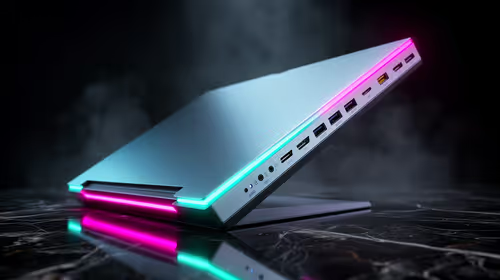
- Don't Ignore the Details: A great screen, a comfortable keyboard, and the right selection of ports can make or break your daily experience.
Ready to Upgrade Your Routine?
Now that you know what to look for, finding the perfect laptop is simple. Explore our massive range of laptop specials for performance that keeps up with your life.