Quick Answer
Bedfordview remote workers should target a TKL or full-size mechanical keyboard at R1,000–R2,500 for a dual-purpose work-and-gaming peripheral. The Logitech G Pro X TKL at around R1,800 with hotswap switches and the HyperX Alloy Origins Core at approximately R1,200 are the two strongest value picks — both available at Evetech with East Rand courier delivery in 1–2 business days.
Why Mechanical Keyboards Matter for Remote Work
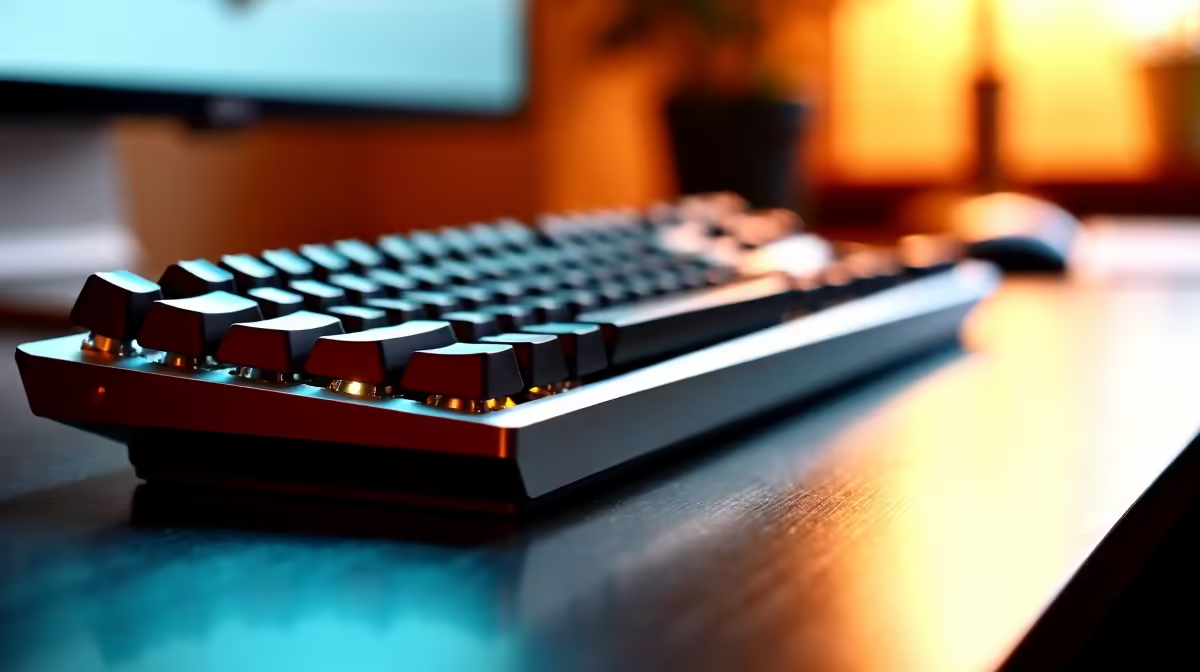
A remote worker using a membrane keyboard for 8 hours daily is placing more finger fatigue on themselves than necessary. Mechanical switches actuate at 1.5–2mm depth versus the full 4mm travel of a membrane key — you register keystrokes with lighter pressure and less wrist extension. Over an 8-hour session this reduces cumulative strain noticeably. Tactile switches (Brown equivalent) provide a physical cue when each key registers, which improves typing accuracy and reduces the double-key-press errors common on membrane keyboards. The audible and tactile feedback also makes the typing experience more consistent during long documentation or code-writing sessions.
Top Mechanical Keyboard Options for Bedfordview Buyers
HyperX Alloy Origins Core TKL (R1,200): Linear HyperX Red switches (45g actuation force), per-key RGB, aluminium frame, and HyperX NGENUITY software for macro assignment. Solid entry-level pick for gamers who prefer quiet linear switches. Logitech G Pro X TKL (R1,800): Hotswap switch sockets accept GX Linear, GX Tactile, or GX Clicky switches — you can change switch type without soldering after purchase. PBT keycaps, detachable USB-C cable, and a compact TKL footprint. SteelSeries Apex Pro TKL (R2,200): OmniPoint 2.0 adjustable actuation switches — set each key from 0.1mm to 4.0mm actuation depth for personalised typing and gaming feel.
Full-Size vs. TKL vs. 65 Percent: Which to Choose
For Bedfordview professionals who use the numpad for financial data entry or spreadsheet work, a full-size mechanical keyboard is the correct choice despite the larger desk footprint. For general typists and gamers who do not use the numpad frequently, a TKL at 80% of the footprint saves 12–15cm of desk space. A 65% keyboard (no function row, no numpad) is strictly a gaming-priority layout — not recommended for a primary work keyboard.
FAQ
What mechanical keyboard switches are best for typing all day?
Tactile switches — Logitech GX Tactile, Cherry MX Brown equivalent — are the most recommended for all-day typing. The tactile bump at actuation confirms keypress without requiring the key to bottom out, reducing finger fatigue over long sessions. Linear switches are quieter and preferred by gamers but provide less feedback for typists. Start with a tactile switch if you are new to mechanical keyboards.
How do I reduce mechanical keyboard noise during Teams calls?
Three approaches: use linear switches (Red equivalent) instead of clicky switches; add an O-ring damper kit to each keycap (available cheaply online) to cushion the bottom-out sound; place a thick deskmat under the keyboard to absorb vibration. The combination of linear switches and a deskmat reduces keypress volume by approximately 50% compared to clicky switches on a bare desk.
Does a mechanical keyboard have a learning curve for SA remote workers used to membrane?
Yes — typically 1–2 weeks. The initial adjustment is learning not to bottom-out every keystroke (mechanical keys register before full travel). Typing accuracy often temporarily drops in the first few days before improving above the pre-switch baseline within 2 weeks. Most users find the transition worthwhile and do not want to return to membrane after 30 days of mechanical use.
share a home office or do calls throughout the day, the HyperX Alloy Origins Core with linear Red switches at R1,200 is the quietest mechanical keyboard option at Evetech in this price bracket. Pair it with a 5mm deskmat for further sound dampening — the combination is noticeably quieter than a standard membrane keyboard at the same keystroke force.