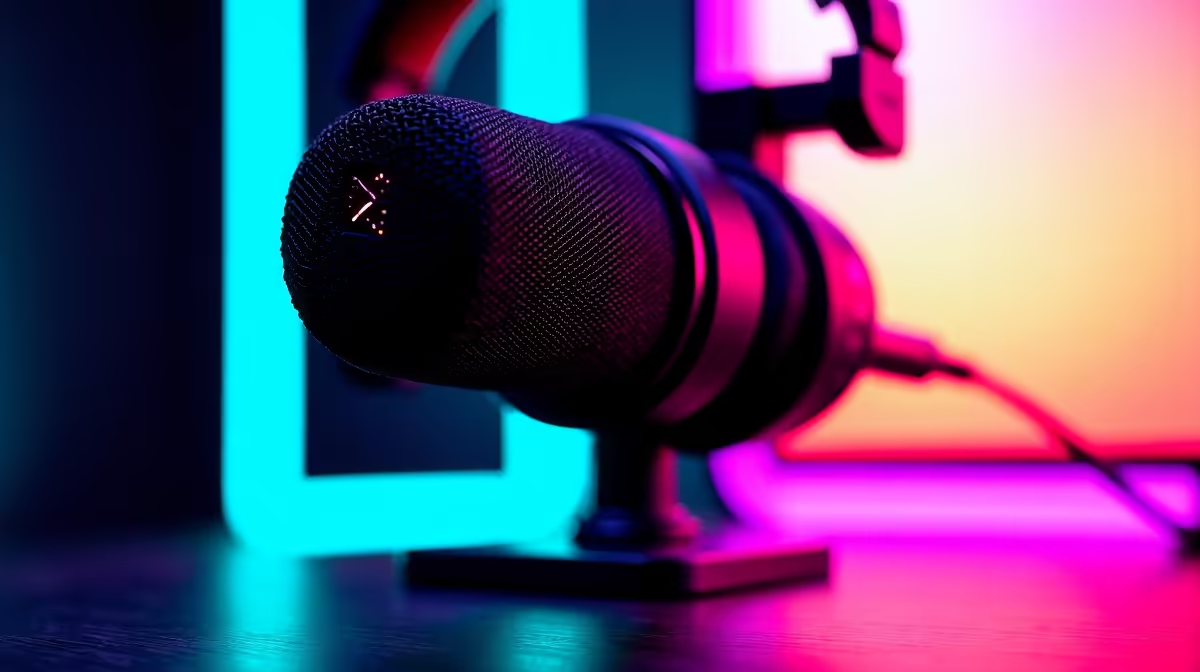
Dota 2 rewards constant, layered comms: smoke calls, rune timers, Roshan windows. A mic that drops a word at the wrong moment can throw a teamfight, so SA players need clarity and consistency before anything else.
Quick Answer
The best Dota 2 mic for most SA players is the HyperX QuadCast S USB cardioid (R3,500) for a fixed desk, or a boom-mic headset like the HyperX Cloud III (R2,200) for shared or cramped setups. Both deliver clean, repeatable callouts with strong off-axis rejection so smoke and Roshan calls land cleanly without studio tuning.
Why Clarity Beats Richness in Dota
Dota comms are short and frequent, often stacked over teammates. Your mic only needs to make hero names, rune calls and item timings cut through, which a tight cardioid pattern does well. The QuadCast S, Fifine AmpliGames A8 (~R1,500) and the boom on a Cloud III all do this. A studio condenser that captures every breath actually hurts you by pulling in fan noise and case hum from your tower.
Keep one mic profile and never change it on match day. Write your gain and noise-suppression settings down so practice and a real match sound identical.
Setting Up for SA Pubs and Inhouses
Most South African Dota stacks run Discord with push-to-talk plus in-game voice for randoms. Set input to about 75%, enable noise suppression, and place a desk mic side-on to your keyboard. If you play in res or a shared flat, the headset boom is safer because nothing on the desk gets bumped during a 60-minute game.
FAQ
Do I need a R3,000-plus mic for Dota 2?
No. A R1,500 cardioid USB mic or a boom-mic headset around R2,200 is enough for clear Dota callouts. Spend the difference on a comfortable headset instead, since you will wear it for hour-long games.
USB or XLR for Dota comms?
USB. XLR adds an interface costing R2,000-R4,000 with no benefit for voice. A plug-and-play USB cardioid mic covers every stack and inhouse you will join.
How do I keep my comms consistent between practice and matches?
Lock your input gain and noise-suppression settings and write them down, then never adjust them on match day. Use push-to-talk bound to a mouse button so comms never cut while your hands are on the keyboard.
Pair a cardioid USB mic with a closed-back headset for the cleanest Dota comms, and bind push-to-talk to a spare mouse button so calls never drop mid-fight.