



PCIe 5.0 vs PCIe 4.0 for Video editing in 4k in SA
PCIe 5.0 vs PCIe 4.0 for video editing in 4k is mainly about fit, features, compatibility, cost, and upgrade path, not one automatic winner. SA buyers should match the choice to the setup.
Read moremonitor for League of Legends should be chosen by comfort, latency, build quality and game fit, not a single spec. Compare switch feel, audio cues, refresh rate or ergonomics around your SA setup before buying.
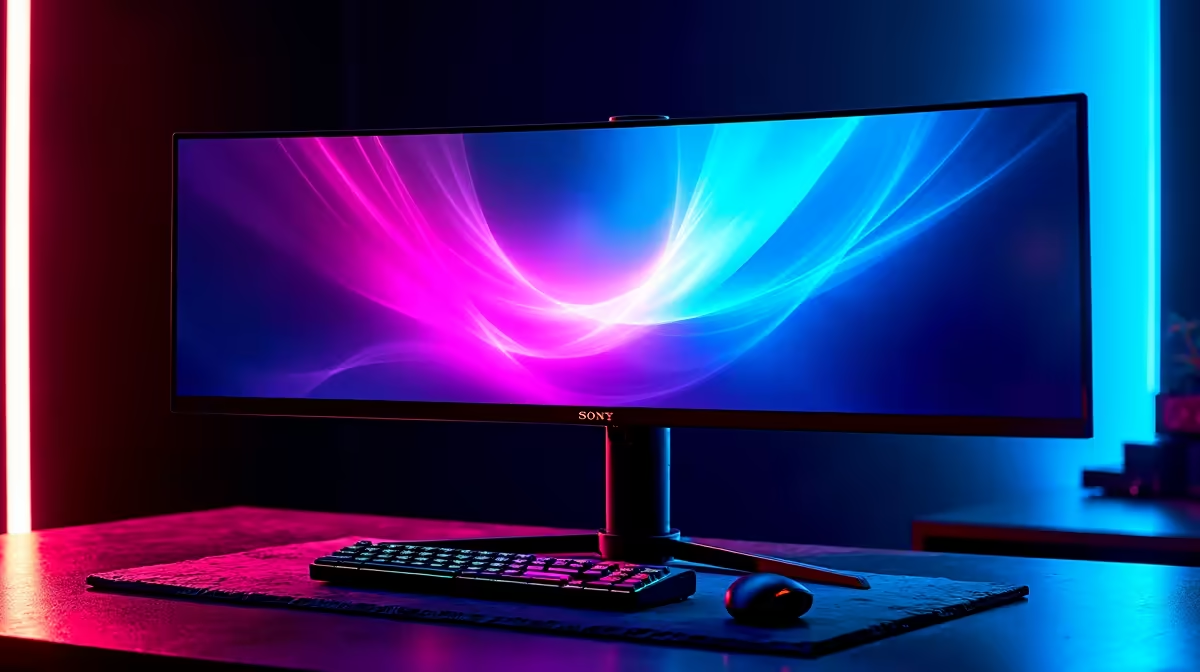
For League of Legends, a 144Hz or 165Hz monitor is the sweet spot, since the game runs well past those frame rates on modest hardware. A 1080p 165Hz IPS panel near R4,500 or a 1440p 165Hz IPS near R6,500 both suit LoL's clear, fast top-down play.
League's low system demands mean even an entry build pushes frame rates far above 144fps, so a high-refresh monitor is the upgrade you actually feel. Moving from 60Hz to 144Hz sharpens animation and makes skill-shot dodging and last-hitting feel smoother and more responsive. Beyond 165Hz the returns shrink for a top-down game like League; the extra spend is better placed in resolution. A 1440p panel gives a clearer view of the map and minions than 1080p.
A 1080p 165Hz IPS monitor near R4,500 is the value pick. A 1440p 165Hz IPS near R6,500 gives more screen detail for map awareness, ideal if your GPU can drive it. League runs past 144fps on a Ryzen 5 7600 and RTX 4060-class GPU even at 1440p, so the monitor is the limiting factor. Choose an IPS panel for colour and viewing angles, and enable any FreeSync or G-Sync support for tear-free motion.
Yes. League runs well past 144fps on modest hardware, so a 144Hz or 165Hz monitor sharpens animation and skill-shot dodging without needing a higher refresh.
1440p gives a clearer view of the map and minions for map awareness, and modest builds drive League easily at that resolution. 1080p saves money if budget is tight.
Less than fast shooters do. For a top-down game the gain beyond 165Hz is small, so the extra rands are better spent on resolution or an IPS panel.
a 1440p 165Hz IPS panel near R6,500 gives both smooth high-refresh motion and a clearer view of the map than 1080p.
PCIe 5.0 vs PCIe 4.0 for video editing in 4k is mainly about fit, features, compatibility, cost, and upgrade path, not one automatic winner. SA buyers should match the choice to the setup.
Read more
Wi-Fi 7 vs Wi-Fi 6e for competitive esports comes down to router support, latency goals, device compatibility, and coverage. SA buyers should match the choice to the real network setup.
Read more
ATX 3.1 vs ATX 3.0 for mMO and live-service games buyers - what changes is mostly about compatibility, budget, upgrade path, and setup fit. SA buyers should check device support and real needs before expecting a clear win from either option.
Read more
LGA 1851 vs LGA 1700 can affect Twitch and YouTube streaming when gaming and encoding share CPU resources. For SA creators, the real-world difference depends on encoder choice, memory support, motherboard cost, thermals, and upgrade plans.
Read more
X870E vs X670E for aaa single-player gaming is mainly about fit, features, compatibility, cost, and upgrade path, not one automatic winner. SA buyers should match the choice to the setup.
Read more
Hall Effect switches vs Mechanical switches for mMO and live-service games is mostly about compatibility, budget, upgrade path, and setup fit. SA buyers should check device support and real needs before expecting a clear win from either option.
Read more
A fake 113GB GTA VI ISO reportedly used empty padding around a small malware payload. SA gamers should delete unofficial builds, keep Windows security active and wait for official channels.

Wi-Fi 6E vs Wi-Fi 6 matters for 4K video editing when files move across a network. The real-world difference between Wi-Fi 6E and Wi-Fi 6 for video editing in 4K depends on NAS access, cloud uploads, router range, and SA creator workflows.

The difference between PCIe 5.0 and PCIe 4.0 for SA gamers is mostly bandwidth headroom. Compare GPU slot needs, NVMe speed, motherboard support, and upgrade timing before paying extra for a newer platform.

Gaming PC stuck pixel checks in South Africa should confirm the monitor fault first. Use colour tests, screenshot comparison, cable swaps, display menu checks, and clear photos before deciding on support.

Shokz OpenFit Air 2 earbuds weigh 7.2g each and use a redesigned dual-driver open-ear layout. SA buyers should choose them for comfort and awareness, not maximum isolation.

AMD's current driver now lists a Radeon RX 9050 4GB, while product coverage details a narrowed memory system. SA buyers should weigh the low VRAM ceiling against current local Radeon options.

Samsung Display has demonstrated a 16-inch 2.5K OLED laptop panel running at 300Hz. SA buyers should wait for a named notebook, full panel specifications and a local price before planning an upgrade.

Microsoft says some Windows 11 game crashes after recent updates are linked to RGB-related drivers. Affected SA gamers should confirm the update and driver before using the published registry workaround.

RTX 5090 on a 650W PSU is a tight pairing with very limited headroom. For SA gaming PCs, focus on total system draw, PSU quality, connector support, CPU choice, and avoid OC plans unless the full build is carefully power-limited.
PCIe 5.0 vs PCIe 4.0 for video editing in 4k is mainly about fit, features, compatibility, cost, and upgrade path, not one automatic winner. SA buyers should match the choice to the setup.

850W PSU safety for RTX 5090 is plausible with a quality unit and balanced parts. In SA, confirm connector support, CPU power draw, case airflow, PSU age, and spare capacity before building around 850W.
Wi-Fi 7 vs Wi-Fi 6e for competitive esports comes down to router support, latency goals, device compatibility, and coverage. SA buyers should match the choice to the real network setup.