Quick Answer
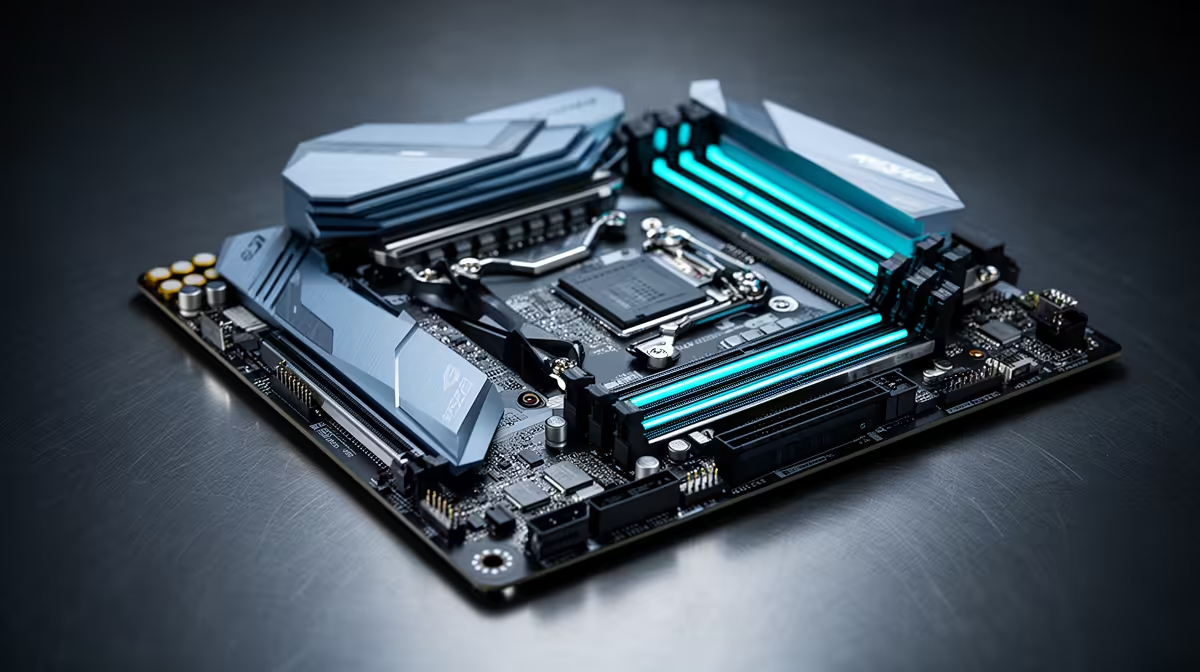
For Core Ultra 9 285, the safest motherboard pick is a Z890 board with the correct socket, strong VRM cooling, BIOS support, and enough M.2 slots for future storage. SA buyers can compare ASUS TUF Gaming Z890-Plus WiFi, MSI MAG Z890 Tomahawk WiFi, and Gigabyte Z890 Aorus Elite across broad R2,000-R6,500 bands. Do not buy by chipset name alone; socket fit and BIOS support decide whether the build starts cleanly.
Socket And Chipset Fit
Check the CPU socket before anything else. Ryzen 7000 and 8000G chips need AM5 boards, while recent Core Ultra desktop chips use Intel's newer LGA1851 platform. Older Core i5 and i7 chips sit on LGA1700 boards. For Core Ultra 9 285, match the board, RAM type, and BIOS generation before comparing extras like RGB or audio branding.
VRM, RAM, And Storage
A good board should run the CPU without hot VRMs, support 32 GB DDR5 cleanly where the platform allows it, and offer at least two M.2 slots. DDR5-6000 to DDR5-6400 is a sensible gaming range on many modern platforms, but stability is worth more than a paper speed win. If the build uses a large GPU, confirm slot spacing and front-panel cable clearance too.
SA Buying Checks
Local stock and warranty support matter because motherboard faults are painful to diagnose. Keep the invoice, note the BIOS version if provided, and confirm whether Wi-Fi is built in or requires a separate adapter. A R2,000-R3,500 board can be enough for mainstream CPUs; higher budgets make sense for stronger VRMs, more USB-C, and extra M.2 slots.
FAQ
What motherboard should I pair with Core Ultra 9 285?
Choose a board with the correct socket first, then compare VRM cooling, BIOS support, and storage. A cheaper board is fine only if it supports the CPU properly.
Is DDR5 necessary?
It is required on some new platforms and optional on others. When supported, 32 GB DDR5 is a strong gaming and productivity target.
How much should SA buyers spend?
Most mainstream builds fit around R2,000-R4,000. Spend more for stronger power delivery, better I/O, or extra M.2 storage support.
Compatibility check
Before ordering for Core Ultra 9 285, confirm socket, RAM type, BIOS support, and M.2 slot count on the motherboard spec sheet.