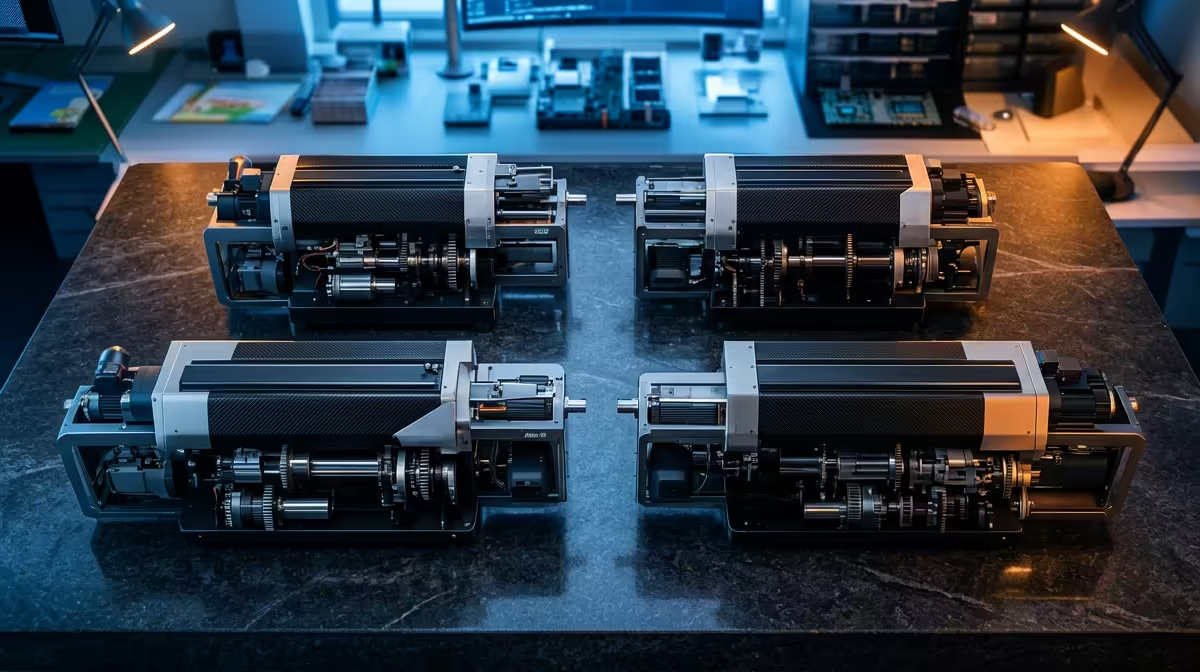
A school 3D printing lab fails the moment thirty learners share one machine and queue for three weeks to see a single print finish. The fix for a working STEM lab 3D printer setup in South Africa is not one expensive flagship, it is a small bank of identical, enclosed, network-managed units that let four or five groups print at once and learn from watching their parts grow side by side.
Quick Answer
Four Creality K1 SE units at roughly R8,999 each, around R35,996 in total, give a STEM lab four simultaneous print stations that fit on a single bench row and report to one Creality Cloud account. Identical units mean one set of spares, one slicer profile, and a teacher who only has to learn one machine.
Why a Multi-Unit Bank Beats One Big Printer
Schools often spend their whole budget on a single large-format printer, then discover the bottleneck is throughput, not build volume. Most learner projects are small: a gear, a bracket, a phone stand, a topographic tile. A 220mm bed prints all of those comfortably. What a class of thirty actually needs is parallel capacity so groups are not idle.
A bank of four small enclosed printers turns one shared resource into four. While group A prints, group B slices, group C measures yesterday's result and group D iterates a redesign. The teaching value is the iteration loop, and four machines shorten that loop fourfold. You can browse the current enclosed and open-frame options on the Evetech 3D printer range to compare bed sizes and enclosure types before committing to a quantity.
Identical Units Are the Real Saving
The hidden cost of a mixed printer fleet is cognitive load. Different nozzles, different bed levelling routines, different slicer profiles, different firmware quirks. A teacher cannot hold five workflows in their head while also teaching the curriculum.
Buying four of the same model collapses all of that into one. One slicer profile copies to every machine. One spare nozzle fits all four. One troubleshooting routine covers the whole bank. When a learner breaks something, any other unit becomes the reference for what correct looks like.
Choosing the Right Class of Machine
For a lab, three features matter more than raw speed.
Enclosure
An enclosure keeps small hands away from a 200-degree hotend and a moving gantry, contains fumes from the print area, and stabilises temperature for cleaner results. In a classroom this is a safety requirement, not a luxury. The K1 SE is fully enclosed, which is why it suits a room full of curious learners.
Auto Calibration
Manual bed levelling is the single biggest time sink in a teaching environment. Auto-levelling and automatic flow calibration mean a learner can load a job and start, rather than spending a period chasing a level bed. Machines that self-calibrate keep the focus on design thinking instead of mechanical fiddling.
Network and Cloud Management
This is what makes a bank manageable. Creality Cloud lets one teacher queue jobs, monitor every printer's camera, and pause a run from a phone or laptop without standing over each machine. For a lab that runs unattended between lessons, remote monitoring is what lets you leave a long print going safely.
Costing a Four-Station Lab for South Africa
Work in round numbers so the budget survives contact with a quote.
- Four K1 SE units at about R8,999 each: roughly R35,996.
- Filament: budget a generous starter stock of PLA in several colours. PLA is the right teaching material because it prints cool, smells mild and warps little.
- Consumables and spares: spare nozzles, a roll of build-surface sheets, and a glue stick or two for adhesion.
You do not have to buy all four on day one. A common path is to start with two units to prove the workflow with one class group, then add the next two once the slicer profile and lesson plan are settled. Hand tools, scrapers, spare nozzles and filament can be added from the Evetech accessories best sellers as the lab grows.
Bench Layout and Power
Four enclosed desktop units fit along a standard 1.8m to 2.4m lab bench with room to work. Give each printer its own wall socket or a properly rated power strip, leave a hand's width between enclosures for airflow, and keep the bench against a wall so spools and cables stay out of walkways. Ventilation matters even with PLA: an open window or a low extraction fan keeps the room fresh during long sessions.
Running the Lab Day to Day
Assign each printer a number and a group. Keep one laptop as the slicing station so every job passes through the same profile. Print a short test object on a fresh machine each morning so faults surface before a learner's project does. Log failed prints with a photo and a one-line cause, because that log becomes the most valuable teaching artefact in the room: a real record of what went wrong and why.
Build a simple booking sheet so groups know their print window and nobody fights over a station mid-lesson. Keep filament spools in a dry, dust-free box, since damp filament prints badly and a humid coastal classroom in Durban or Cape Town can spoil an open spool over a term. Label each machine's nozzle size and assign one learner per group as the "printer monitor" who starts the job and reports faults, which spreads responsibility and teaches care of shared equipment. Rotate that role weekly so every learner handles the machine rather than only the confident ones.
Frequently Asked Questions
How many printers does a class of thirty actually need?
Four to five units let groups of six to eight learners share one station each, which keeps everyone engaged in a single lesson. Fewer than four and you are back to queuing; more than five and a single teacher struggles to supervise every machine at once.
Why PLA and not a tougher filament for schools?
PLA prints at lower temperatures, releases minimal odour, and warps far less than tougher materials, so it is forgiving for beginners and safer in a shared room. Move to stronger materials only once learners have mastered the basics and the lab has proper ventilation.
Can one teacher manage four printers safely?
Yes, when the printers are enclosed, auto-levelling, and reporting to a single cloud account with cameras. The teacher monitors all four from one screen and only steps in for filament changes or a flagged fault.
Should we mix printer models to save money?
No. A single model means one slicer profile, one spare-parts list, and one workflow to teach. Mixing models multiplies the teacher's workload and the spares you must stock, which costs more in time than it saves upfront.
What ongoing costs should we budget for?
Filament is the main recurring cost, followed by occasional nozzles and build-surface sheets. A teaching lab gets through these slowly because learner parts are usually small, so a healthy starter stock lasts a full term for most schools.
Planning a STEM 3D printing bank for your school or fablab? Compare enclosed, auto-levelling units and stock up on filament and spares through the Evetech 3D printer range, and the team can help you size the right number of stations for your class.