Quick Answer
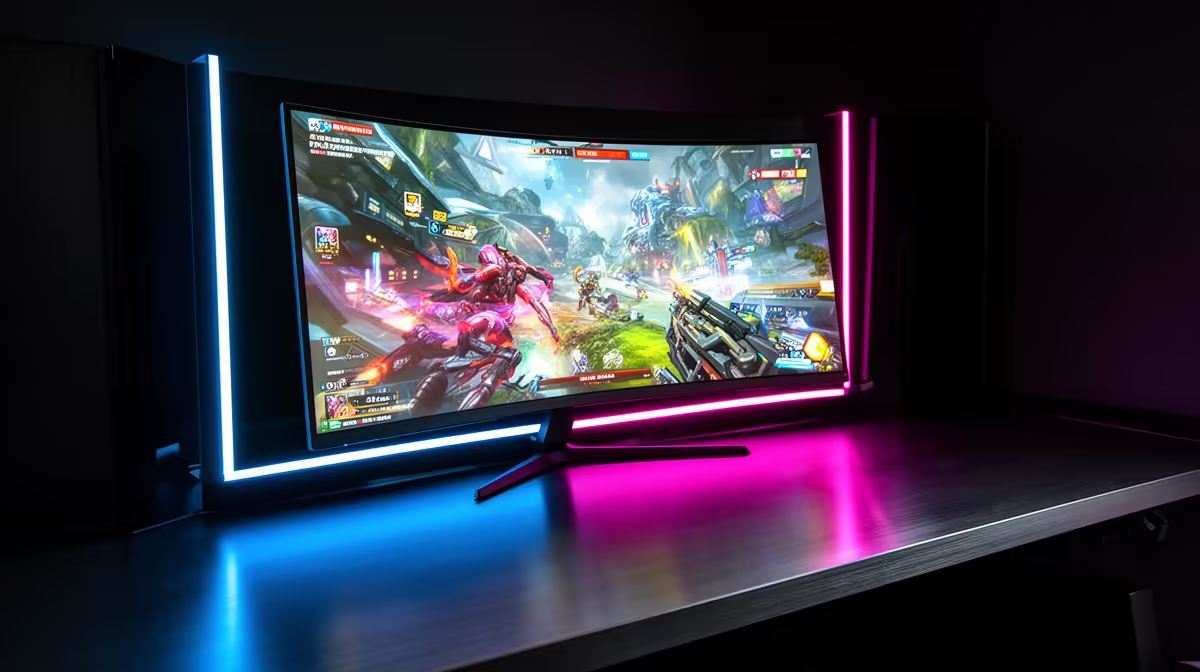
For Honkai: Star Rail on an OLED monitor in SA, the LG 27GS95QE (~R9,500 at Evetech) is the top 27-inch pick — its WOLED panel makes Honkai's vibrant gacha character cards and elemental effects visually stunning. The game targets 60 fps (upgradeable to 120 fps in settings), and OLED's 0.03 ms pixel response delivers zero ghost blur during fast character animations. HUD burn-in risk is moderate due to Honkai's persistent party health bars and action-point UI.
Honkai: Star Rail's Visual Benefits on OLED
Honkai: Star Rail has rich character artwork with vibrant colour palettes — Caelus and Stelle's character models, Memory of Chaos battle environments, and the SU Simulated Universe all feature saturated colours and strong contrast between dark backgrounds and glowing ability effects.
OLED's colour volume at 95%+ DCI-P3 makes character art and ability animations more vivid than on sRGB-limited IPS panels. HoYoverse's art team at miHoYo has historically designed Star Rail's character cards and combat effects for wide-gamut displays — OLED is the intended presentation platform for top-tier Honkai visuals.
Performance: Honkai: Star Rail at 120 fps at 1080p runs on an RTX 3060 (Ultra settings). On an RTX 4060 (~R8,500 at Evetech), 120 fps at 1440p is achievable at medium-high settings.
HUD Burn-In Risk for Honkai: Star Rail
Honkai's persistent HUD includes: party HP bars (top of screen during combat), skill button icons (bottom of screen), and the Trailblaze Meter gauge. These remain in fixed positions across long Memory of Chaos grinding sessions (2–4 hours). Mitigation:
- Enable pixel shift on LG 27GS95QE (Settings > OLED Care > Pixel Shift)
- Reduce HUD brightness via Honkai's in-game opacity slider if available
- Run Pixel Cleaning weekly
FAQ
Does Honkai: Star Rail support HDR on PC with OLED monitors?
Honkai: Star Rail does not natively output HDR on the PC HoYoverse launcher. Windows 11 Auto-HDR applies a tone-mapped HDR layer — on an OLED like the LG 27GS95QE, this adds some peak brightness boost to ability effects and character highlights. It's a mild improvement, not a dramatic HDR transformation. Native HDR from HoYoverse PC clients is not expected in the near term.
What frame rate does Honkai: Star Rail target on PC?
Honkai: Star Rail supports 30, 60, and 120 fps caps via in-game settings. The 120 fps mode is available on capable hardware (RTX 3060+). On a 240 Hz OLED monitor, Star Rail at 120 fps looks dramatically smoother than 60 fps — enabling 120 fps is the single most impactful visual improvement for OLED monitor owners.
Is a 27-inch or 34-inch ultrawide OLED better for Honkai: Star Rail?
Honkai: Star Rail's UI is designed for 16:9 aspect ratio. Ultrawide (21:9) monitors display black bars on the sides during gameplay — HoYoverse has not added ultrawide support to Star Rail's PC client. Stick to a 27-inch 16:9 OLED for Star Rail. The LG 27GS95QE's QHD resolution gives a perfectly sized character-detail view without UI clipping.
OLED Tip" content="Enable 120 fps mode in Honkai: Star Rail's Graphics Settings before your first Memory of Chaos attempt on your OLED monitor — the improvement in character animation smoothness at 120 fps vs 60 fps is immediately noticeable on OLED's fast pixel response, making ability chains and countdown timers significantly clearer."