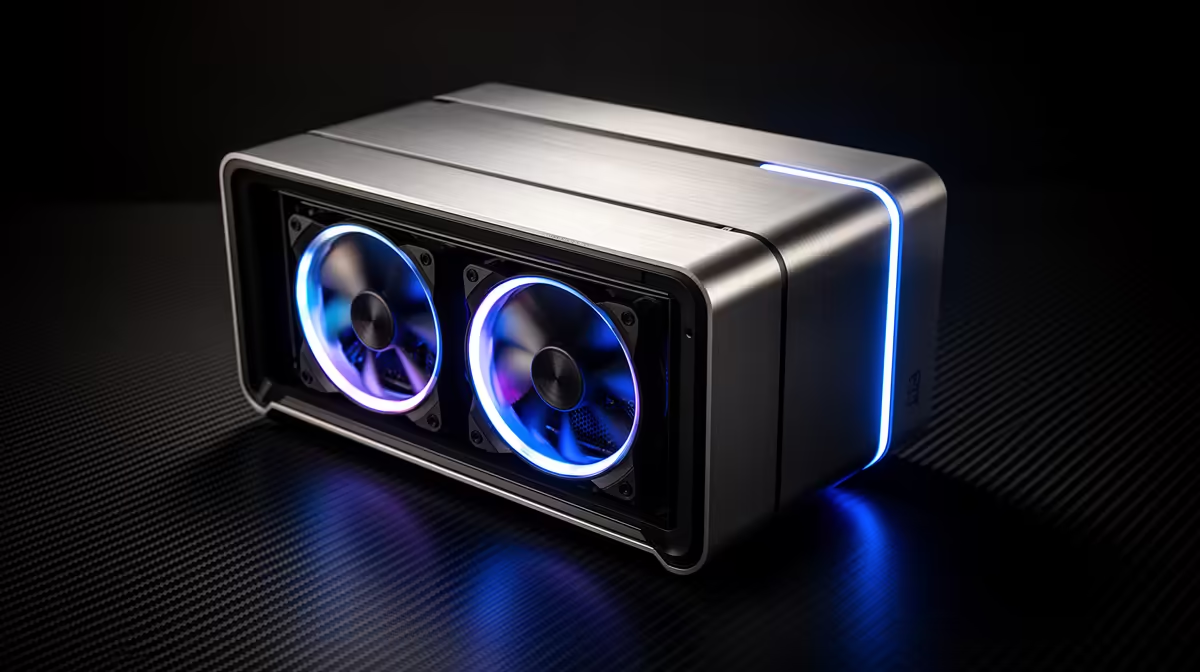
A coding machine for Cursor does not need the parts most people splash out on. Cursor's AI runs in the cloud, so there is no local GPU doing the heavy lifting, and the editor itself spends its energy indexing your codebase and holding it in memory. That single fact reshapes the whole buying decision for South African developers: spend on RAM, not graphics.
Quick Answer
32GB of RAM is the sweet spot for Cursor in South Africa. Cursor's indexing and IDE are memory-bound, the AI inference happens on remote servers with no local GPU needed, and a machine in the R12,000 to R20,000 band hits that 32GB mark comfortably for large multi-file repositories.
Why Cursor Is Memory-Bound, Not GPU-Bound
Cursor is built on the VS Code engine, so it behaves like a heavy Electron application with an added indexing layer. When you open a repository, it parses and embeds your files so the AI can reference them. The embeddings and the language servers all live in RAM while you work.
The actual AI completions and chat responses are generated on Cursor's cloud infrastructure. Your machine sends context up and receives suggestions back. This means a discrete graphics card sits idle during AI work, which is why pouring budget into a GPU is wasted money for a pure Cursor workflow.
You can see the kind of machines configured around CPU and memory priorities, rather than gaming graphics, in the AI PC range at Evetech, where the specifications align well with memory-first developer builds.
Why 32GB Is the Real Threshold
On a small personal project, 16GB feels fine. The strain shows up on large repositories with many open files, multiple language servers, a running dev server, a browser full of tabs and Cursor's index all competing for the same memory.
What 16GB Costs You
With 16GB, a big monorepo pushes the system into swapping memory to disk. You feel it as stutter when switching files, slow autocomplete, and the index rebuilding more often than it should. Developers describe it as the editor "thinking" when it should be instant.
Why 32GB Holds Up
At 32GB, the index, the language servers, your dev server and a healthy browser session all fit in memory at once with room to spare. Large multi-file refactors stay responsive, and you can run a database or container locally alongside Cursor without the whole machine grinding.
When 64GB Is Worth It
If you run several heavy containers, virtual machines, or work in massive enterprise codebases, 64GB buys headroom. For most SA developers this is overkill, and the money is better kept for a faster CPU or a larger SSD.
Real-World Memory Consumption in Cursor
Community reports from 2025 and 2026 give a clearer picture of what Cursor actually uses in practice. A typical session with a mid-sized codebase runs 4 to 8GB of RAM just for Cursor and its helper processes, plus 500MB to 1GB more than equivalent VS Code due to embedding. Larger monorepos with many open files push consumption much higher: Cursor's multiple extension processes can collectively use well over 20GB during deep indexing, which is exactly why 16GB starts to feel tight before the workday is done.
Cursor officially recommends 32GB for monorepos. That guidance reflects real usage patterns, not conservative padding. For teams handling large Nx workspaces or deeply nested repositories, even 32GB can feel stretched during first-load indexing cycles, which is a strong argument for making 32GB the floor rather than a generous option.
The CPU and Storage That Pair With It
A modern multi-core CPU matters because indexing, linting and compiling are all processor work. A current mid-range chip with eight or more performance cores keeps Cursor snappy. There is no need to chase the absolute top tier; the gains plateau quickly for editor work.
Storage is the quiet hero. An NVMe SSD dramatically speeds up indexing, project loading and git operations on large repos. Aim for at least a 1TB NVMe drive so your projects, dependencies and tooling are not fighting for space. A SATA SSD works but feels noticeably slower on big trees.
What This Looks Like in Rand
In the R12,000 to R15,000 band you can secure a capable six or eight-core machine with 32GB of RAM and a 1TB NVMe SSD, which covers the vast majority of professional Cursor work in South Africa. Pushing toward R20,000 buys a stronger processor, faster RAM and a larger drive for those working in genuinely huge codebases.
What you should not do is let a flashy graphics card eat that budget. A machine with modest integrated graphics and strong CPU and memory will run Cursor better than a gaming rig with half the RAM. To compare ready-built options across that price band, Evetech's best-selling desktops offer a practical reference for matching spec to budget.
Who Each Build Suits
A solo developer or student on a tight budget is well served by a 32GB machine around R12,000. A professional working in a large team repo all day will appreciate the smoother R15,000 to R18,000 tier. Only those running heavy local infrastructure should look past 32GB toward the upper end.
Frequently Asked Questions
Does Cursor need a dedicated graphics card?
No. Cursor's AI runs in the cloud and the editor itself does not use the GPU for completions or chat. Integrated graphics are perfectly adequate, so budget spent on a discrete card is wasted for a Cursor workflow.
Is 16GB of RAM enough for Cursor?
It works for small projects but struggles on large repositories where the index, language servers and a browser compete for memory. For comfortable daily use on real codebases, 32GB is the sensible minimum.
What CPU should I pair with 32GB for Cursor?
A current mid-range six or eight-core processor handles indexing, linting and compiling smoothly. Chasing the top-tier chip brings diminishing returns for editor work, so spend the saving on RAM or storage instead.
Will an NVMe SSD make Cursor faster?
Yes, noticeably. Indexing, project loading and git operations on large repos all lean on disk speed, so an NVMe drive feels far quicker than a SATA SSD or hard drive.
Can a laptop run Cursor well in South Africa?
Yes, provided it has 32GB of RAM and an NVMe SSD. The same memory-first logic applies, so prioritise RAM and storage over gaming graphics when choosing a portable machine.
Building a machine for Cursor? Skip the GPU spend and put your money into 32GB of RAM and fast NVMe storage. Explore the AI PC range and best-selling desktops at Evetech to find the right fit for your repos.