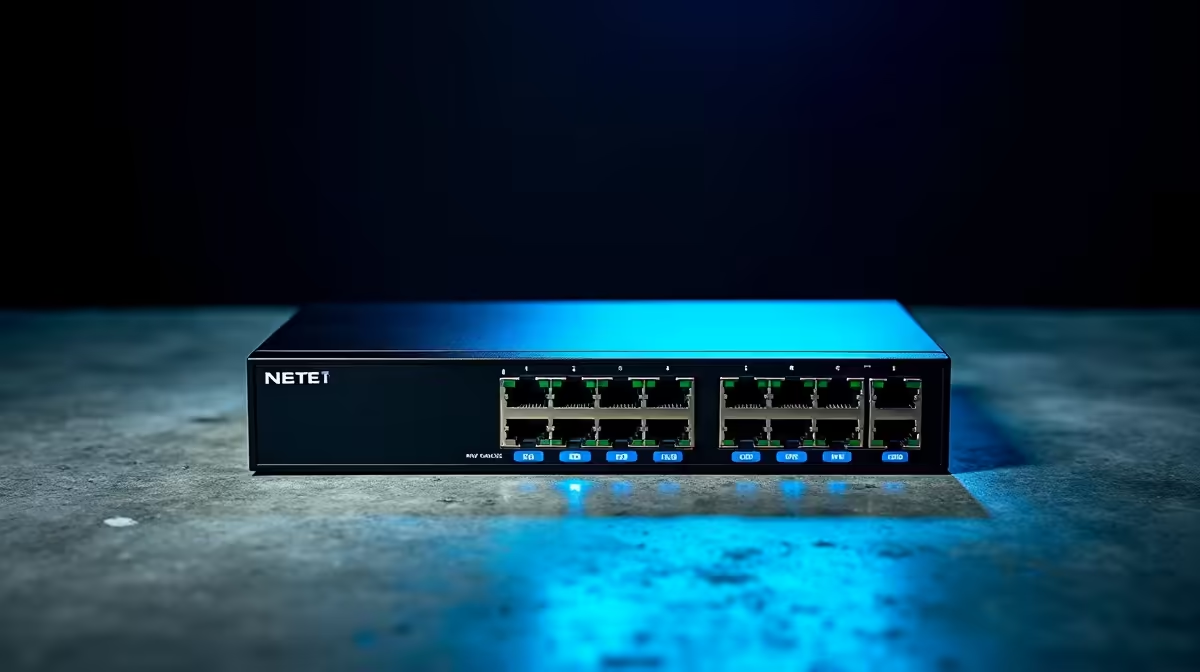
Buy a power-over-ethernet switch too small and your security cameras drop offline the moment you add one more, especially a hungry pan-tilt-zoom unit at the gate. Size it right and a single cable carries both data and power to every camera, with room to grow. Getting a PoE switch right is mostly arithmetic: count your cameras, add up their wattage, and leave headroom. Here is how to do that without guesswork.
Quick Answer
For most home installs, an 8-port gigabit PoE+ switch (802.3at, up to 30W per port) with a total power budget of 120W or more covers the job. Standard fixed cameras draw 4 to 8W each, while PTZ cameras need 15 to 30W. Add 20 to 30 percent headroom on top of your total so a gate PTZ and a couple of future cameras stay comfortably within budget.
Two numbers that actually matter
Per-port wattage and total power budget are easy to confuse, and both decide whether your setup works. Per-port wattage is the most a single port can deliver, which has to exceed the draw of the thirstiest camera on it. The total budget is the sum the switch can supply across all ports at once, and it is almost always less than the port count times the per-port maximum. A switch with eight 30W ports does not necessarily deliver 240W total, so read the budget figure, not just the port rating.
Understanding the PoE standards
Three standards cover the market and each draws a different wattage ceiling.
802.3af (PoE) delivers up to 15.4W per port, enough for most standard fixed cameras. 802.3at (PoE+) raises that to 30W, which covers PTZ cameras with motors and most 4K cameras with IR illumination. 802.3bt (PoE++) goes further still, reaching 60W or 90W per port, which applies to heated cameras in very cold climates or high-power pan-tilt-zoom units with both motors and heaters.
For an SA home perimeter, PoE+ is almost always sufficient. The 802.3bt standard exists for industrial and extreme-environment use cases that are rare in residential installs here.
Adding up your camera load
Start by listing every camera and its power draw. Standard fixed bullet or dome cameras typically pull 4 to 8W each. A PTZ camera, with its motors and often an infrared array, is far hungrier. At idle a PTZ dome draws 8 to 12W; actively panning and zooming it pulls 20 to 30W. So a setup with six fixed cameras and one gate PTZ might total roughly 36 to 48W for the fixed units plus up to 30W for the PTZ, landing around 78W. That comfortably fits a 120W budget while leaving space to expand.
Why PoE+ matters for PTZ
A basic PoE standard (802.3af) caps out around 15.4W per port, which is fine for fixed cameras but can starve a PTZ mid-movement. PoE+ (802.3at) raises that to 30W per port, enough for the motors and heater to run without the camera resetting. If a PTZ is anywhere in your plan, specify PoE+ from the start rather than discovering the limit after installation.
Building in headroom
The mistake that bites people is sizing the switch to exactly today's cameras. Security setups grow: a new camera at the back gate, a doorbell unit, a second PTZ. Adding 20 to 30 percent to your calculated total means those additions just plug in rather than forcing a switch upgrade. A 120W switch carrying a 78W load today has the slack to absorb two or three more cameras down the line, which is exactly the kind of future-proofing worth paying a little extra for. The smart home and security range at Evetech covers the camera side of that growth.
Don't forget the cabling
A switch is only half the install. PoE runs over standard ethernet cable, and quality matters over distance, since voltage drop on thin or long runs can leave a far camera underpowered. Use Cat5e or better, keep runs within the 100m ethernet limit, and have a few spare patch leads on hand. Cat6 with its thicker 23 AWG conductors gives meaningfully more headroom on long outdoor runs. The accessories and cabling range covers the leads and adapters that make a tidy, reliable install.
Managed versus unmanaged switches
For a home perimeter a simple unmanaged PoE switch is enough: plug in the cameras, they get power and data, done. A managed switch adds port-level monitoring, the ability to remotely reboot a camera by cycling its port, and VLAN support if you want the security cameras on an isolated network segment. If you are adding a NVR that you also want isolated from your main LAN, a managed switch is worth the modest extra cost. For a straightforward six-camera home install, unmanaged keeps things simple.
Frequently Asked Questions
How many watts does a security camera use?
Standard fixed cameras draw 4 to 8W each, while PTZ cameras with motors need 15 to 30W at peak. Add up every camera's draw to find your total load before choosing a switch.
What is the difference between PoE and PoE+?
Standard PoE (802.3af) delivers up to about 15.4W per port, suitable for fixed cameras. PoE+ (802.3at) raises that to 30W per port, which a PTZ camera needs to run its motors reliably.
How big a power budget do I need?
For most home installs a switch with a 120W or higher total budget is ample. Size it to your summed camera load plus 20 to 30 percent headroom so future cameras fit without an upgrade.
Why is the total power budget lower than the port count times 30W?
The switch's power supply has a fixed ceiling, so it cannot push the per-port maximum on every port at once. Always check the quoted total budget rather than assuming ports multiply out.
Can one switch power my NVR and cameras?
The switch powers the PoE cameras, and the cameras feed the NVR over the network. Some NVRs have built-in PoE ports, but a dedicated PoE switch gives you more ports and a clearer power budget to plan around.
Do I need a managed or unmanaged PoE switch?
An unmanaged switch is sufficient for most home camera setups. A managed switch adds useful features like per-port rebooting and VLAN isolation, worth considering if you want your cameras on a separate network segment or need remote port management.