Quick Answer
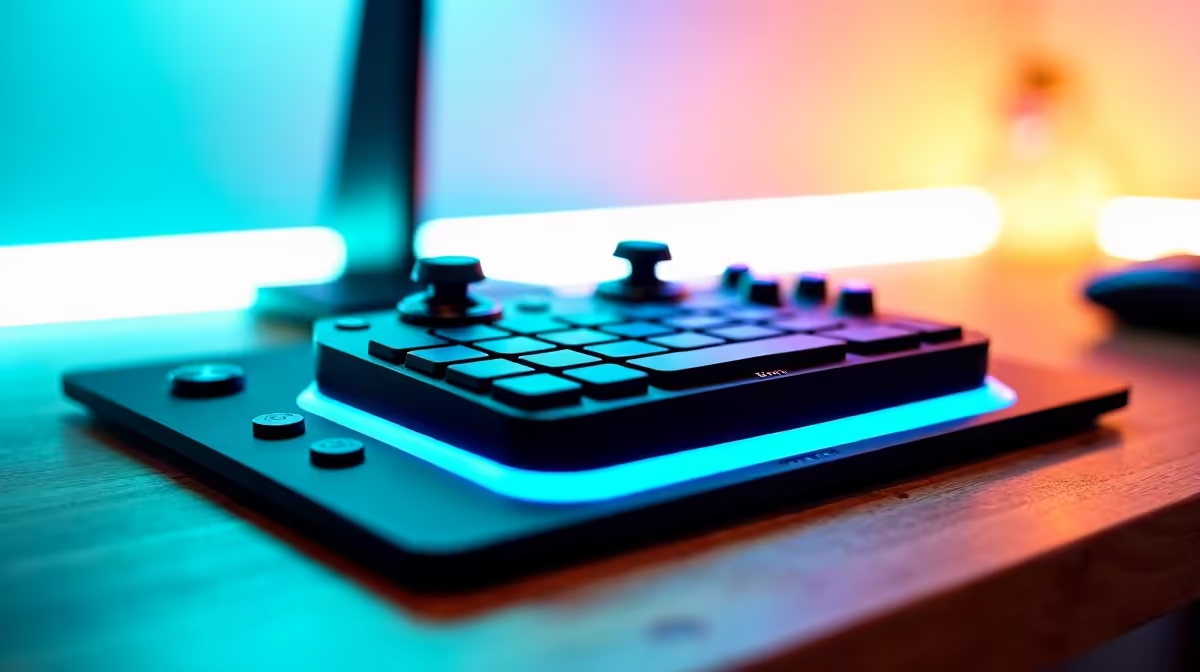
The Elgato Stream Deck MK.2 (15-button, ~R2,800 at Evetech) is the best Stream Deck for Bryanston remote workers and content creators. It connects via USB-A, runs Elgato's Stream Deck software for Windows and macOS, and automates one-button actions for OBS, Teams, Spotify, and custom scripts. For a more compact option, the Stream Deck Mini (6 buttons, ~R1,600) suits minimal-desk Bryanston setups.
Why a Stream Deck Benefits Bryanston Remote Workers
For Bryanston remote workers who run regular video calls, the Stream Deck removes friction from common actions: muting Teams/Zoom with one button press instead of keyboard hunting, switching OBS scenes during screen shares, launching specific apps, and triggering custom Windows scripts. The MK.2 supports 15 customisable LCD keys with drag-and-drop setup in the Stream Deck app — no scripting required for basic use.
Stream Deck Models and ZAR Price Tiers
- Stream Deck Mini (~R1,600) — 6 buttons, USB-A, basic automation, suits minimal desks
- Stream Deck MK.2 (~R2,800) — 15 buttons, USB-A, detachable faceplate, full app support — best all-rounder
- Stream Deck XL (~R4,200) — 32 buttons, best for complex multi-profile remote work setups
- Stream Deck + (~R4,500) — 8 buttons + 4 dials, ideal for audio mixing and OBS scene transitions
SA Remote Work Use Cases for the Stream Deck in Bryanston
Common Bryanston remote worker profiles that benefit: content creators streaming to YouTube, marketing professionals managing multiple app workflows, developers triggering build scripts, and video editors switching clip shortcuts. The Stream Deck integrates with Teams, Zoom, Slack, Spotify, OBS, and 100+ plugins via the Elgato Marketplace — most plugins are free.
FAQ
Is the Elgato Stream Deck MK.2 worth R2,800 for a Bryanston remote worker?
Yes for high-frequency multi-app workflows. If you switch between 5+ apps, mute/unmute calls frequently, or manage OBS scenes, the Stream Deck recovers its cost quickly in time saved. For workers with a simple one-screen single-app workflow, it's less essential at R2,800.
Does the Stream Deck work with Microsoft Teams and Zoom on Windows 11 in Bryanston?
Yes — the Stream Deck Microsoft Teams plugin (free in the Marketplace) enables one-button mute, camera toggle, and hand-raise in Teams. The Zoom plugin covers the same actions. Both work on Windows 11 and macOS without additional drivers — install the plugin in the Stream Deck app and map to any button.
What is the desk space requirement for a Stream Deck in a small Bryanston home office?
The Stream Deck Mini (6 buttons) is 84 × 60 × 38 mm — smaller than a smartphone. The MK.2 (15 buttons) is 118 × 84 × 41 mm. Both fit on compact Bryanston home office desks without significant footprint. The MK.2 includes a flip-up stand that adjusts angle for desk use.
workers who use Teams daily should set a Stream Deck button to the "Mute Unmute" Teams shortcut (Ctrl+Shift+M) as the very first profile button — this single action recovers the device's cost in ergonomic time saved within a week of daily calls.