


Using GitHub Copilot: Complete Beginner's Guide for SA Developers
Using GitHub Copilot: Complete Beginner's Guide for SA Developers. Everything you need to know with SA-specific pricing and recommendations.
Read moreBest streaming camera buyers' guide to pick the right camera for YouTube and Twitch — compare webcams, mirrorless, DSLRs, budget and 4K options to boost stream quality. 🎥✅
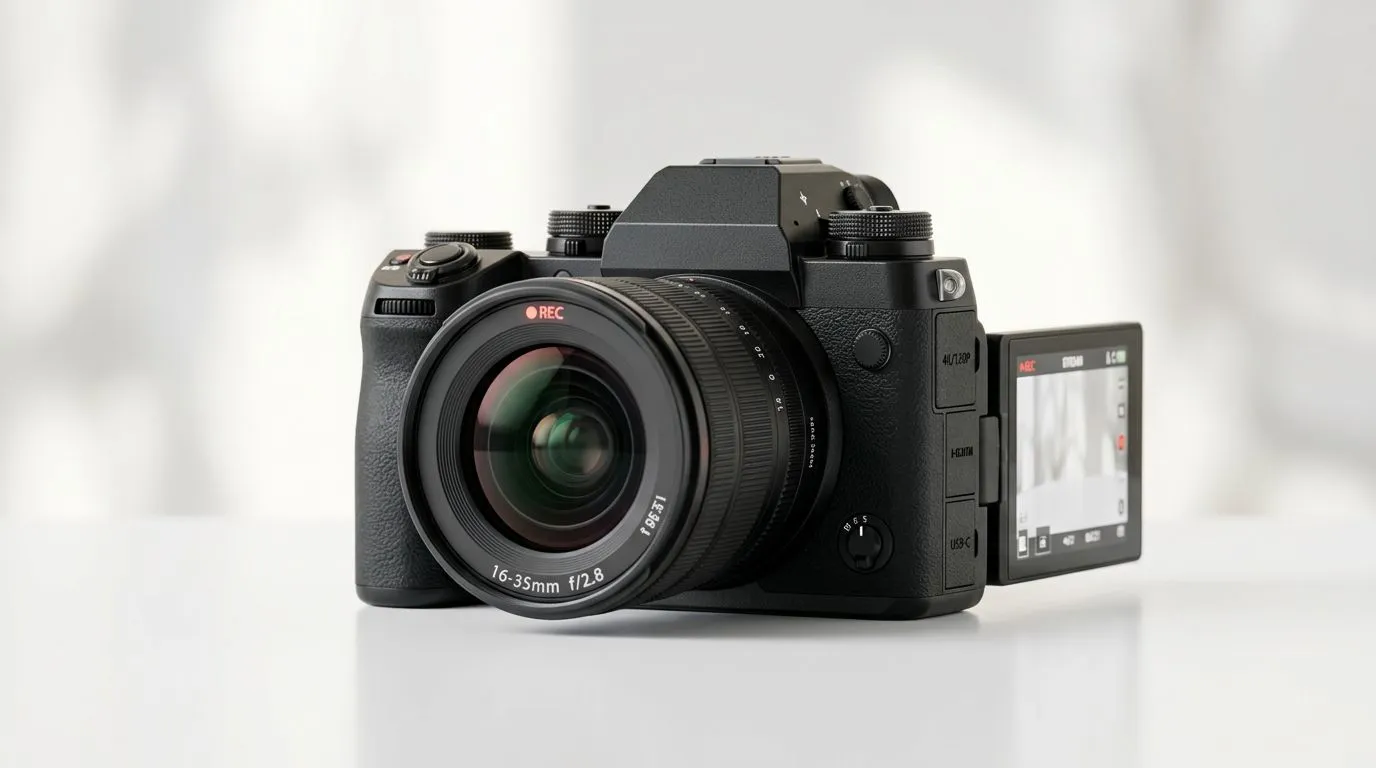
South African streamers: want crisp face-cam without breaking R3,000? The Best Streaming Camera for YouTube and Twitch: How to Choose should be simple: match resolution and frame rate to your content, prioritise low-light performance, and pick a mic or mount that fits your desk. Read on for practical tips, price‑sensitive recommendations in ZAR, and setup advice that actually improves viewer retention.
Start with three specs: resolution, frame rate, and low-light/auto‑focus performance. For live gameplay or talk shows, 1080p at 60fps is the sweet spot — smoother motion without huge bandwidth needs. If you stream primarily face-cam or vlogs, a 4K-capable camera gives flexibility for cropping in post, but costs more and taxes your PC. For quick browsing of available models and current prices, check Evetech’s webcams category. https://www.evetech.co.za/PC-Components/buy-webcams-145.aspx
Budget matters. If you’re keeping costs low, there are solid options under R1,000 that do 720p or basic 1080p. See what’s available in the under‑R1,000 bracket on Evetech. https://www.evetech.co.za/PC-Components/buy-webcams-145.aspx?max-price=1000
Mid-range buyers (R1,000–R2,000) often get 1080p60 cameras with better sensors and autofocus — the real sweet spot for most Twitch and YouTube streamers. Browse mid-range options here. https://www.evetech.co.za/PC-Components/buy-webcams-145.aspx?max-price=2000
If you want premium features like larger sensors or 4K recording, expect to spend R2,000–R3,000 and up. These models help in low light and for higher production value. Explore the R2,000–R3,000 selection. https://www.evetech.co.za/PC-Components/buy-webcams-145.aspx?max-price=3000
Placement, lighting, and software tuning matter more than a tiny upgrade in specs. Mount your camera at eye level, use soft front lighting (a ring light or two) and configure exposure to avoid blown highlights. Use the camera’s native software to set white balance and turn off auto‑gain if your image looks noisy.
Use a USB 3.0 port for 1080p60 or higher. If you see dropped frames, lower resolution or use hardware encoding (NVENC AMD) in your encoder. A small softbox or desk lamp with a diffuser fixes most low‑light issues.
Good audio outweighs a tiny camera upgrade. If budget is tight, pair a 1080p camera with a USB mic or lavalier; your audience will appreciate clear speech over marginally sharper video. Also consider a tripod or arm mount for stable framing, and a capture card only if you plan to use an HDMI camera with your PC.
Small story: I helped a local streamer swap from a cramped laptop camera to a mid‑range 1080p60 webcam and a basic ring light. Viewer count was unchanged overnight, but chat engagement and average watch-time increased because the stream looked and sounded more professional. Little tweaks build trust.
Choosing the best streaming camera for YouTube and Twitch is about matching specs to your content and wallet. Start with the category listings to compare models and ZAR pricing, then prioritise lighting and audio. When you're ready, compare real product pages and current stock.
Ready to Find Your Perfect Match? The Mac vs Windows debate is complex, but for maximum power, choice, and value in South Africa, Windows is hard to beat. Explore our massive range of laptop specials and find the perfect machine to conquer your world.
For beginners, a 1080p webcam or entry-level mirrorless offers ease and quality; search for 'best streaming camera for YouTube' for top starter picks.
No—most streams use 1080p or 720p. A 'best 4k streaming camera' helps future-proof, but bandwidth and encoding matter more.
Yes. Many creators use DSLRs or mirrorless cameras with clean HDMI output for better image quality and depth of field.
Prioritize resolution, autofocus, low light performance, clean HDMI/USB support, and compatibility with capture devices.
Look for affordable 1080p webcams or older mirrorless models marketed as a 'budget streaming camera'—they balance cost and quality.
Very important—good low light performance reduces noise and improves clarity, especially for indoor YouTube and Twitch setups.
Mirrorless cameras typically offer superior image quality and depth of field, while webcams excel in plug-and-play convenience.
Using GitHub Copilot: Complete Beginner's Guide for SA Developers. Everything you need to know with SA-specific pricing and recommendations.
Read more
Back-to-School Headset Buying Guide for SA 2026. Everything you need to know with SA-specific pricing and recommendations.
Read more
Mesh Front Panel Setup and Configuration: Complete Tutorial. Comprehensive coverage with SA insights, Rand pricing, and practical recommendations.
Read more
Black Screen: Troubleshooting Guide #1. Everything you need to know with SA-specific pricing and recommendations.
Read more
The Complete 2026 Guide to Storage in South Africa. Everything you need to know with SA-specific pricing and recommendations.
Read more
1000W PSU Not Working After Load Shedding: Recovery Guide. Everything you need to know with SA-specific pricing and recommendations.
Read more
AMD RX 9050 XT: Rumoured Specs, Price & Release. SA-focused analysis with local pricing data, real-world insights & actionable buying advice.

Can RTX 4080 Super Run AI Workloads for SA Developers Detailed answer with SA data, expert analysis & practical recommendations for local buyers.

Can RTX 4090 Run AI Workloads for SA Developers Detailed answer with SA data, expert analysis & practical recommendations for local buyers.

Top Settings for Intel Arc B580 at Ultrawide 1440p picks evaluated on performance, value & SA availability with current Rand pricing from Evetech.

RTX 4060 CS2 Low Settings at 1080p: FPS Results. Real-world benchmark data, FPS numbers & performance analysis. What SA gamers can actually expect.

Visual Artifacts: Possible GPU Issue Issue #1. Diagnosis steps, proven fixes & when to seek professional help. SA-specific support info included.

Can the RTX 4090 Handle 1440p 144Hz Gaming. Performance testing verdict with real data & practical recommendations for SA buyers.

Top ASUS GPU Under R15000 picks evaluated on performance, value & SA availability with current Rand pricing from Evetech.

GTA 6 Max Settings on RTX 5070. Tested & verified settings for best FPS and visual quality on SA hardware budgets.

Cyberpunk 2077 Max Settings on RTX 5080. Tested & verified settings for best FPS and visual quality on SA hardware budgets.

Starfield Max Settings on RTX 5070 Ti. Tested & verified settings for best FPS and visual quality on SA hardware budgets.

Top RTX 5090 Under R5000 picks evaluated on performance, value & SA availability with current Rand pricing from Evetech.