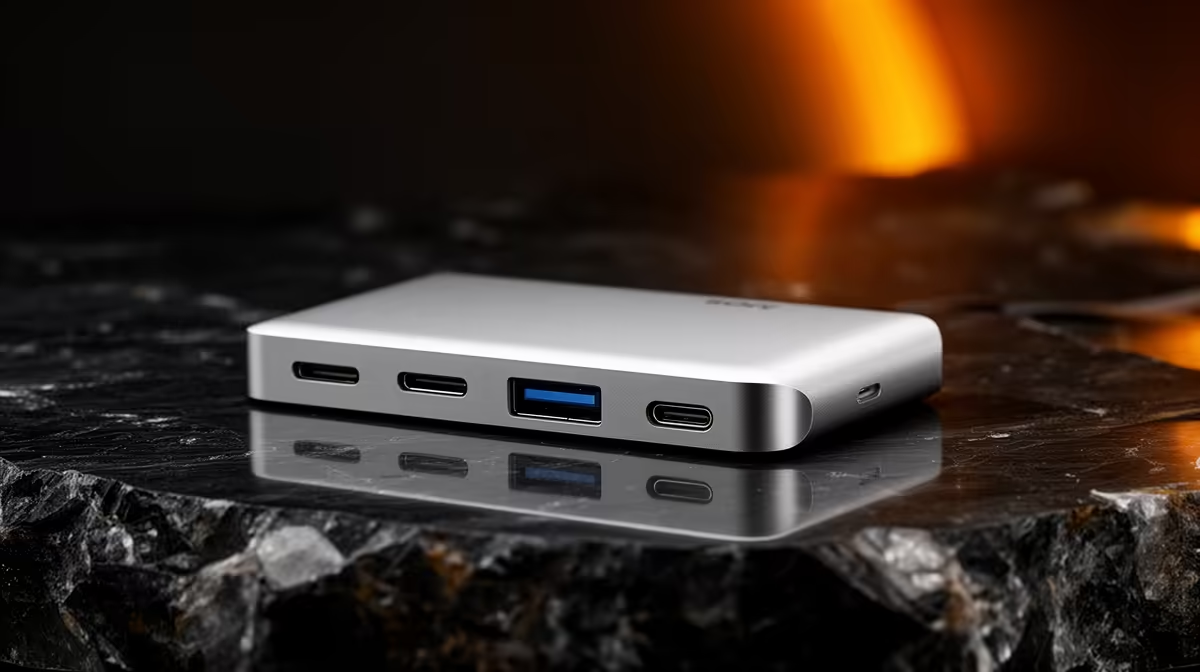
A mini PC earns its small footprint by keeping the port count lean, which is fine until you need two monitors, a wired network, a keyboard, a mouse, and a couple of drives all at once. A single USB-C dock solves that, fanning one cable out into displays, USB-A ports and Ethernet, and on a mini PC with USB4 it does so without giving anything up. The trick is matching the dock's capabilities to what your specific mini PC's port can actually deliver.
Quick Answer
If your mini PC has a USB4 or Thunderbolt port, a single-cable dock can drive dual monitors, multiple USB-A devices, and 2.5 Gigabit Ethernet over one connection, because USB4 carries data, video and power together. Plug it into a plain USB-C port and you get a hub instead, fewer displays and less bandwidth. Check which port type your mini PC has before you buy, that single fact decides everything.
USB4, Thunderbolt and plain USB-C are not the same
The connector looks identical, but what runs through it varies enormously, and this is where most disappointing dock purchases start.
Why the port type decides what a dock can do
USB4 and Thunderbolt 4 or 5 carry display signals, high-speed data and power down a single reversible cable, and they tunnel PCIe, which is what lets a dock drive multiple high-resolution monitors plus fast Ethernet at the same time. A plain USB-C port might only support USB data speeds with limited or no video output, so a dock plugged into it behaves like a basic hub. Two mini PCs with identical-looking ports can give completely different dock results.
Reading your mini PC's specification
Before buying, find the exact port type in your mini PC's specification, not just that it has USB-C. Look for the USB4 or Thunderbolt logo and the supported display count. If the spec only says USB 3.x Type-C, assume limited video, and check whether it supports DisplayPort Alternate Mode at all, plenty of cheaper ports do not.
What a good single-cable dock gives you
The appeal of a dock over a pile of separate adapters is one cable to your mini PC and a permanent home for everything else. Unplug that one cable and the whole desk disconnects, plug it back in and it all returns.
A capable USB4 or Thunderbolt dock typically delivers dual display outputs, often two 4K panels at 60Hz, a clutch of USB-A ports for peripherals and drives, 2.5 Gigabit Ethernet for a faster-than-standard wired connection, an SD card reader, and power delivery. The premium docks reviewed through 2026, the CalDigit Thunderbolt stations and the Plugable multi-port models among them, push this to high port counts and rock-solid stability under load, holding two 4K panels while saturating the network port. You rarely need that ceiling on a mini PC, but it shows what the platform allows.
Matching the dock to how you actually work
The right dock is the one that fits your real desk, not the one with the most ports on the box.
The dual-monitor home office
If your main goal is two screens plus a wired network and a few peripherals, a mid-range USB4 dock with two video outputs and 2.5GbE is plenty. Confirm your mini PC's port can drive two external displays, some lower-end USB4 implementations top out at one.
The compact, travel-light setup
If you move the mini PC between locations, a smaller bus-powered USB-C hub may suit you better than a large powered dock, accepting fewer ports and a single display in exchange for slipping into a bag. The trade-off is real, bus-powered hubs cannot deliver the same display and power headroom as a mains-powered dock.
The heavy multitasker
If you run several drives, capture devices and dual high-resolution monitors at once, buy a powered Thunderbolt-class dock with headroom to spare. Saturating a cheap hub causes dropped displays and stuttering peripherals exactly when you are busiest.
Cables and power matter more than people expect
A dock is only as good as the cable feeding it. To carry full USB4 or Thunderbolt bandwidth you need a certified cable rated for it, an old USB-C charging cable will physically fit and then quietly limit you to USB 2.0 speeds with no video. If your dock is mains powered, it can also charge a laptop over the same cable, though on a mini PC that draws its own power separately, you simply gain a stable, always-connected hub.
The full docking station range at Evetech covers single-cable docks and hubs across this spread, from compact travel units to powered multi-display stations. If you are also choosing the mini PC itself, the mini PC range at Evetech covers models across the USB4 and plain USB-C spectrum so you can match the port capability to the dock before you buy. The best-selling PCs at Evetech round out the comparison if you are deciding between a compact mini and a full-size build.
Who should buy a dock, and who should not
If your mini PC has USB4 or Thunderbolt and you want a clean dual-monitor desk that disconnects with one cable, a dock is one of the best-value upgrades you can make. If your mini PC only has plain USB-C and a single display matters most, a simpler hub does the job for far less. And if you already have all the ports you need built in, you do not need a dock at all, the honest answer is sometimes to spend nothing.
Frequently Asked Questions
Will any USB-C dock work with my mini PC?
A dock will physically plug in, but what it delivers depends on your mini PC's port. USB4 or Thunderbolt ports drive multiple displays and high-speed data, while plain USB-C ports may limit you to one display or none. Check the exact port type in the specification first.
Can a single dock run two monitors from a mini PC?
Yes, if your mini PC's USB4 or Thunderbolt port supports dual displays and the dock has two video outputs. Some lower-end USB4 ports only drive one external screen, so confirm the supported display count before buying.
Do I need a special cable for a USB4 dock?
Yes. Full USB4 or Thunderbolt bandwidth needs a certified cable rated for it. An old USB-C charging cable will connect but quietly drop you to slow speeds with no video, which is a common cause of docks that seem to underperform.
What is the difference between a hub and a dock?
A hub is usually smaller, bus-powered, and adds a handful of ports with limited display support. A dock is typically mains-powered with more ports, multiple display outputs and steadier performance under load. For dual monitors, a powered dock is the safer choice.
Is 2.5 Gigabit Ethernet on a dock worth it?
If your router and network support it, yes, it gives a faster, more stable wired connection than standard Gigabit, which is useful for large file transfers and home-server work. On a standard Gigabit network it simply runs at Gigabit speed, so it is future-proofing rather than an instant gain.
Turn one mini PC port into a full desk setup. Browse the docking stations at Evetech and match a dock to your machine's USB4 or USB-C port.