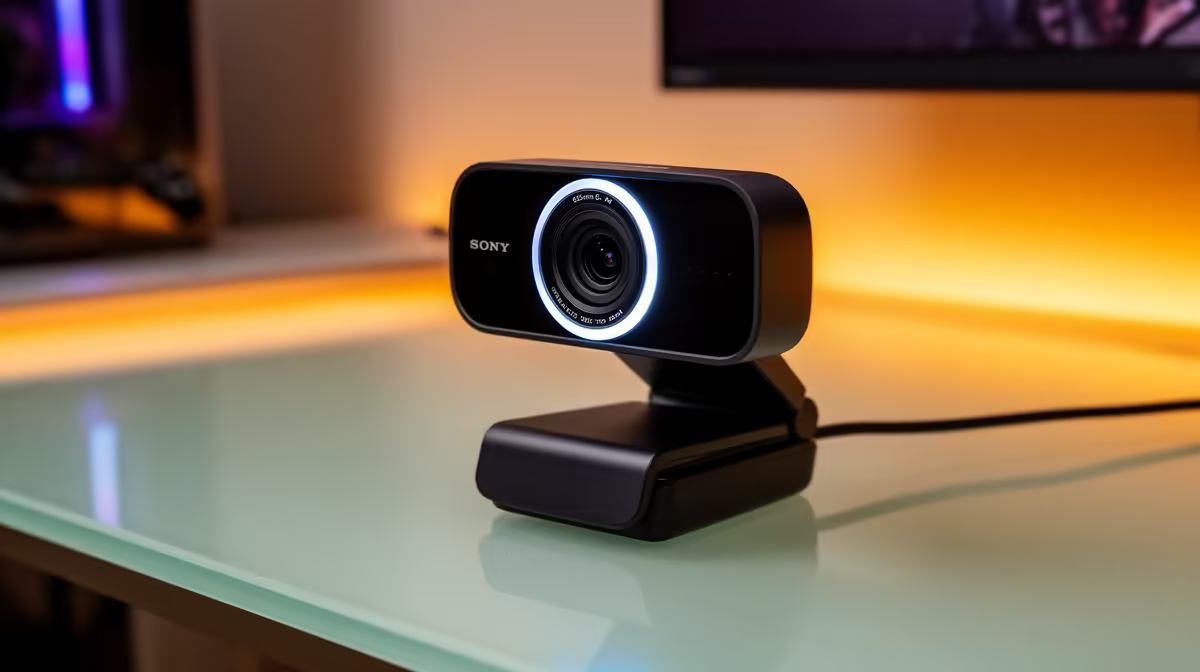
The barrier to starting a stream used to involve a capture card, a driver installation, and software configuration that took the better part of an afternoon. Plug-and-play webcams eliminated most of that friction. The challenge now is figuring out which cameras in this category are actually good versus which ones put "1080p" on the box and deliver a soft, colour-shifted image that makes a presenter look like they are calling from a tunnel. Plug-and-play webcams for beginner streamers span a wide quality range, and a few specific features separate the ones that will still look good in six months from the ones that disappoint on first use.
Quick Answer
Look for 1080p60, reliable autofocus, and a dual-mic array with noise cancelling. Budget R1,200 to R2,000 for a camera that delivers all three. Driverless UVC operation is the defining plug-and-play feature -- no drivers, no setup, works on every platform instantly. 4K is unnecessary at this stage; platform compression makes it invisible.
🔌 Why Plug-and-Play Actually Matters for a Beginner
The UVC standard -- USB Video Class -- is what makes a webcam truly driverless. It is a specification built into every modern operating system, including Windows, macOS, and Linux, that tells the system how to interpret video data from a camera without any manufacturer-supplied driver. A UVC camera plugs in, the operating system identifies it as a video input, and streaming software finds it immediately.
This matters more to a new streamer than it sounds. A first-time streaming setup involves enough new software to learn without also troubleshooting a driver conflict that causes the camera to appear and disappear from the device list. A UVC camera sidesteps this entire category of problem. It also means the camera works identically on any machine you carry it to, without reinstalling anything.
Non-UVC webcams that require proprietary drivers introduce fragility: the driver may conflict with other audio or video software, may not update promptly after an OS upgrade, or may have known issues on specific hardware configurations. Beginners in particular have less experience diagnosing these problems, making driverless operation a practical feature rather than just a convenience.
⚡ Resolution and Frame Rate: What Actually Matters
At the beginner tier, 1080p60 is the resolution and frame rate combination to prioritise. Streaming platforms receive the facecam feed at a relatively small portion of the total stream resolution, and they compress it on receipt. The difference between 4K and 1080p is largely eliminated by platform compression for a small facecam overlay.
What is not eliminated by compression is frame rate. A 30fps facecam shows visible stuttering on fast head movements, expressive reactions, and the natural micro-movements that make a presenter appear live rather than frozen. A 60fps feed captures twice the temporal information, so movement appears smooth even after the platform processes the stream.
Most webcams in the R1,200 to R2,000 range offer 1080p60 as their primary mode. Some also offer 4K30 on the same sensor, which is useful for recorded content where platform compression is not a factor. For live streaming, the 60fps mode is the right default.
Autofocus is equally important at this tier. A camera with slow or unreliable autofocus will briefly go soft every time you shift position, which is visually distracting in a way that lower resolution is not. Look for a camera that mentions continuous autofocus or face-tracking autofocus in the specification, rather than fixed focus or manual focus only.
Pro Tip ⚡
Before committing to a 1080p30 camera that is slightly cheaper, stream a 30-second test clip to an unlisted video and watch it back on a monitor. Then do the same with a 1080p60 camera. The motion difference is usually decisive. The small price gap between 30fps and 60fps cameras in this tier is almost always worth paying.
🎙️ Built-In Microphone Quality
A beginner streaming webcam that includes a decent microphone removes one obstacle from a new streamer's first session. The best microphones at this tier are dual-capsule arrays with software noise cancelling, which cut keyboard clicks, the hum of a PC cooling fan, and light ambient noise that would otherwise be audible to viewers.
For a student streaming from a res room in Stellenbosch or a young creator in a shared Joburg flat, having noise cancelling built into the camera is a meaningful convenience. It does not match the audio quality of a dedicated USB microphone, but it handles the basics well enough that a new streamer can get comfortable with the rest of the production before deciding whether to upgrade audio separately.
What to avoid is a single-capsule mono mic on a tight budget camera. These capture more room reflections than voice and often pick up handling noise when the camera mount or desk vibrates. A dual-mic array produces a more focused pickup even at the lower end of the quality range.
🔆 Lighting and the Ceiling on Webcam Quality
No webcam at any price looks good without adequate light. A R1,500 plug-and-play camera in a well-lit room will outperform a R4,000 camera in a dark one, because the sensor needs light to produce a clean, low-noise image.
For a South African bedroom or spare-room setup, the most cost-effective improvement to stream quality after buying a good webcam is a basic key light or ring light. An LED panel sitting between R300 and R600 delivers the 300 to 400 lux a standard CMOS sensor needs to output cleanly. This is a larger visible improvement than upgrading from a decent R1,500 camera to an expensive R3,000 one without changing the lighting.
The practical starting kit for a beginner South African streamer is a 1080p60 UVC webcam in the R1,200 to R2,000 range, an affordable LED panel or ring light up to R600, and a free streaming application. Total outlay is well under R3,000 and the quality ceiling it reaches is genuinely professional for the output format.
🧠 Features That Are Nice but Not Critical at This Stage
Pan, tilt, and zoom controls via software are available on some cameras in this range and useful for adjusting framing without physically repositioning the device. Privacy shutters are a practical addition for a camera that stays mounted when not in use. Background replacement and virtual background processing are built into streaming software rather than the camera itself, so they are not a reason to choose one camera over another.
HDR modes appear on a few cameras in this price range and can improve contrast in rooms with mixed lighting, such as a window behind the presenter and a lamp in front. Whether the HDR implementation is effective varies by model; it is worth checking sample footage before relying on it.
Frequently Asked Questions
What does plug-and-play mean for a webcam, technically?
It means the camera uses the USB Video Class standard, which is built into every modern operating system. The camera is detected as a video input device the moment it is plugged in, with no driver download or manufacturer software required. Any application that accepts a camera input -- streaming software, video call apps, recording tools -- sees it immediately.
Do beginner streamers really need 60fps on a facecam?
Yes, if budget allows. At 30fps, quick head movements produce visible motion blur and a slight stutter that looks less natural on a live feed. At 60fps, the same movements are smooth. Viewers notice the difference even if they cannot name it, and in a small facecam overlay the frame rate is more visible than the resolution.
Is R2,000 enough to buy a genuinely good starter webcam?
A webcam in the R1,200 to R2,000 range can absolutely deliver a professional-looking 1080p60 stream with adequate light. The main gap between this tier and more expensive cameras is low-light performance and microphone quality -- both of which can be addressed with a separate key light and microphone without pushing the total budget much higher.
Will a plug-and-play webcam work with OBS, Streamlabs, and similar software?
Yes. UVC-compliant cameras appear as standard video capture sources in all major streaming and recording applications without any configuration. You select the camera from the source list and it works. Some camera manufacturers also offer companion software with additional controls for colour, zoom, and noise settings, but this software is optional -- the camera functions fully without it.
Should a beginner streamer worry about field of view at this stage?
A camera with an 80 to 90-degree field of view suits most desk setups without distorting the edges of the frame noticeably. Very wide angle cameras above 100 degrees introduce barrel distortion that looks less flattering for a talking-head shot. For a standard facecam positioned on a monitor, an 80 to 90-degree FOV gives a natural, proportionate image.
Ready to start streaming without the setup headache?
Browse the plug-and-play streaming webcam range for South African beginners and find a 1080p60 camera that works the moment you plug it in.