


RTX 4060 Ti Throttling Under Load: SA Temperature Guide
RTX 4060 Ti Throttling Under Load: Temperature. Everything you need to know with SA pricing, step-by-step instructions & expert recommendations.
Read moreDiscover top webcams that work straight from your browser. Stream effortlessly with no software downloads - perfect for creators! 🚀💻
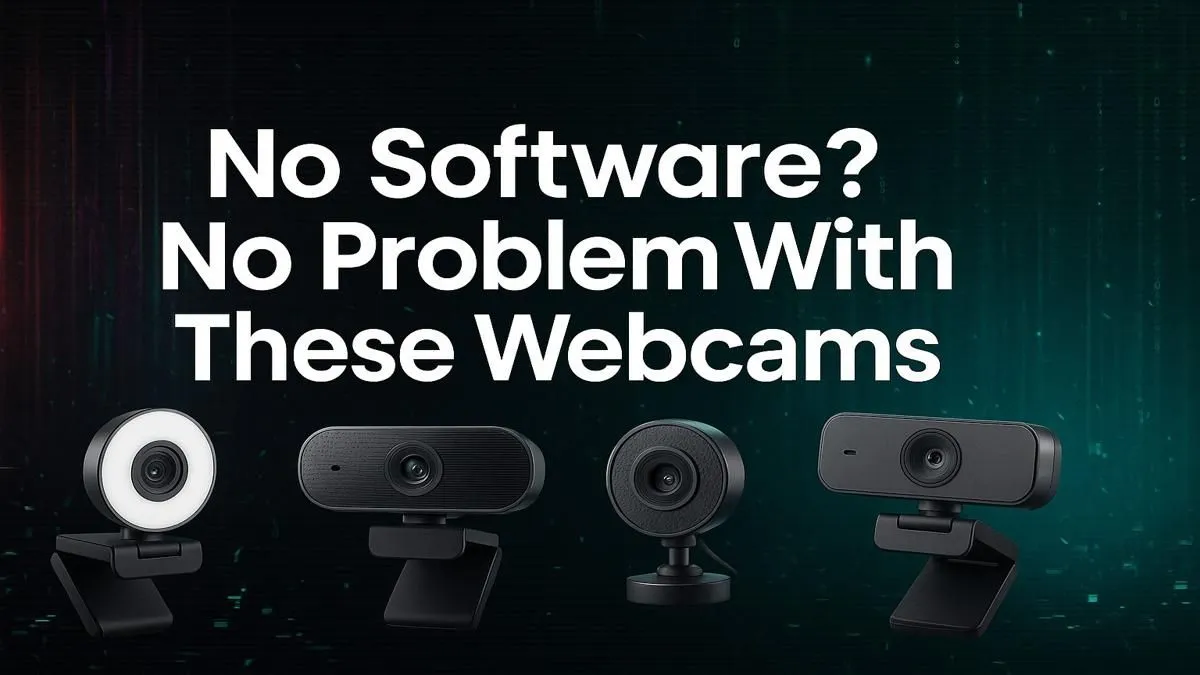
Tired of wrestling with clunky software just to get your webcam running? We've all been there… you're ready to stream, join a Discord call, or nail a presentation, but first, you have to install some random, resource-hogging app. What if you could just plug it in and have it work instantly? For South African gamers and creators, finding the best webcams without software isn't just about convenience; it's about reclaiming your PC's performance.
The secret behind a truly plug-and-play experience is a standard called UVC, or USB Video Class. It's a built-in driver protocol that allows devices like webcams to work with your PC right out of the box, no installation required. Choosing a webcam that doesn't need software means you get a faster, cleaner, and more reliable setup every time.
These webcams offer a few key advantages:
Even on a tight budget, you can find excellent plug-and-play models. There are many fantastic webcams available for under R1000 that deliver crisp video without the fuss.
When you're shopping for webcams without software, you're free to focus on the hardware specs that actually impact your video quality. Instead of getting distracted by software gimmicks, look for these core features.
For most streamers and professionals, 1080p (Full HD) is the gold standard. It provides a sharp, clear image. Pay close attention to the frame rate:
A good sensor makes all the difference, especially in typical South African room lighting. Look for models praised for their low-light performance. A quality glass lens will also produce a sharper, more vibrant image than a cheaper plastic one. You can often find a great balance of features if you explore options under the R2000 mark, which is where many high-performance streaming cams sit.
Once your new webcam is plugged in, just open OBS and add a 'Video Capture Device' source. You can apply filters like colour correction, sharpening, and LUTs directly inside OBS, giving you pro-level control without any extra software.
Not all software-free webcams are created equal. Your budget will generally determine the level of quality you can expect.
Ultimately, the best webcam for easy streaming is one that gets out of your way and lets you create. By choosing a UVC-compliant, software-free model, you're investing in performance and peace of mind. ✨
Ready for Effortless Streaming? Stop wrestling with drivers and start creating content. Browse our full range of plug-and-play webcams at Evetech to find the perfect fit for your setup and budget today.
Check our top picks for software-free webcams with instant browser compatibility.
No, many webcams plug in and work instantly without extra software.
Find browser-compatible webcams that don't require installation for streaming.
Look for plug-and-play webcams that work straight out the box with no setup.
Absolutely—use webcams designed for direct browser access without downloads.
Find webcams perfect for Twitch streaming without the need for software setup.
Select webcams built for use in browsers, ensuring instant streaming without apps.
RTX 4060 Ti Throttling Under Load: Temperature. Everything you need to know with SA pricing, step-by-step instructions & expert recommendations.
Read more
Apex Legends Max Settings on RTX 4080. Tested & verified settings for best FPS and visual quality on SA hardware budgets.
Read more
GPU Buying Guide. Everything you need to know with SA pricing, step-by-step instructions & expert recommendations.
Read more
GPU Terms Guide. Everything you need to know with SA pricing, step-by-step instructions & expert recommendations.
Read more
AMD Adrenalin Download & Setup Guide: GPU. Clear setup instructions with SA-specific considerations, troubleshooting tips & recommended components.
Read more
Back-to-School GPU Buying Guide. Everything you need to know with SA pricing, step-by-step instructions & expert recommendations.
Read more
Snapdragon X2 NPU Explained: How 80 TOPS Changes. Plain-English explanation of what it means, why it matters & how it affects your buying decisions in SA.

HBM? High Bandwidth Memory Used in GPUs and AI. Plain-English explanation of what it means, why it matters & how it affects your buying decisions in SA.

How much should you spend on sim racing accessories in South Africa for a realistic setup? We break down budgets by quality tiers, so you buy smart gear and avoid overspending 🎮💸

G-Sync and FreeSync? Variable Refresh Rate. Plain-English explanation of what it means, why it matters & how it affects your buying decisions in SA.

AMD Laptop: Value. SA-focused analysis with local pricing data, real-world insights & actionable buying advice.

How MacBook Neo Handles 30+ Chrome Tabs with Only. SA-focused analysis with local pricing data, real-world insights & actionable buying advice.

Why Apple Put 8GB RAM in MacBook Neo: The A18 Pro. SA-focused analysis with local pricing data, real-world insights & actionable buying advice.

Upgrade your work laptop with a New Motherboard. Step-by-step instructions with SA-specific tips, common pitfalls to avoid & expert recommendations.

Maintain wired headset — Checklist: • inspect cables • clean earpads • store properly 🔧🎧 Practical steps to preserve sound quality and avoid premature replacements.

Fix crackling headset fast: step-by-step checks for cables, connectors, drivers, and settings to remove static or distorted audio on wired headsets 🎧⚙️

Stereo vs mono headsets: learn which delivers clearer calls, better spatial music, or simpler mono voice performance — pick the right headset for meetings, music, or gaming 🎧💬

- Compare gaming headset vs studio headphones; - Assess comfort, mic and sound; - Recommend best daily picks. Gaming headset vs studio headphones: learn which suits work, music and casual gaming. 🎧⚖️