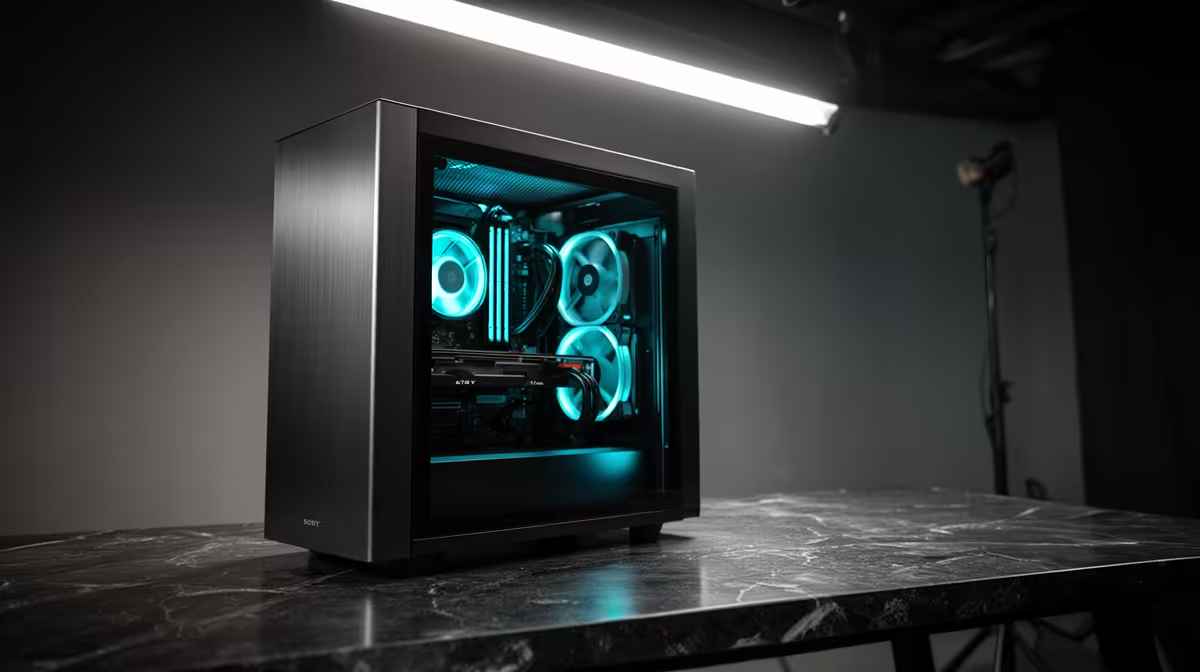
Bringing AI image and video generation in-house only pays off if one machine can carry both jobs without you swapping hardware between tasks. For a small studio running local AI image and video generation, the deciding factor is GPU memory, and the RTX 5090's 32GB of GDDR7 is the realistic single-card ceiling for handling demanding Flux image work alongside the lighter end of local video on the same rig.
Quick Answer
A small studio doing both AI image and video generation should build around an RTX 5090 with 32GB of GDDR7, paired with at least 64GB of system RAM and fast NVMe storage. That 32GB comfortably covers Flux image generation and LoRA training, and handles shorter local video clips, though the heaviest video models still sit beyond a single consumer card.
Why GPU memory is the whole decision
Local generative AI lives or dies on VRAM. The model weights, the working image or video frames and the supporting encoders all have to fit in graphics memory, and once you run out, the workflow either fails or crawls. For a studio, that translates directly into whether a job runs in-house or gets bounced to the cloud.
The RTX 5090's 32GB of GDDR7 is what makes it the practical choice for a one-machine studio. It gives Flux room to generate at standard and high resolutions, train LoRAs, and run real workflows without the memory pressure that smaller cards hit constantly. ComfyUI has become the standard interface for this kind of work in 2026, and it scales naturally with the memory the 5090 provides.
What the RTX 5090 handles well
Image generation and training
For image work, 32GB is genuinely comfortable. Flux generation at standard and high resolutions, LoRA training and typical production workflows all sit within budget, which covers the bulk of what an image-focused studio does day to day. For most teams generating images and training LoRAs, rather than running heavy multi-ControlNet stacks or full fine-tuning, the 5090 is enough card.
Where local video draws the line
Video is where you need clear expectations. Short-clip models and lighter video workflows run on the 5090, but the most demanding current video models want far more memory than any single consumer GPU offers, so they remain a cloud or multi-GPU job for now. The honest framing for a studio is that the 5090 brings image work and lighter video fully in-house, while the heaviest video still benefits from offloading. That is a strong position, not a compromise, for a small team finding its footing with local generation.
Building the rest of the machine
The GPU is the headline, but a workstation that throttles around it wastes the investment. Pair the 5090 with 64GB of system RAM so the model can offload to memory when a workflow runs large, and a quick NVMe drive since model files and outputs are big and you read and write them constantly. The 5090 draws up to 575 watts under sustained AI load and dumps a serious amount of heat, which means a quality PSU rated at 1,000 to 1,200 watts and a case with genuine airflow capacity -- not just a large fan -- are part of the spec, not afterthoughts. The full AI workstation range is built around exactly this balance of memory, cooling and power. If you want to confirm which 5090 cards are actually shipping and where pricing sits, the GPU best sellers are the quickest read on current stock.
The LTX-2 Opportunity
For studios that need audio-visual output rather than silent clips, LTX-2 from Lightricks (January 2026) introduced synchronised audio and video generation from a 19-billion-parameter model running through ComfyUI. It targets native 4K at 50 FPS in its full configuration, though practical local runs use lower resolutions and quantised weights on a 32GB card. This is the kind of emerging workload the 5090 is positioned for: technically demanding, increasingly accessible on the right hardware, and not yet viable on a 24GB card at useful quality.
ComfyUI as the Studio Standard
ComfyUI has become the de facto workflow environment for this class of machine in 2026. Its node-based interface scales naturally from simple Flux image generation to complex multi-model pipelines, and the community ships new nodes rapidly as models evolve. For a small studio, the practical benefit is that a single ComfyUI install covers image generation, LoRA training, video clip generation, and upscaling pipelines, all from the same interface and the same GPU. The 5090's 32GB means you are not constantly swapping models in and out of VRAM to keep individual tasks from failing. That continuity - from concept image to video clip without restarting the workflow - is where the investment in 32GB pays off most visibly.
Storage and Thermal Planning for Sustained Loads
A studio machine runs for extended sessions. Flux training, overnight video batch jobs, and long image generation queues keep the GPU at high load for hours. The RTX 5090 draws up to 575 watts under that kind of sustained use, and a Ryzen 9 or Core Ultra CPU alongside it pushes total system draw well past 800 watts. That is the real argument for a 1,200-watt PSU rather than the minimum a component calculator suggests: headroom under load extends PSU lifespan and prevents throttling on long runs. Thermal management follows the same logic: a case with front-to-back airflow that exhausts hot air cleanly matters more here than it does in a gaming build that only peaks briefly.
Frequently Asked Questions
Can the RTX 5090 handle local AI video generation?
It handles shorter clips and lighter video workflows well. The most demanding current video models require far more VRAM than 32GB, so those remain a cloud or multi-GPU job, but image work and lighter video run comfortably in-house on a single 5090.
How much system RAM does a studio AI workstation need?
Target at least 64GB. Many ComfyUI and Flux workflows offload parts of the job to system memory when the GPU fills up, and large models plus working files eat RAM quickly, so 64GB gives you headroom that 32GB does not.
Is 32GB of VRAM enough for Flux image generation?
Yes. The RTX 5090's 32GB covers Flux generation at standard and high resolutions plus LoRA training comfortably, which suits the majority of image-focused studio work. You only hit the ceiling with very heavy multi-ControlNet stacks or full model fine-tuning.
What software runs this kind of workflow?
ComfyUI is the standard interface for Flux and local generation in 2026, with a node-based workflow that scales to the memory your card provides. It is the default starting point for a studio building local image and video pipelines.
Bring your image and video generation in-house on hardware built for sustained AI load. Explore the AI workstation range at Evetech and spec a 5090-class machine around your studio's workflow.