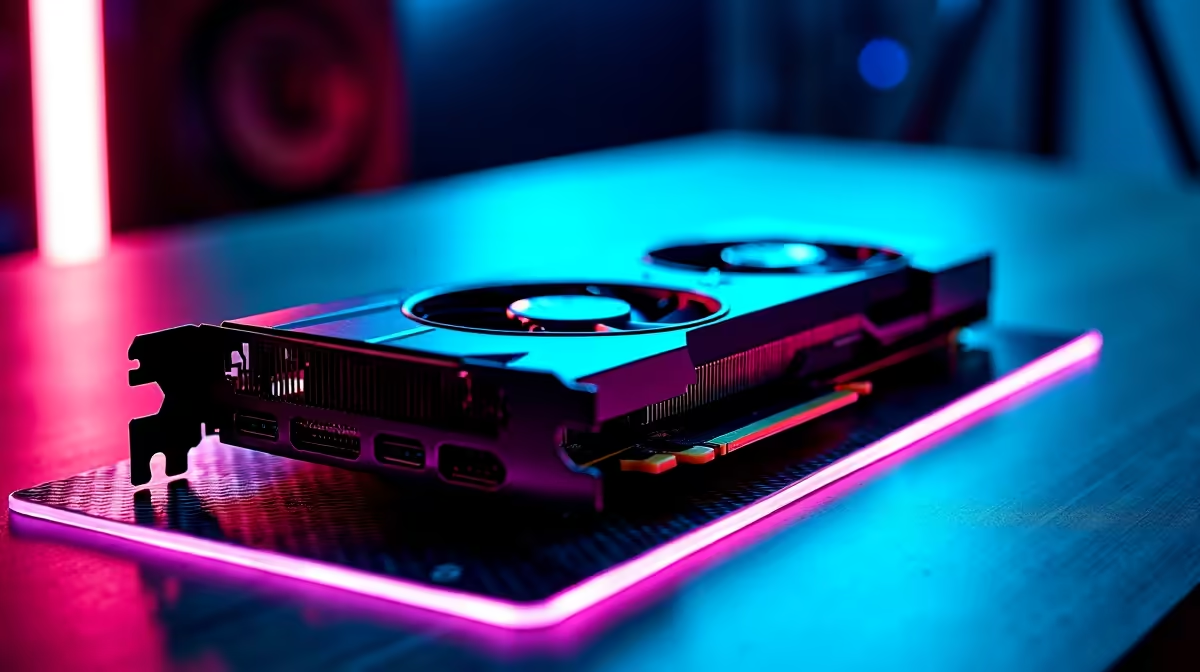
For local AI workloads, the RTX 4070 Ti Super is decent but VRAM-limited; better-value alternatives give more memory for running models on your own machine in SA. The priority shifts from gaming frames to VRAM capacity.
Quick Answer
For local AI on a budget, the RTX 4060 Ti 16GB or RX 7900 XT (20GB) beat the 4070 Ti Super's 16GB for memory-hungry models, at roughly R8,000 to R18,000. More VRAM lets you run larger language and image models locally without offloading.
Why VRAM rules local AI
Running language and image models locally is gated by VRAM, not gaming speed. A card with 16GB to 24GB holds bigger models entirely in memory, avoiding slow system-RAM offload. That matters far more than raw gaming frame rates here. Pair the AI GPU with 32GB or more of system RAM and a fast NVMe so model loading stays quick.
Better-value AI picks
The RTX 4060 Ti 16GB offers CUDA support and ample VRAM cheaply, ideal for Stable Diffusion and smaller LLMs. The RX 7900 XT brings 20GB for larger models, though CUDA-only tools favour Nvidia, so weigh your software stack.
Software and system balance
For most local AI tools, CUDA support makes Nvidia smoother; check your framework before choosing AMD. Pair the GPU with 32GB or more system RAM and a fast NVMe so model loading and data handling stay quick.
FAQ
What GPU spec matters most for local AI?
VRAM capacity. A 16GB-plus card runs larger models without slow offload, which matters far more than gaming frame rates for AI work.
Is the RTX 4060 Ti 16GB good for AI?
Yes, its 16GB and CUDA support handle Stable Diffusion and smaller LLMs well for the money. It is strong value for entry local AI.
Should I pick Nvidia or AMD for AI?
Most local AI tools favour CUDA, so Nvidia is smoother. Choose AMD only if your specific framework supports ROCm well for your tasks.
Build a local AI rig with the VRAM that matters.
Pick a 4060 Ti 16GB or 7900 XT and pair it with 32GB-plus RAM for smooth model runs.