


Maintain Wired Headset: Tips to Extend Lifespan
Maintain wired headset — Checklist: • inspect cables • clean earpads • store properly 🔧🎧 Practical steps to preserve sound quality and avoid premature replacements.
Read moreBluetooth 5.4 in modern laptops delivers faster, more reliable connections for your wireless peripherals. Discover why this tech is a game-changer for South African users looking for stable, low-latency performance in their daily workflow. 🚀💻
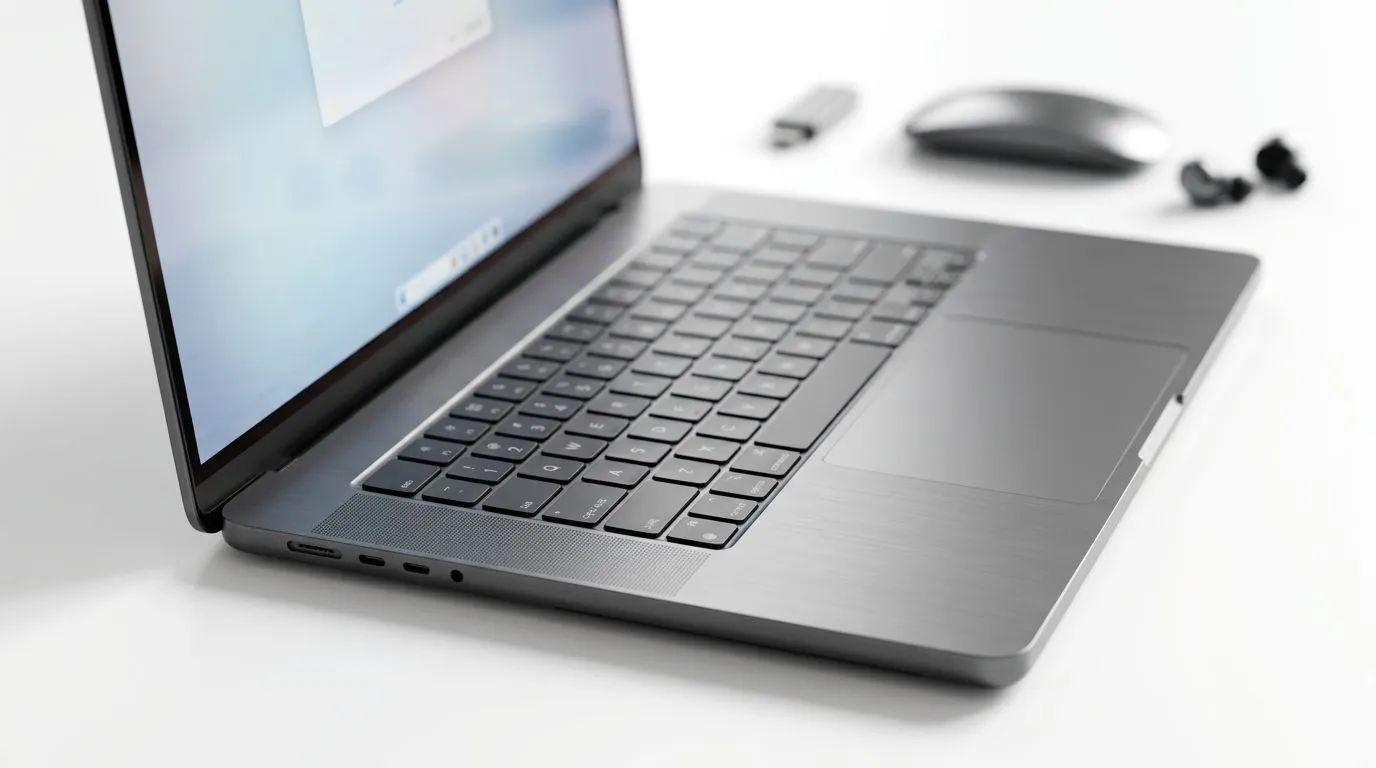
If your mouse stutters, your headset cuts out, or your controller feels “almost” responsive… it’s often not the game. It can be your wireless setup. In a South African living room with Wi‑Fi bouncing off walls, Bluetooth reliability matters more than most people think.
That’s why Bluetooth 5.4 Laptops: Why It Matters for Your Wireless Setup is worth your attention before you drop cash. Bluetooth updates can mean smoother connections, better coexistence with Wi‑Fi, and fewer annoying dropouts when you’re gaming, streaming, or working late.
Let’s break down what to look for, how it impacts real use, and how to choose a laptop you won’t regret. 🔧
Bluetooth versions don’t just add “new features”… they improve how devices share radio time and stay stable in busy environments. In practical terms, you’re looking for:
Important note: exact gains depend on the laptop’s Bluetooth chipset and driver quality. Bluetooth 5.4 on paper is not the same as Bluetooth that performs well out-of-the-box.
So instead of guessing, you should verify the laptop’s platform and model, then shop confidently from a retailer that lists clear specs and supports local buyers.
Before you chase Bluetooth 5.4 specifically, do this quick sanity check. It helps you avoid the classic scenario… you buy a laptop with good specs, but your headset still behaves badly.
If a listing doesn’t clearly state Bluetooth version or gives only vague details, it’s a gamble. Look for concrete spec lines when comparing options.
On Windows, Bluetooth performance is strongly influenced by drivers. Laptops that get regular updates typically feel more stable over time.
Even if Bluetooth improves, a congested 2.4 GHz environment can cause connection weirdness for both Bluetooth and Wi‑Fi devices. If you can, use a dual-band setup and keep important devices on the cleaner band.
On Windows, use PowerToys FancyZones to create custom snap layouts so your chat, game launchers, and headset controls stay organised. Fewer desktop “tabbing missions” means you reconnect to your audio device faster and reduce the chance you’ll start a match with the wrong output device.
Now, let’s tie this directly into your shopping decision… because the best wireless setup still starts with the right laptop.
Here’s what typically fixes most “my Bluetooth is unreliable” complaints in South African homes.
If you’re switching between devices daily, disconnect and reconnect in a consistent order. It reduces “ghost connections” that cause stutters.
In Windows, aggressive power saving can throttle radios. If your laptop is on battery, test whether audio or controller latency gets worse. If it does, adjust the plan to “Balanced” for stability.
Concrete walls and metal furniture are real. Bluetooth is short-range. If you sit far away, even good Bluetooth 5.4 hardware may struggle.
Don’t test once in an empty room and assume it will work during load shedding-era power fluctuations, router congestion, and family Wi‑Fi streaming. Test during peak “real life” conditions.
If you’re ready to buy, pair these setup tips with solid hardware. And yes, that’s where Evetech deals can help a lot.
Wireless performance improves when your laptop platform is strong overall: stable thermals, solid drivers, and good CPU headroom for your games. That means your laptop can actually handle what you throw at it… without system hiccups that feel like “wireless lag”.
If you’re shopping right now, here are great starting points across different budgets and performance tiers:
When you buy from a place that focuses on current South African stock and clear categories, you reduce the guesswork. And fewer surprises means you spend more time playing and less time troubleshooting audio dropouts.
Ready to Find Your Perfect Match? The Mac vs Windows debate is complex, but for maximum power, choice, and value in South Africa, Windows is hard to beat. Explore our massive range of laptop specials and find the perfect machine to conquer your world.
Bluetooth 5.4 offers improved connection reliability, increased security with periodic advertising, and better power efficiency for your wireless peripherals.
While older versions work, Bluetooth 5.4 ensures a more stable connection with lower latency, reducing the chance of input lag during intense work or gaming.
Yes, Bluetooth 5.4 is backward compatible, meaning your older wireless peripherals will still connect to a new laptop, though you won't get the latest speed benefits.
Yes, it features enhanced power management protocols that help your laptop and connected wireless devices consume less energy while remaining paired.
Generally, Bluetooth is integrated into the Wi-Fi card. You can upgrade it by replacing the internal M.2 module if your laptop model supports it.
In busy environments with many wireless signals, Bluetooth 5.4 uses better frequency hopping to maintain a stable connection for your mouse and keyboard.
Maintain wired headset — Checklist: • inspect cables • clean earpads • store properly 🔧🎧 Practical steps to preserve sound quality and avoid premature replacements.
Read more
Fix crackling headset fast: step-by-step checks for cables, connectors, drivers, and settings to remove static or distorted audio on wired headsets 🎧⚙️
Read more
Stereo vs mono headsets: learn which delivers clearer calls, better spatial music, or simpler mono voice performance — pick the right headset for meetings, music, or gaming 🎧💬
Read more
- Compare gaming headset vs studio headphones; - Assess comfort, mic and sound; - Recommend best daily picks. Gaming headset vs studio headphones: learn which suits work, music and casual gaming. 🎧⚖️
Read more
- Check pressure points - Compare earcup materials - Adjust clamp and fit Best gaming headsets for glasses: quick guide to reduce temple pressure, pick breathable memory foam earcups, and optimize fit for long sessions 🕹️👓
Read more
Gaming microphone noise reduction: Use beamforming mics, AI noise suppression, and hardware filters to cut background noise and boost in-game voice clarity. 🎧⚙️ Learn setups, settings, and top mic features.
Read more
Snapdragon X2 NPU Explained: How 80 TOPS Changes. Plain-English explanation of what it means, why it matters & how it affects your buying decisions in SA.

HBM? High Bandwidth Memory Used in GPUs and AI. Plain-English explanation of what it means, why it matters & how it affects your buying decisions in SA.

How much should you spend on sim racing accessories in South Africa for a realistic setup? We break down budgets by quality tiers, so you buy smart gear and avoid overspending 🎮💸

G-Sync and FreeSync? Variable Refresh Rate. Plain-English explanation of what it means, why it matters & how it affects your buying decisions in SA.

AMD Laptop: Value. SA-focused analysis with local pricing data, real-world insights & actionable buying advice.

How MacBook Neo Handles 30+ Chrome Tabs with Only. SA-focused analysis with local pricing data, real-world insights & actionable buying advice.

Why Apple Put 8GB RAM in MacBook Neo: The A18 Pro. SA-focused analysis with local pricing data, real-world insights & actionable buying advice.

Upgrade your work laptop with a New Motherboard. Step-by-step instructions with SA-specific tips, common pitfalls to avoid & expert recommendations.
Maintain wired headset — Checklist: • inspect cables • clean earpads • store properly 🔧🎧 Practical steps to preserve sound quality and avoid premature replacements.
Fix crackling headset fast: step-by-step checks for cables, connectors, drivers, and settings to remove static or distorted audio on wired headsets 🎧⚙️
Stereo vs mono headsets: learn which delivers clearer calls, better spatial music, or simpler mono voice performance — pick the right headset for meetings, music, or gaming 🎧💬
- Compare gaming headset vs studio headphones; - Assess comfort, mic and sound; - Recommend best daily picks. Gaming headset vs studio headphones: learn which suits work, music and casual gaming. 🎧⚖️