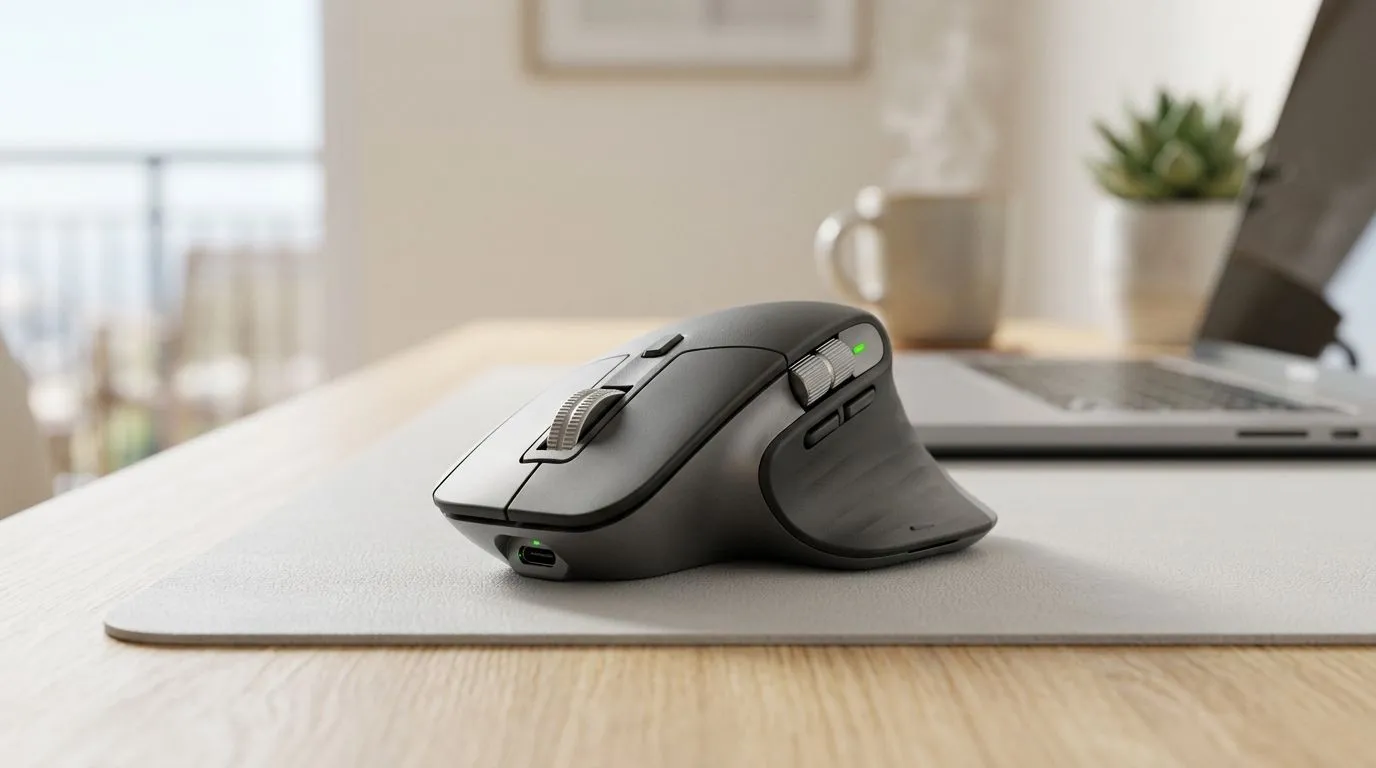
Are Bluetooth Mice Reliable in South Africa Offices and Homes?
Are Bluetooth Mice Reliable in South Africa Offices and Homes? The real-world answer
If you’re working from home (or hitting the office between shifts), the last thing you need is a pointer that lags, disconnects, or randomly goes dead mid-task. Then add load shedding, Wi‑Fi congestion, and thick walls in many SA homes… and suddenly “wireless” feels like a gamble.
So, are Bluetooth mice reliable in South Africa offices and homes? Usually yes… but only when the setup matches the mouse’s design. Let’s break down what matters, what to avoid, and which alternatives make more sense for gaming and productivity. 🎮✨
What makes Bluetooth mice work (or wobble) in SA spaces?
Bluetooth performance depends on a few boring-but-important factors:
- Bluetooth version and stability: Newer Bluetooth stacks handle connections more cleanly.
- Device pairing habits: Re-pairing too often can cause brief reconnect loops.
- Radio noise: Packed office Wi‑Fi and nearby devices can make things feel less smooth.
- Battery health: Low battery increases latency and dropouts.
- Distance and barriers: Bluetooth works best within a few metres, with line-of-sight helping.
For most office setups and home desktops/laptops, Bluetooth mice are fine for everyday work. For gaming, especially fast FPS flicks, you’ll often notice the extra “feel” compared with stronger wireless methods.
Bluetooth vs wired vs other options you can buy today (with the right goal in mind)
If your priority is steady tracking and zero dropouts, consider wired. If you want mobility but less fuss than Bluetooth, many people prefer a 2.4GHz wireless dongle setup.
Here’s a quick way to choose:
- Need maximum consistency for long sessions? Wired mouse.
- Want simple wireless for work and browsing? Bluetooth mouse can be reliable.
- Gaming or competitive aim? Look at low-latency wireless options.
You can browse relevant Evetech categories here:
Setup checklist: make Bluetooth mice more reliable 🔧
Before you blame the mouse, tighten your setup. Most dropouts are avoidable.
- Keep the receiver area clear (if your device also has a wireless dongle nearby, move it away).
- Disable aggressive power saving for the Bluetooth adapter in your OS power settings.
- Update Bluetooth drivers from your laptop/PC manufacturer site.
- Test at normal working distance (not across the whole room for the “worst-case” test).
- Use fresh batteries or a fully charged mouse.
Productivity Pro Tip ⚡
On Windows, go to Settings > Bluetooth & devices and remove the mouse, then re-pair it. This clears stale connection records that can cause brief reconnect pauses during meetings or while editing documents.
Gaming reality check: why Bluetooth sometimes disappoints
In competitive gaming, “almost smooth” is still frustrating. A tiny spike in latency can affect micro-adjustments, especially when you’re tracking targets quickly.
If you mainly game at a desk, you may want to prioritise stability over convenience. That’s why many players end up using a wired mouse or a dedicated wireless dongle. For a broader look at gaming-focused hardware, explore gaming mouse options and match specs to the games you play.
So, are Bluetooth mice reliable in SA offices and homes? ✅
Yes, they can be very reliable for everyday office work and home use, especially on laptops and desktops with solid Bluetooth support and good battery health. But if you need consistent, contest-ready performance, wired or purpose-built low-latency wireless often wins.
If you want fewer surprises, choose based on your real use: documents and emails… or competitive aim. 🚀
Ready to Find Your Perfect Match?
Bluetooth can be great for work, but your best experience depends on the mouse type and your setup. For maximum power, choice, and value in South Africa, check what fits your workflow. Explore our massive range of laptop specials and pair it with the right mouse for your day.