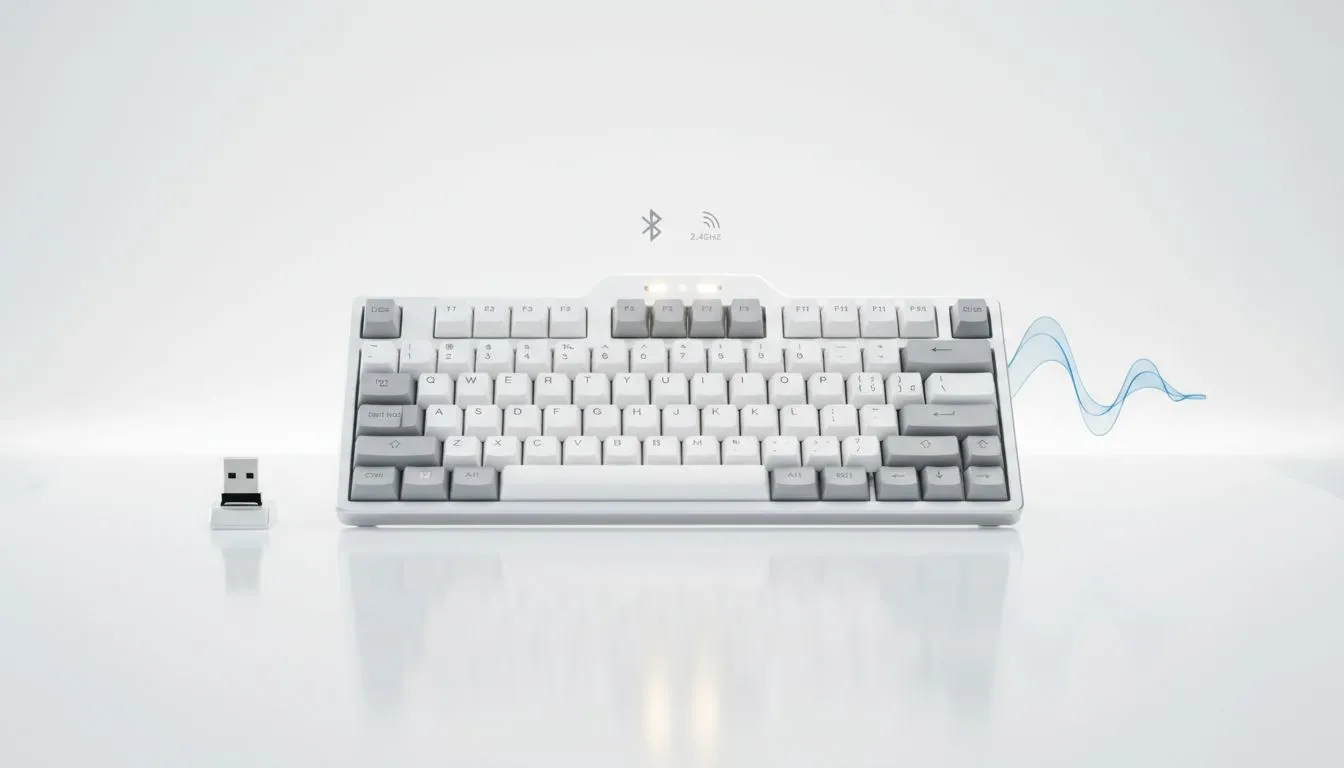
Setting up a productive workspace in South Africa often starts with clearing the clutter. With more of us working from home, the "Bluetooth vs 2.4GHz Keyboards" debate is more relevant than ever. You need a connection that stays stable during a frantic Zoom call or a late-night gaming session. Let's break down which wireless technology actually deserves a spot on your desk. 🚀
Understanding Bluetooth Connectivity for Versatility
Bluetooth is the king of convenience. It doesn't require a USB dongle... which is great if you are using a modern laptop with limited ports. Most wireless keyboards today allow you to pair with up to three devices simultaneously.
You can switch from your PC to your tablet with a simple key combo. It is the ideal choice for general office work where millisecond-perfect response times aren't the top priority. If your day involves typing emails and navigating spreadsheets, the power-saving nature of Bluetooth will keep you going for months.
Why 2.4GHz is the Reliable Choice for SA Home Offices
If you hate lag, 2.4GHz is your best friend. This technology uses a dedicated USB receiver to provide a 1ms report rate. When looking for the cheapest gaming keyboard in South Africa that still offers pro-grade performance, you will notice 2.4GHz is the industry standard. ⚡
It is less prone to interference from other wireless signals in your home. This makes it incredibly reliable for both high-stakes spreadsheets and competitive gaming. You won't experience those annoying "ghost" keys or delayed inputs that sometimes plague Bluetooth connections in crowded signal environments.
Battery Life Hack ⚡
To extend your keyboard's battery life during long workdays, turn off the RGB lighting or set it to a low brightness level. Most wireless keyboards can last weeks longer on a single charge just by disabling the "rainbow wave" effect when you aren't gaming.
The Razer and Glorious Performance Factor
Brands like Razer have perfected wireless tech with their Hyperspeed technology. Choosing a Razer Gaming Keyboard ensures your wireless connection is as fast as a wired one.
If you prefer a more custom feel or a "thocky" typing sound, Glorious Keyboards offer fantastic options that combine enthusiast aesthetics with rock-solid 2.4GHz stability. These boards are built to last... perfect for the South African professional who demands quality.
Don't Forget the Wired Backup
Loadshedding is a reality we all face in SA. While wireless is great for aesthetics, keeping a wired keyboard nearby or using a wireless model in wired mode is smart. ✨
It ensures you never run out of battery during a critical work deadline or a power swap. Most high-end wireless boards now use USB-C for charging, making the transition seamless. You get the best of both worlds: a clean desk when you want it, and a guaranteed connection when you need it most.
Ready to Find Your Perfect Match?
The Bluetooth vs 2.4GHz debate comes down to your specific workflow, but whether you need speed or multi-device versatility, we have you covered. Explore our massive range of keyboard specials and find the perfect machine to conquer your home office.