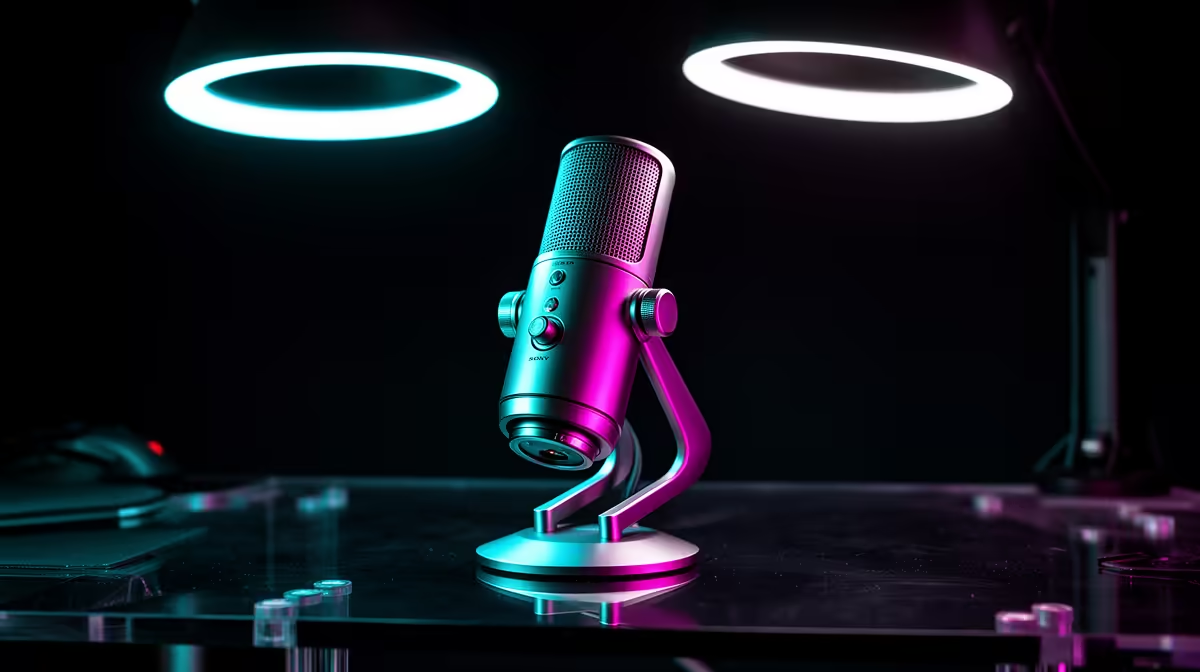
The webcam mic clipped into your monitor bezel and the USB condenser sitting 15 centimetres from your mouth are solving the same problem with very different tools. Built-in AI noise-cancelling webcam microphones have closed the gap enough to handle everyday calls, but the physics of distance still separate them from what a dedicated desktop mic delivers. Understanding where that gap matters, and where it genuinely does not, saves you money on gear you do not need or frustration with gear that will not do the job.
Quick Answer
For meetings and video calls, an AI-enabled webcam mic is close enough. For podcasting, voiceovers, or any recording you want to keep, a USB condenser at close range wins clearly. The difference comes down to distance: 50cm versus 15cm changes everything about how your voice is captured.
🎙️ How Webcam Microphones Actually Work
Most modern conferencing webcams use two or more small capsules arranged across the camera body, spaced to help the firmware identify where voices are coming from. The array helps the processing stage steer toward the speaker and reduce what arrives from other directions, which is more sophisticated than the single-capsule arrangements of older webcam designs.
The problem is placement. A webcam mounted on a monitor sits roughly 50 centimetres from your face. At that distance the capsule is picking up a voice that has already spread out, mixed with your room's early reflections, and lost some of its direct, close-proximity warmth. The AI processing on the chip compensates by modelling the noise floor, separating steady background sounds like a PC fan or air conditioning from the voice signal, and suppressing the former.
For a Microsoft Teams or Google Meet call, that processing works well enough that the person on the other end typically cannot tell the difference from a modest desktop microphone. The artefacts of the processing -- the faint, pumping quality you hear when noise suppression works hard -- are usually less noticeable than raw room noise would be without it.
Where the Processing Has Limits
AI noise cancelling built into webcams is trained primarily on stationary background noise: fans, HVAC, traffic through a window. It handles those well. Where it starts to struggle is variable, loud, or near-source noise -- a second person talking off-camera, a dog barking, a door slamming. The model has less headroom to separate those transients from voice because they share too many spectral features.
Rooms with hard floors, common in Cape Town and Joburg apartments, also present a challenge. Early reflections arrive within milliseconds of the direct voice, and the cancelling algorithm often cannot distinguish a reflection from a secondary speaker. A dedicated microphone placed close to your mouth sidesteps this problem because it captures the direct sound at overwhelming volume relative to any reflection.
🔧 What a Standalone Desktop Microphone Brings
A USB condenser positioned 15 to 20 centimetres from your lips operates in a different regime entirely. At that range the direct sound arriving at the capsule is far louder than anything the room contributes. You do not need aggressive software processing to clean the signal because the signal starts clean -- or at least, far cleaner than what a 50-centimetre capture can achieve.
The practical result is a fuller, more present vocal tone. The proximity effect of a cardioid capsule at close range adds a gentle bass weight that makes voices sound warmer on a recording, which is why podcasts sound different from Zoom calls even when the production values are otherwise similar. That character is not something post-processing adds; it is a natural consequence of close-microphone physics.
Desktop mics also offer gain control, headphone monitoring, and polar pattern selection on higher-end models. For a podcaster doing a remote interview, being able to hear yourself and your guest in real time through the mic's headphone jack is a meaningful workflow benefit that a webcam cannot replicate.
Pro Tip ⚡
If you are in a reflective room and cannot treat the walls, position a USB cardioid microphone on a short desk stand tilted slightly upward toward your mouth, rather than pointing straight at your face. This angle reduces the proximity of hard reflective surfaces behind you while keeping the capsule in the mic's optimal pickup zone.
The Noise Floor Question
The noise floor of a webcam microphone array -- the hiss present when nothing is being said -- is higher than that of a quality USB condenser. For voice calls, this rarely matters because the AI suppression gates out quiet passages. For a recording you intend to edit or publish, however, a high noise floor limits how much you can boost a quiet passage in post-production before the background hiss becomes audible.
A USB condenser at this price range, typically between R800 and R2,500 depending on the model, offers a noise floor low enough that quiet moments in a recording remain usable after editing.
💰 When the Webcam Mic Is the Right Answer
Not every use case demands a studio-quality capture. Remote work meetings, university seminars over video, and casual voice calls do not require the warmth and clarity of a close-miked condenser. For a student at a koshuis in Pretoria doing tutorials over video, or a professional taking five back-to-back Teams calls, the convenience of an all-in-one device that needs zero extra configuration is a real, practical advantage.
The AI processing on newer webcams has also genuinely improved. Models with dedicated on-chip suppression handle typical home-office noise -- keyboard clicks, cooling fans, light street traffic through a closed window -- well enough that remote participants are not distracted by background sound.
Desk space is also a factor. A dedicated microphone, a boom arm or desk stand, and a monitoring cable occupy real estate that not every setup can absorb. A single webcam on a monitor mount solves camera and audio in one device with one cable.
🎯 Making the Decision
The honest dividing line is what the audio is for. If it lives on a recording platform, a podcast feed, a YouTube voiceover, or any context where people will listen to it on their own time, the desktop microphone is the right tool. The closer capture distance and lower noise floor are audible differences in that context.
If the audio exists only as a live stream to another person on a call, and that person is listening on laptop speakers or earbuds in a noisy environment of their own, the gap between a good webcam mic with AI processing and a USB condenser narrows considerably. The call recipient is unlikely to notice, and the webcam wins on simplicity.
For content creators, podcasters, and anyone who records and edits audio, the desktop microphone is not a luxury -- it is the appropriate tool for the task.
Frequently Asked Questions
How much better does a desktop microphone actually sound compared to a webcam?
On a direct A/B comparison, most listeners pick the desktop mic as warmer and clearer, particularly on voices with lower fundamental frequencies. The gap is largest in recordings played back on quality speakers or headphones. On a voice call heard through built-in laptop speakers, the difference is far smaller and often inaudible to the recipient.
Does the AI noise cancelling on a webcam work in a noisy Cape Town flat?
It handles constant background noise like traffic through a closed window or a running fan reasonably well. Very loud or variable noise -- construction outside, a flatmate talking nearby -- overwhelms the processing more quickly. For those environments, a directional desktop microphone placed close to your mouth will capture cleaner audio than the webcam's array can manage at 50 centimetres.
Can I use both at once, webcam video and a separate desktop microphone?
Yes, and this is a practical setup many creators and professionals use. The webcam handles video and you simply select the USB condenser as the audio input device in your call software or recording application. Most operating systems allow this split without any additional configuration.
What is the price difference between a good webcam mic and a standalone USB condenser?
A webcam with quality AI audio sits around R1,500 to R3,500 for the full device. A standalone USB condenser that outperforms it on audio quality starts around R800 to R1,200 for a basic model, rising to R2,500 or more for a cardioid condenser with headphone monitoring and gain control. Adding a desk stand brings the total to around R1,200 to R2,800 depending on what you choose.
Do I need a boom arm with a desktop microphone to get the benefit of close capture?
A boom arm helps but is not mandatory. A short desk stand that positions the capsule 15 to 20 centimetres from your mouth delivers the same proximity benefit at lower cost and complexity. Boom arms add flexibility -- you can swing the mic out of frame when not recording -- but for a fixed desk setup, a compact stand achieves the acoustic goal.
Ready to hear the difference a proper microphone makes?
Browse the desktop microphone and streaming webcam ranges for South African creators and remote workers, and find the combination that matches how seriously you take your audio.