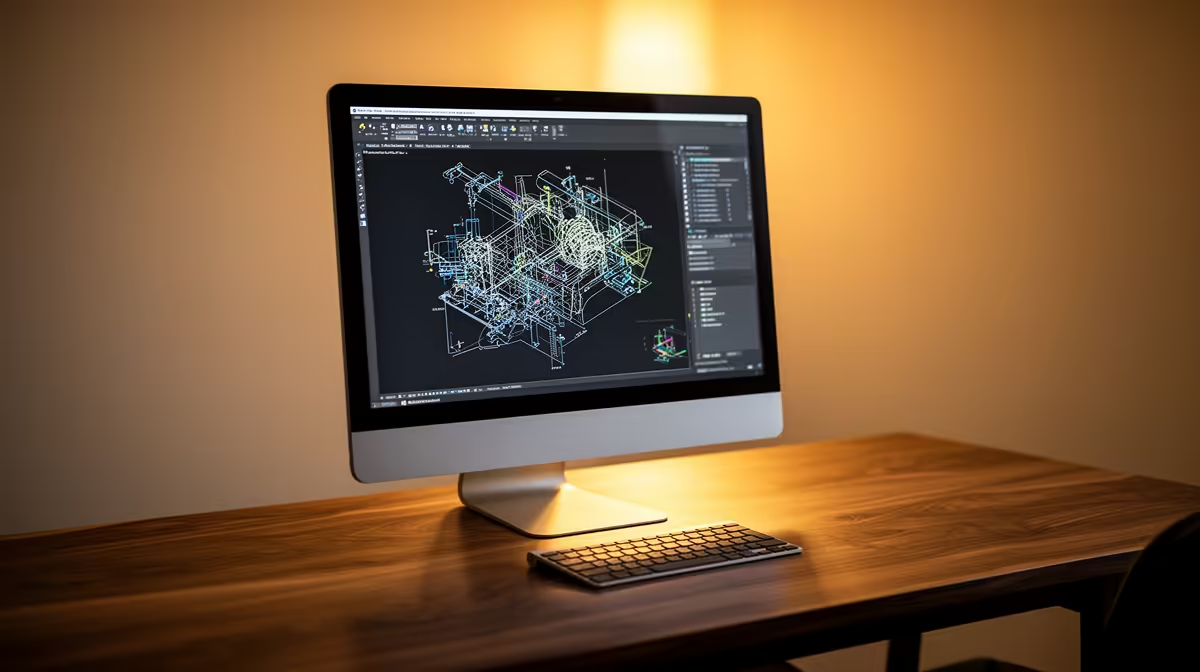
HP All-in-One 22 i3-N300 8GB/512GB 21.5in at R10,036 suits an engineering student who needs a fixed study screen, tidy storage, and a clean desk for notes, browser research, spreadsheets, and coursework. A business all-in-one pc is only overkill if the student already has a better display setup waiting; otherwise, the built-in 21.5in screen and 512GB storage make the daily desk easier to manage.
Best fit for an engineering student desk
The HP All-in-One 22 i3-N300 8GB/512GB 21.5in at R10,036 is the sensible first pick because it combines the screen and computer in one footprint. The 21.5in display is enough for lecture notes beside a browser tab, while the 512GB drive gives more breathing room for documents, PDFs, and saved project files than a tiny entry machine.
The Minisforum UM750L at R4,600 is the cheaper route when the desk already has a suitable screen space planned separately. It keeps the computer box small, which can help in a crowded student room, but the final setup still depends on how the screen, cables, and peripherals are arranged.
Res desk reality for engineering work
On a res desk, the HP All-in-One 22 i3-N300 8GB/512GB 21.5in at R10,036 reduces cable clutter and keeps the study area predictable. That matters when the same surface is used for textbooks, calculator work, lab write-ups, and late-night revision.
The GEEKOM A8 Max at R12,900 is the premium compact option for a student who wants a stronger small desktop base without committing to the HP 21.5in screen size. It makes more sense for a carefully planned creator or productivity corner than for someone trying to keep the first-year setup simple.
Ready to choose the right all-in-one pc?
Use HP All-in-One 22 i3-N300 8GB/512GB 21.5in at R10,036 as the student desk benchmark, then check whether its listed spec matches the space, workload, and upgrade path.