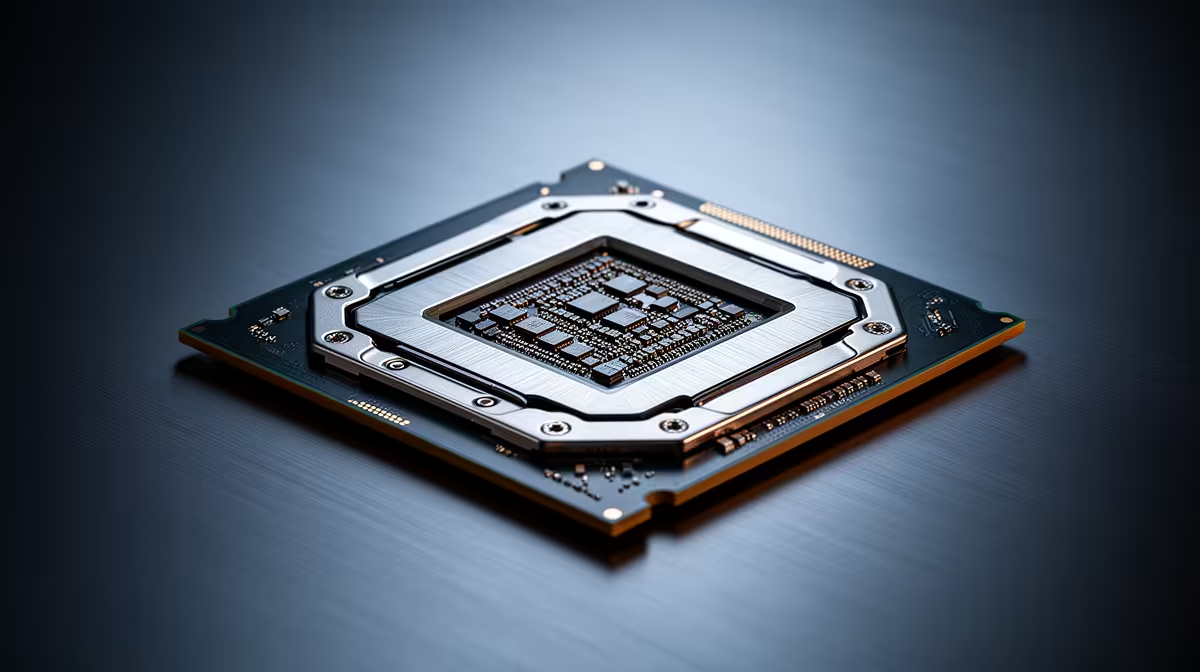
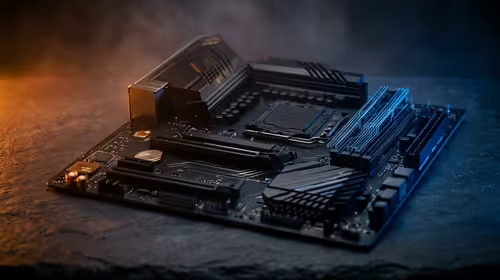
There is a question hanging over every Intel Arrow Lake build right now, and it is not about performance. It is about the socket. Buy an Arrow Lake CPU today on LGA1851 and you are buying into a platform with no future upgrade path, because Intel's next architecture, Nova Lake, moves to a brand new socket called LGA1954. That single fact reshapes how you should think about a purchase, so let us work through it properly before you commit money to a motherboard.
Quick Answer
Arrow Lake (Core Ultra 200 series) uses the LGA1851 socket, and the upcoming Nova Lake generation will use LGA1954, which is physically incompatible. There is no drop-in upgrade from one to the other, so an LGA1851 board will never accept a Nova Lake chip. If you need a system now, Arrow Lake is a strong, mature choice; if your whole reason to buy is "the newest socket so I can upgrade later," that argument does not hold, because the next CPU needs a new board anyway.
Understanding The Socket Wall
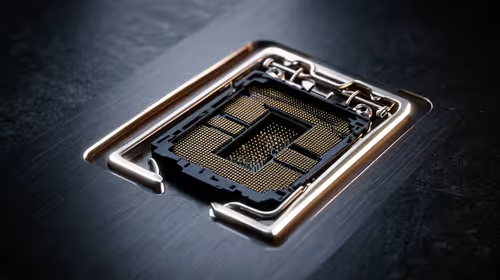
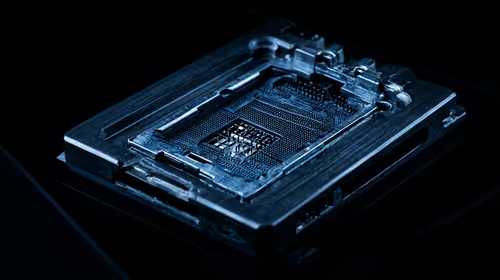
A CPU socket is the physical and electrical interface between the processor and the motherboard. The number after LGA refers to the count of contact pins. LGA1851 has 1,851 contacts; LGA1954 has 1,954. They are different shapes with different pin layouts and different power delivery requirements, so a Nova Lake chip simply will not seat in an Arrow Lake board, and no firmware update can change that.
This matters because Intel has historically given some sockets a two-generation life, letting buyers drop a newer chip into an existing board. Arrow Lake does not get that luxury. LGA1851 is, for practical purposes, a single-generation socket on the desktop, with Nova Lake arriving on its own platform.
Why the upgrade-path argument falls apart
The classic reason to wait for a new socket is to "future-proof" so you can swap in a faster CPU in two years without replacing the board. Here that logic collapses. Because Nova Lake needs LGA1954 regardless, an Arrow Lake board buys you no upgrade headroom toward the next generation. Whether you build now or wait, the jump to Nova Lake means a new motherboard either way.
The Case For Buying Arrow Lake Now
Arrow Lake is not a stopgap. The Core Ultra 200 series brought a genuinely new design with strong multi-threaded performance, improved efficiency and an on-package neural processing unit for local AI tasks. The platform is mature, the boards are widely available, and BIOS support has settled after the usual early teething. For gaming, content creation and general high-end use, it delivers today rather than promising tomorrow.
If you build now, you get a fully capable machine immediately, you sidestep the wait, and you avoid the early-adopter risk that always accompanies a fresh socket and chipset. You can compare the current line-up across the Intel processor range at Evetech to see where each Core Ultra tier sits.
Who should still consider waiting
Waiting makes sense in a narrow set of cases. If your current PC is comfortably handling everything you throw at it, there is no penalty in holding out to see what Nova Lake actually delivers on LGA1954 and how its pricing lands in Rand. Likewise, if you are the kind of builder who wants the absolute latest platform on principle and you can wait out the release window, then sitting tight is reasonable. For everyone with work to do or games to play right now, that patience earns you nothing concrete.
The Arrow Lake Refresh: One More Data Point
Intel did not sit still after the original Arrow Lake launch. The Core Ultra 200S Plus refresh arrived in early 2026, adding extra efficiency cores and delivering up to 15% better gaming performance than the original Arrow Lake parts. For SA buyers, this matters: if you are buying Arrow Lake now, you should be looking at the refreshed 200S Plus chips rather than the original 200S line, since the pricing is competitive and the performance uplift is real. That refresh also makes the current platform more attractive relative to the wait-for-Nova-Lake argument -- you are not buying the version that drew criticism at launch.
How To Decide
Frame the choice around timing and need rather than socket longevity, because the longevity angle is a wash. Ask three questions. Do you need a working high-end PC in the near term? If yes, Arrow Lake is ready. Are you replacing the whole platform regardless? Then there is no upgrade path to preserve by waiting. Is your current rig holding you back? If not, there is no harm in seeing how Nova Lake shakes out first.
For most people in the market today, the honest answer is to buy the Arrow Lake chip that fits your budget and build a balanced system around it, rather than freezing a purchase over a socket transition that costs you a new board no matter when you jump. When you are pricing a full system rather than just the chip, the PC best sellers show what complete builds South African buyers are favouring right now.
Frequently Asked Questions
Will an LGA1851 motherboard ever support Nova Lake?
No. Nova Lake uses the LGA1954 socket, which has a different pin count and layout. The chip physically cannot seat in an LGA1851 board, and no BIOS update can bridge that gap.
Is Arrow Lake still a good buy given the socket change?
Yes. Arrow Lake is a mature, high-performing platform that delivers now. The socket change only matters if your sole reason to buy was a future drop-in upgrade, which this generation does not offer anyway.
How many generations does LGA1851 support?
On the desktop it is effectively a single-generation socket for Arrow Lake, with the next architecture moving to LGA1954 rather than continuing on the same board.
Should I wait for Nova Lake instead?
Only if your current PC is keeping up and you are happy to wait out the release. If you need performance now, there is no upgrade-path benefit to waiting, so Arrow Lake makes more sense.
Does the new socket mean my RAM and other parts also change?
Memory standards and many components carry across, but a new socket means a new motherboard and potentially a new chipset, so plan the platform as a whole rather than assuming a partial swap.
Building now rather than waiting on a socket that needs a new board anyway? Compare the current chips and match one to your budget in the Intel CPU range at Evetech and get a capable system running today.