Quick Answer
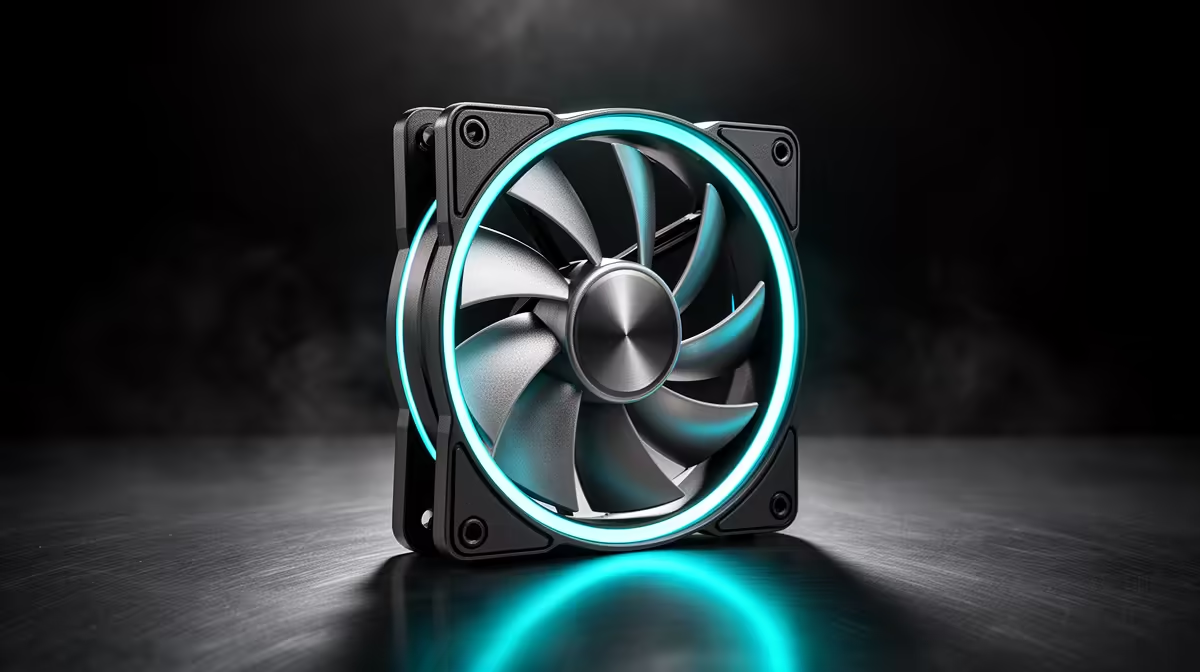
Buy decent fans now rather than upgrading later. Two Arctic P12 intakes plus a rear exhaust (around R450 total) hold temps steady through long a Python data-analysis workstation sessions, and quality fans outlast several GPUs. Replacing cheap fans piecemeal usually costs more over time.
Why Now Beats Later For Fans
Fans are one of the few parts where buying right once saves money. A good 120 mm fan lasts 5-7 years and carries across builds, so a R150-R250 fan today still serves your next platform. Cheap fans fail or get noisy within a year or two, and replacing them one at a time costs more than buying quality up front. For a workload that runs the PC hard for hours, steady cooling is worth the small premium now.
What A Data Workstation Needs
Long Python or data-analysis runs pin the CPU for minutes at a time, so you want fans that hold a steady, quiet airflow rather than spiking up and down. A flat curve near 1,000 RPM with one extra exhaust keeps package temps in check without the fans surging every time a job kicks off. Quiet, consistent cooling beats flashy fans here.
FAQ
Should I upgrade case fans before the GPU or CPU?
No. Fans are a small, cheap fix you do once. Sort cooling first if temps or noise are a problem, then spend the bigger budget on the GPU or CPU that actually drives performance.
How long do quality case fans last?
A good 120 mm fan lasts 5-7 years and moves between builds. That longevity is why buying quality now, around R150-R350 each or about R1,200 a five-pack, beats replacing cheap fans every couple of years.
Will new fans help a continuous workload?
Yes, mainly with consistency. They keep temps stable through hour-long encodes or data jobs so clocks do not throttle, and they keep noise low near a microphone or a quiet room.
flat fan curve near 1,000 RPM for steady workloads instead of an aggressive ramp. Continuous tasks dislike fans surging up and down, and a flat curve is quieter on a recording.