Quick Answer
For recording lectures, buy a mini PC now if a Ryzen 5 or Core i5 class model with 16GB RAM and a fast NVMe SSD fits your budget, since lecture capture and light editing need no powerful GPU. A capable mini PC runs R7,000 to R13,000; upgrade later only if you move to heavy 4K editing.
Buy Now For Capture And Light Editing
Recording and lightly editing lectures is a modest, CPU-bound task, so a mini PC suits it well. Buy now if you can get a Ryzen 5 or Core i5 class chip with 16GB RAM and a fast NVMe SSD, which handles screen capture, 1080p recording, and simple edits without strain. A mini PC at R7,000 to R13,000 covers this, and there is no GPU bottleneck to wait for. For a student or lecturer recording 1080p material, buying now is the sensible call.
A fast SSD matters here, since lecture recordings are large and benefit from quick read and write speeds.
When To Wait And Upgrade
Hold off and plan an upgrade only if you intend heavy 4K editing, multi-camera production, or running demanding software, where a mini PC's modest cooling and lack of a discrete GPU become a limit. In that case, a modest mini PC now for capture plus a tower later for editing is the better split. For straightforward lecture recording, though, a mid-range mini PC now does the job.
Spec Notes For Lecture Recording
Confirm the mini PC has the USB ports for your webcam and microphone, drives your monitor at the resolution you need, and stays quiet so fan noise does not leak into recordings. A near-silent unit drawing 30W to 90W pairs well with a small UPS for clean shutdowns during a power dip. Add ample storage, since 1080p lecture files accumulate quickly across a semester.
FAQ
Should I buy a mini PC now for recording lectures?
Buy now if you can get a Ryzen 5 or Core i5 class model with 16GB RAM and a fast SSD, since 1080p capture and light editing need no powerful GPU. A R7,000 to R13,000 mini PC covers it.
What specs does lecture recording need?
A mid-range CPU, 16GB RAM, a fast NVMe SSD, and enough USB ports for a webcam and microphone. Lecture capture and simple edits are CPU-bound, so no discrete GPU is required.
When should I upgrade instead of buying a mini PC?
Upgrade plans make sense only for heavy 4K editing or multi-camera production, where a mini PC's cooling and missing GPU limit you. For plain 1080p lecture recording, a mid-range mini PC is enough now.
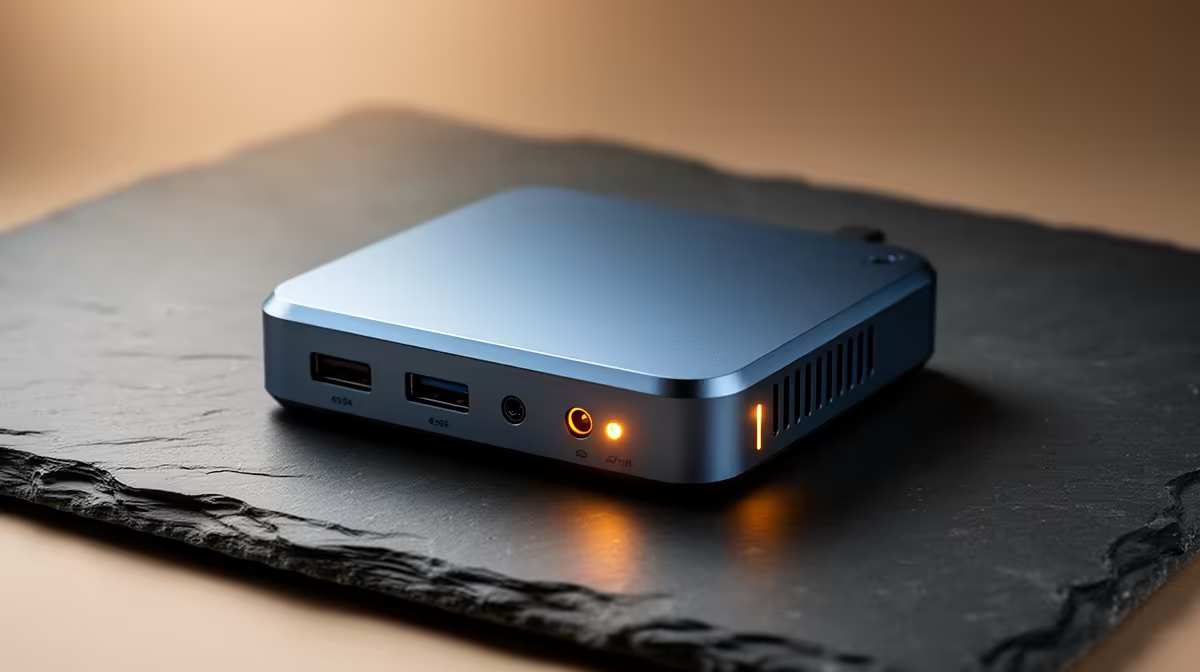
quiet mini PC with a fast SSD for lecture recording; fan noise leaks into recordings, and large 1080p files reward quick storage more than extra raw power.