Quick Answer
A sub-R3,000 CPU can work for shared gaming when paired with realistic settings and a sensible GPU. A good local shortlist should connect the part to the screen, workload, desk space, and warranty support. Keep the connected parts in view: screen, GPU, CPU, airflow, storage, desk space, and local warranty support.
What Matters Most
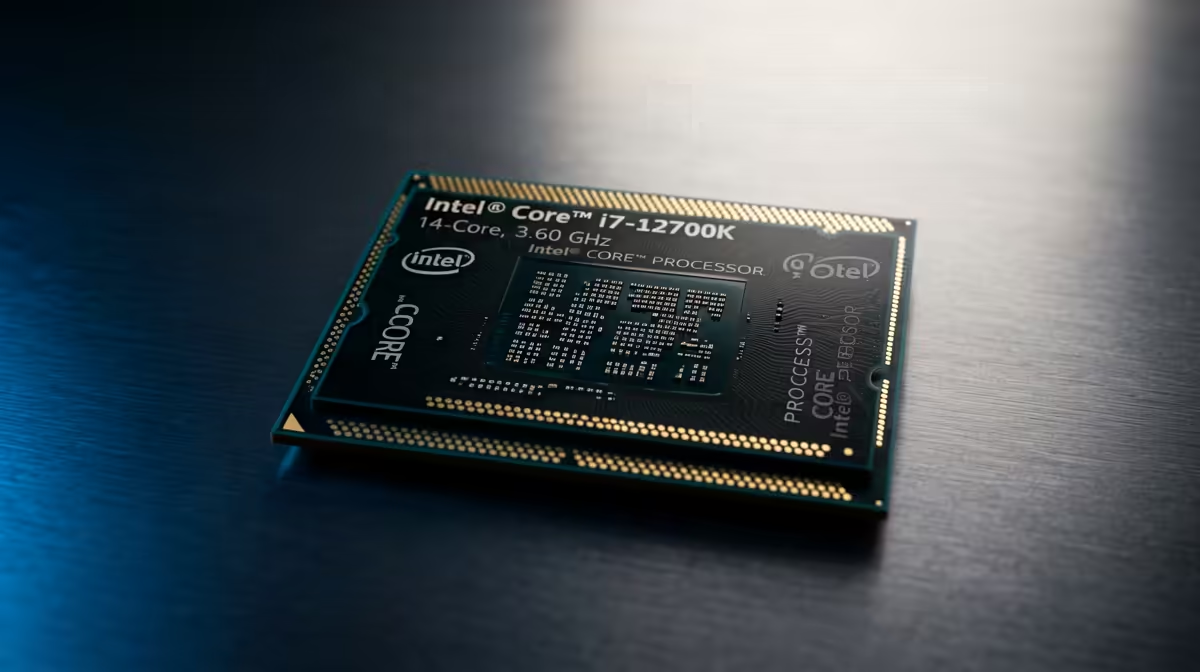
The first filter is fit and support. Use R1,500 to R3,000 for entry CPUs and R4,000 to R8,000-plus for stronger tiers as the broad SA budget band for CPUs, then compare examples such as Ryzen 5 5600, Ryzen 5 7600, Ryzen 7 7800X3D, Core i5-14400F against your actual setup.
Use this target as the sanity check: 6 cores and 12 threads as the practical floor for gaming and coursework. If the cheaper option misses that target, it is not a saving; it is a likely replacement later.
Where To Spend First
Move above budget only when the extra spend gives a practical gain you can feel during normal study, work, gaming, or recording. A useful CPU should be judged against cooler needs, socket support, boost clocks, and whether the GPU is still the limit.
SA context matters: small desks, shared rooms, local warranty support, and clean cable routing can matter as much as a benchmark screenshot.
Before Checkout
Premium makes sense only when it removes a known limit. Otherwise, keep the budget for cooling, storage, RAM, the GPU, or the monitor that changes daily use.
Before ordering, write down the current bottleneck and the next likely upgrade. If the CPU does not help that list, move the budget to the connected component that will.
FAQ
What price range should SA buyers expect for this CPU?
Use R1,500 to R3,000 for entry CPUs and R4,000 to R8,000-plus for stronger tiers as a planning band. Live pricing changes with stock and exchange rates, so confirm the exact Evetech model before checkout.
Which spec matters most for SA gaming and work setups?
Start with 6 cores and 12 threads as the practical floor for gaming and coursework. Then check fit, cooling, warranty support, and whether the spec improves the screen, software, or room where the setup will be used.
Is the premium CPU tier worth it?
Yes when it gives a weekly benefit such as lower noise, more capacity, steadier performance, or longer useful life. No when the balanced tier already meets the target and the extra spend would help another component more.
Practical SA buyer check
Write down the current bottleneck and buy the part that solves it cleanly.