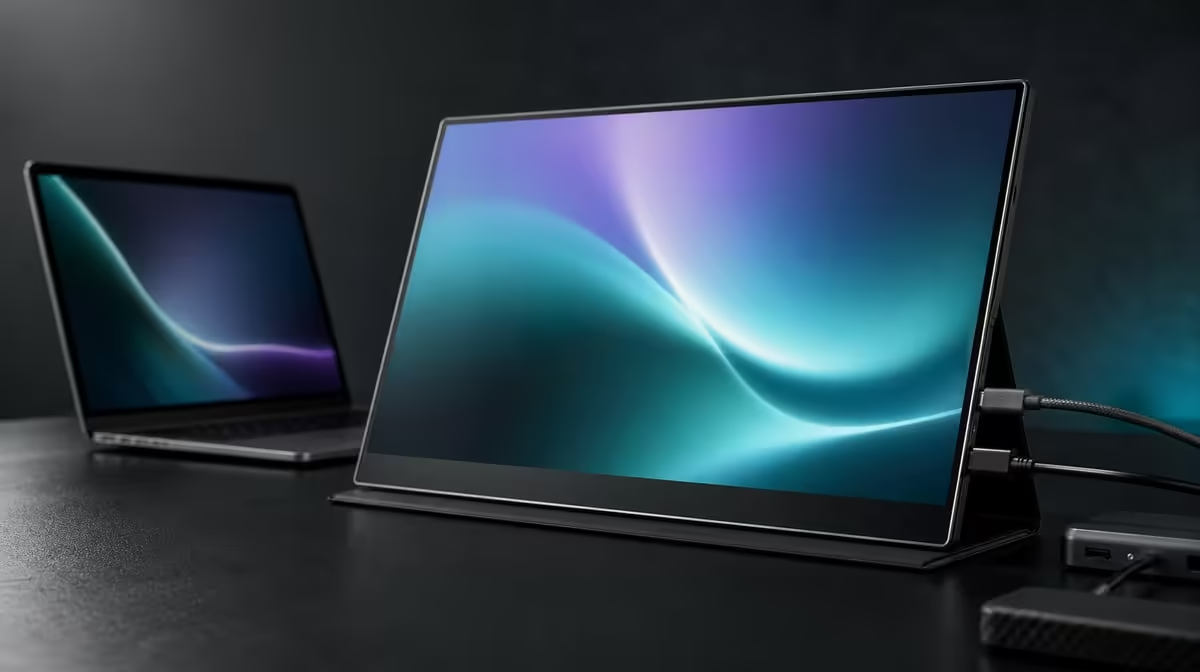
Smooth frame presentation and fast pixel changes are related to motion but are not interchangeable. Asking whether FreeSync helps on a 10ms portable IPS display requires separate tests for visible tearing, panel response, source workload, and the gaming path.
Quick Answer
Yes, FreeSync can reduce tearing on the R5,999 UPERFECT UColor J5 when a compatible graphics source, connection, game, and monitor setting work together. The 10ms response figure describes pixel-transition behaviour instead, so synchronisation does not turn it into a faster response time or remove every blur, stutter, or input delay.
🎞️ Identify what FreeSync is solving
Screen tearing appears when parts of different frames are visible at once, often as a horizontal break during movement. Reproduce that symptom in one stable scene before changing settings. FreeSync targets this presentation mismatch on a compatible path.
Enable the relevant display and graphics options, confirm the active connection, and repeat the same motion. If the tear is reduced, the feature is addressing its intended problem. If a different hitch remains, describe it separately.
Evetech's portable monitor category helps buyers compare current synchronisation features alongside panel size and resolution.
⏱️ Read 10ms as another characteristic
The J5's stated 10ms response time concerns how quickly pixels change state. It does not measure FreeSync operation, network latency, controller response, or the complete time from input to image.
A panel can reduce tearing through synchronisation while retaining its response characteristic. This is why the J5 should be framed as a versatile 17.3-inch 4K entertainment display rather than an unsupported elite competitive-speed screen.
Test motion clarity and tearing separately. Use the same scene, camera movement, and game settings so one issue is not mistaken for the other. Evetech's PC monitor range provides context for fixed gaming displays with different priorities.
🖥️ Manage 4K source workload
The native 3840 x 2160 IPS panel can deliver fine detail, but rendering games at 4K may ask more from the graphics source. Uneven frame delivery can complicate the motion test even when FreeSync is enabled.
Adjust game settings or output in deliberate steps if performance struggles. Keep the connection and display settings constant, then compare the same scene. The aim is a stable gaming path, not a claim that native 4K must be used for every title.
HDMI or video-capable USB-C can carry the picture when the source and cable support the route. Confirm power, input selection, host detection, and resolution before diagnosing synchronisation.
🎮 Judge the complete entertainment package
The 400cd/m2 rating gives indoor brightness headroom, while the 1000:1 contrast figure describes measured light-dark separation. These affect picture perception but do not change the 10ms response specification.
Low Blue Light offers a warmer mode for extended viewing. VESA can place the panel on a compatible arm. Each feature should be valued for its own task rather than being used to inflate the FreeSync result.
Check Evetech's monitor best sellers for another current comparison. At R5,999, the J5's strength is versatility across entertainment, work, and portable or fixed arrangements.
Finish by documenting the source, connection, game, resolution, and scene where tearing improved. A repeatable result is stronger than assuming the feature works identically on every device.
Add a control run with FreeSync unchanged and a different graphics workload. This can show whether uneven output came from source performance rather than the synchronisation path. Keep the test scene and connection identical.
Use a symptom log with separate lines for tearing, blur, stutter, input delay, and online lag. Mark only what actually changes. FreeSync should receive credit for a reduced tear without being blamed for unrelated behaviour.
Test the 10ms panel response through visible motion and personal suitability, not by converting the number into another claim. A casual or entertainment use can be comfortable even when a specialist competitive buyer prioritises a different display.
If the J5 moves between HDMI and USB-C sources, repeat the compatibility check. A working FreeSync setup on one route does not establish identical behaviour on the other. Save each successful arrangement separately.
End with a full-session assessment. A short scene proves that tearing can change, while longer use reveals whether 4K workload, motion appearance, brightness, and comfort remain acceptable together.
Use a controlled comparison before crediting FreeSync with every improvement. Choose a scene that shows visible tearing, keep the resolution and game settings stable, and compare the feature on and off. If the horizontal split reduces on a compatible path, the feature is addressing the problem it was designed for. If the complaint is delayed control, slow loading, or irregular frame delivery, look elsewhere in the source and game setup.
The 10ms response number answers a different question: how quickly the panel changes pixels under its defined measurement. Source frame rate, connection capability and controller latency remain separate parts of the chain, while FreeSync serves a different role again. Buyers should therefore judge the figure against the type of play they enjoy. A mixed entertainment setup has different priorities from a display selected solely for high-level competitive reaction.
At 4K, source workload becomes part of the practical trial. Begin with 3840 x 2160 so the panel is being assessed at its native resolution, then observe motion and responsiveness in the actual game. If the source struggles, adjust the game's detail or output choices deliberately and record the combination that works. Do not confuse a heavier rendering demand with the monitor's pixel response.
The J5's broader package matters to that verdict. Its 17.3-inch IPS canvas, 400cd/m2 brightness, HDMI and USB-C choices, and portable format may make R5,999 sensible for someone who alternates games with movies or work. FreeSync adds a specific tool within that setup. It should earn value through visible use, while the 10ms figure keeps expectations grounded.
Create a symptom log during the comparison. Mark a visible horizontal split as tearing, an uneven delivery rhythm as stutter, and a slow-feeling control response as a separate observation. The labels do not diagnose every cause, but they prevent one improvement from being credited with solving another problem. Note the game scene, resolution, output choice, connection, and FreeSync state beside each result.
Then repeat the useful condition after a restart. Confirm the display setting and game output have remained as intended, because a comparison that depends on an accidental temporary state will not help later. If the result is repeatable, the buyer can place FreeSync correctly within the J5's entertainment value. If it is not, the source path still needs investigation before the monitor receives either praise or blame.
Frequently Asked Questions
What does FreeSync try to improve?
It aims to reduce visible tearing by coordinating frame presentation on a compatible path.
What does 10ms describe?
It describes the panel's stated pixel-response behaviour, not frame synchronisation.
Can FreeSync turn 10ms into another response time?
No. The two specifications address different aspects of the display experience.
Is the combination suitable for entertainment gaming?
It offers versatile 4K IPS viewing with tearing support, subject to source compatibility and performance.
Why might game settings need adjustment?
Native 4K rendering can increase graphics workload, so a stable output may require deliberate changes.
Ready to separate tearing from every other motion symptom?
Explore Evetech's portable monitors and compare FreeSync, response figures, 4K workload, and source compatibility as distinct buying factors.