Quick Answer
Yes, measurably. Replacing frequent keyboard-shortcut trips with programmable thumb buttons reduces task completion time for repetitive actions by 15 to 30% in data-entry and document-review workflows.
The Real-World Time Saving 📊
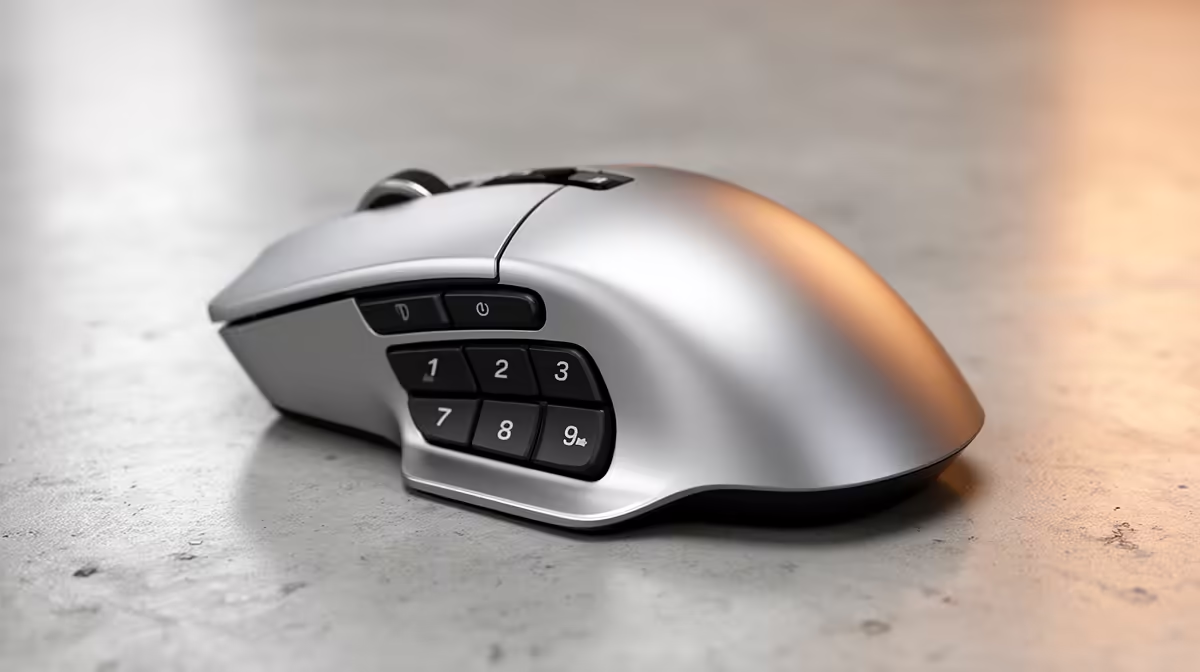
Consider a data-entry clerk reviewing purchase orders in Excel across a seven-hour shift. Every undo, paste, and row-delete requires moving the right hand from the mouse to a keyboard shortcut. If that happens 200 times per hour, that is 1,400 hand trips per day. Each trip takes roughly one to two seconds including the context shift of re-locating the shortcut. Assigning Ctrl+Z, Ctrl+V, and Delete to the three spare thumb buttons on a programmable mouse eliminates those trips entirely. The saving translates to 23 to 46 minutes of hand movement per day, which maps directly to faster throughput and lower fatigue. For South African administrative workers in insurance, legal, and logistics firms where document processing is the core task, this is a real productivity gain requiring no software upgrade.
Best Office Tasks to Automate With Mouse Buttons 🖱️
The highest-return button assignments for typical office work are: undo and redo on the thumb; copy and paste split across top and side buttons; browser back and forward for research-heavy workflows; Alt+Tab for window switching; and application-specific shortcuts like Accept Change in Word or Filter in Excel. Software like Logitech Options Plus and Razer Synapse allows per-application profiles, so the same button triggers copy-paste in Word and accept-revision in Adobe Acrobat automatically when you switch focus.
Choosing a Programmable Mouse for Office Use 🎯
You need at minimum four to five physical buttons beyond left and right click to get meaningful productivity gain. Budget entry points with basic programmability start around R450 to R600 at Evetech. Full-featured mice in the R1,200 to R1,500 range add a horizontal scroll wheel that replaces Shift+scroll in Excel, and an electromagnetic main wheel that free-spins for rapid document scrolling. For a corporate environment where the mouse runs six to eight hours daily, spending R700 to R1,000 on a programmable model with silent-click switches and USB-C recharging is cost-effective over a two-year replacement cycle.
Map Your Top Three Shortcuts First ⚡
Open your task log or think back to yesterday's work. Identify the three keyboard shortcuts you triggered most often. Assign those three to thumb buttons before touching anything else. One week of using just three custom buttons builds faster muscle memory than immediately programming all seven buttons at once.
FAQ
Do I need to install software to use programmable mouse buttons?
Yes, for custom assignments. Manufacturer software like Logitech Options Plus or Razer Synapse is free to download. Once configured, many mice save profiles in onboard memory so the custom buttons work on any PC, even without the software installed.
Can I programme a mouse button to type a full sentence or phrase?
Yes. Most programmable mouse software supports macro recording, which captures keystrokes and replays them on button press. A single button can insert a full email sign-off, a standard clause in a legal document, or a common formula in Excel.
Is there a programmable wireless mouse that works on a strict corporate IT environment?
Mice with onboard memory retain their programmed functions without any software running on the machine. These are the safest choice for corporate environments that block software installations. Check the product specs for onboard memory support before buying.
Want to cut the time you spend reaching for the keyboard?
Evetech stocks programmable wireless mice with enough buttons to automate your most-used shortcuts, from compact office-friendly picks to full-feature productivity models.