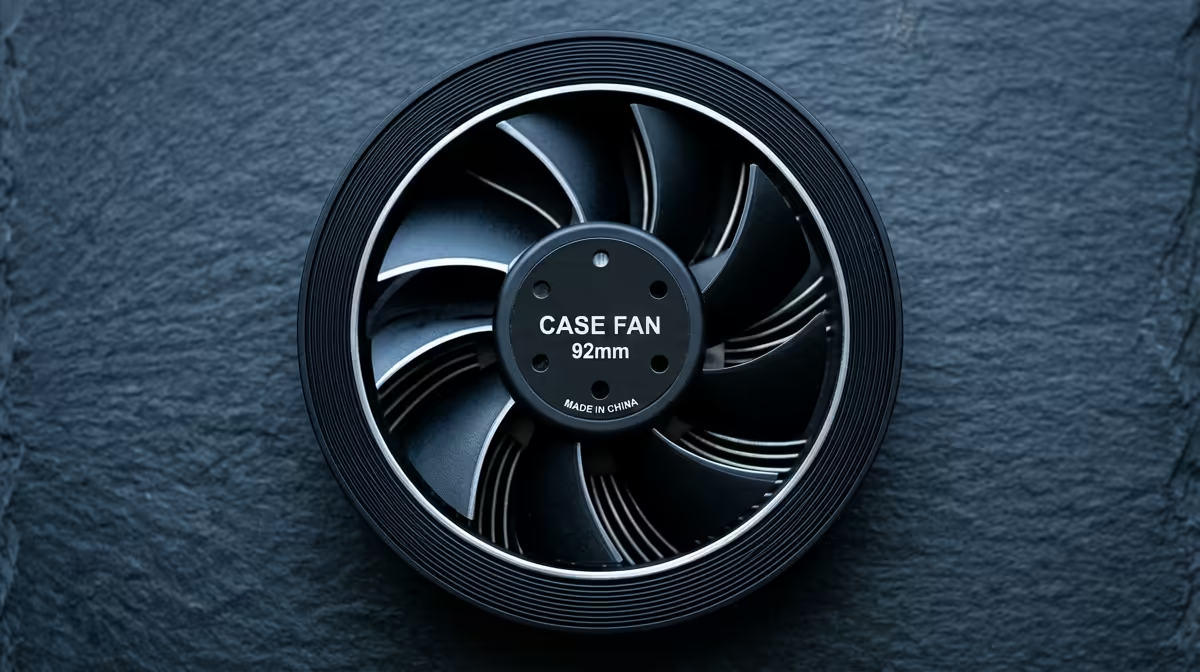
Case fans are the cheapest cooling upgrade in a PC, which is exactly why deal hunters overspend on the wrong ones. For deal hunters, a few good PWM fans in the right positions beat a case full of flashy but unfocused airflow.
Quick Answer
For deal-hunting in SA, buy 120mm or 140mm PWM fans rated around 50-70 CFM and under 1.5 mmH2O static pressure for intake, and spend extra only on the two fans nearest your GPU and CPU. Solid PWM fans cost about R120-R250 each, so a three-fan setup runs well under R750 without chasing premium brands.
What Actually Matters On A Case Fan
Ignore RGB and headline RPM. The numbers that matter are airflow (CFM), static pressure (mmH2O) and noise (dB). High-airflow fans suit open intake and exhaust; higher static-pressure fans suit radiators and restrictive dust filters. A 140mm PWM fan at ~1,000 RPM moving 60+ CFM under 28dB is the quiet sweet spot for most cases. Budget 3-pin fans run flat out and get loud, so pay the small premium for PWM control.
Where To Save And Where To Spend
In a typical SA build, a positive-pressure layout with two or three 120-140mm intakes and one exhaust keeps dust down and temps in check. Cheap R120-R180 PWM fans are perfectly fine for general airflow, and each draws only 2-3 W so they barely touch your power bill. A full set of quality fans for a typical case lands around R1,200 once you add the front, top and rear positions. Spend the extra R80-R130 per fan only where it counts: the front intake feeding a hot RTX 5070 or RX 9070, and the top or rear exhaust above the CPU cooler. For deal hunters, that targeted spend beats kitting every slot with premium fans.
FAQ
How many case fans do I actually need?
Two intakes and one exhaust is the practical minimum for an airflow case. A third intake helps a hot GPU. Beyond that, returns drop off fast for most SA gaming builds.
Are cheap case fans worth it in South Africa?
For general airflow, yes. R120-R250 PWM fans moving 50-70 CFM under 30dB do the job. Save premium spend for the fans nearest your GPU and CPU, where airflow matters most.
Do I need high static pressure fans?
Only behind radiators or thick dust filters. Open intake and exhaust positions do better with high-airflow fans. Match the fan type to the position rather than buying one type for everything.
Plan two intakes and one exhaust first, then spend a little extra only on the fans feeding your GPU and CPU. Compare PWM case fans currently stocked at Evetech to build a quiet, dust-resistant airflow setup.