


RTX 4060 Ti Throttling Under Load: SA Temperature Guide
RTX 4060 Ti Throttling Under Load: Temperature. Everything you need to know with SA pricing, step-by-step instructions & expert recommendations.
Read moreCase fan noise ratings in dBA can be confusing. Learn how dBA, RPM, and airflow interact to choose quieter fans for your setup—without guessing. 🔇📏
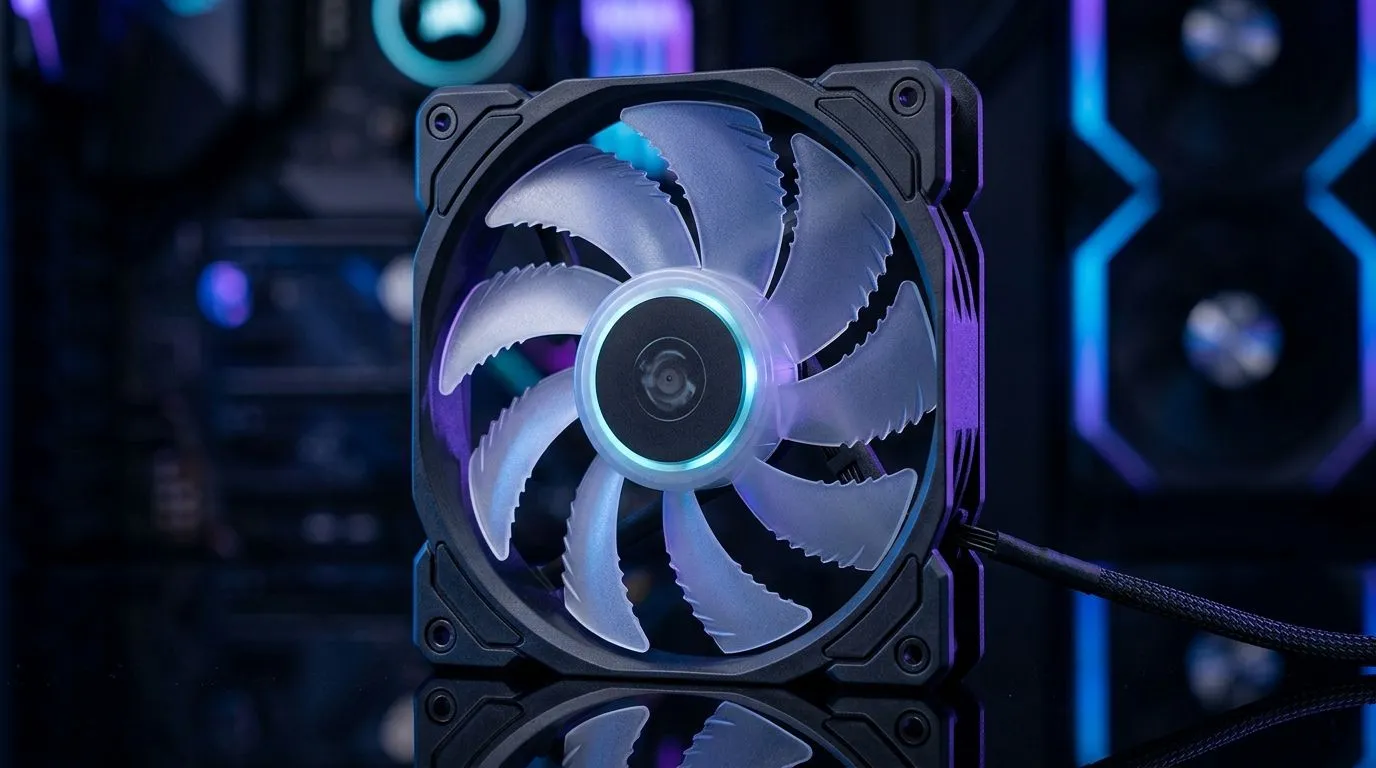
If you’ve ever built a PC and thought, “Why is this louder than my PS5 at full tilt?”… you’re not alone. 😅 Noise specs look simple on paper, but dBA can be tricky when you’re comparing fans for gaming, streaming, or editing after hours.
In this Deep Dive, we’ll translate “Case Fan Noise Ratings in dBA: What They Really Mean” into real-world expectations… so you can buy confidently in South Africa. ✨
dBA measures sound level using a scale that matches how the human ear hears. It’s not just “raw loudness.” It’s filtered by frequency weighting, so higher-pitched sounds can feel worse even at similar dBA.
Here’s what’s widely accepted in audio measurement terms:
Manufacturers typically test noise at a defined distance and at a specified operating mode. But real cases vary:
So when you compare, treat dBA as a useful benchmark, not a promise.
When shopping, you’ll get better results by focusing on the full “fan story,” not just dBA:
Want an easy starting point? Browse the full lineup of case fans here: Case fans on Evetech
If you’re shopping a specific style, use these filters to compare fairly:
And if lighting matters to you (it does for plenty of SA gamers)… check:
In many builds, 140mm fans can achieve strong airflow with lower rotational speed. That often means improved comfort during long gaming sessions.
If you’re choosing based on size, compare directly:
I’ve seen builds where someone swaps only one “loud” fan and suddenly everything feels calmer. The reason? One noisy intake can dominate the sound profile, while the rest of the system is comparatively tame. So yes, dBA matters… but placement and fan matching matter just as much.
"Set your case fans to a gentle curve in your BIOS. Aim to keep temps stable first, then ramp slower. If you have PWM fans, don’t run them at 100% unless you truly need it. Quiet gaming is mostly about controlled ramp-up, not chasing the lowest dBA on a single spec line."
Before checkout, ask yourself:
If you’re unsure, start with reputable brand lines and then refine using the filters on Evetech. You’ll get closer to “quiet and stable” without wasting money in ZAR.
Ready to Find Your Perfect Match? The Mac vs Windows debate is complex, but for maximum power, choice, and value in South Africa, Windows is hard to beat. Explore our massive range of laptop specials and find the perfect machine to conquer your world.
dBA is a weighted loudness measure in decibels. Higher dBA means a louder fan at the stated test conditions and distance.
Compare the same RPM and test setup. Look for noise at matching airflow (CFM) and confirm the measurement distance and fan orientation.
No. Decibels are logarithmic. A +10 dBA increase is roughly perceived as about twice as loud, though real perception varies.
Both matter. RPM drives airflow and noise, but blade design and bearing quality affect how loud you hear it at a given RPM.
Manufacturers often specify a measurement distance like 1 meter. Always check the spec because distance changes the perceived value.
Tone and airflow noise differ. Broadband noise, vibration, and turbulence can make one fan feel louder even at similar dBA.
Use a fan curve, ensure correct fan mounting, improve cable airflow, and choose the right fan for your case airflow needs.
RTX 4060 Ti Throttling Under Load: Temperature. Everything you need to know with SA pricing, step-by-step instructions & expert recommendations.
Read more
Apex Legends Max Settings on RTX 4080. Tested & verified settings for best FPS and visual quality on SA hardware budgets.
Read more
GPU Buying Guide. Everything you need to know with SA pricing, step-by-step instructions & expert recommendations.
Read more
GPU Terms Guide. Everything you need to know with SA pricing, step-by-step instructions & expert recommendations.
Read more
AMD Adrenalin Download & Setup Guide: GPU. Clear setup instructions with SA-specific considerations, troubleshooting tips & recommended components.
Read more
Back-to-School GPU Buying Guide. Everything you need to know with SA pricing, step-by-step instructions & expert recommendations.
Read more
Snapdragon X2 NPU Explained: How 80 TOPS Changes. Plain-English explanation of what it means, why it matters & how it affects your buying decisions in SA.

HBM? High Bandwidth Memory Used in GPUs and AI. Plain-English explanation of what it means, why it matters & how it affects your buying decisions in SA.

How much should you spend on sim racing accessories in South Africa for a realistic setup? We break down budgets by quality tiers, so you buy smart gear and avoid overspending 🎮💸

G-Sync and FreeSync? Variable Refresh Rate. Plain-English explanation of what it means, why it matters & how it affects your buying decisions in SA.

AMD Laptop: Value. SA-focused analysis with local pricing data, real-world insights & actionable buying advice.

How MacBook Neo Handles 30+ Chrome Tabs with Only. SA-focused analysis with local pricing data, real-world insights & actionable buying advice.

Why Apple Put 8GB RAM in MacBook Neo: The A18 Pro. SA-focused analysis with local pricing data, real-world insights & actionable buying advice.

Upgrade your work laptop with a New Motherboard. Step-by-step instructions with SA-specific tips, common pitfalls to avoid & expert recommendations.

Maintain wired headset — Checklist: • inspect cables • clean earpads • store properly 🔧🎧 Practical steps to preserve sound quality and avoid premature replacements.

Fix crackling headset fast: step-by-step checks for cables, connectors, drivers, and settings to remove static or distorted audio on wired headsets 🎧⚙️

Stereo vs mono headsets: learn which delivers clearer calls, better spatial music, or simpler mono voice performance — pick the right headset for meetings, music, or gaming 🎧💬

- Compare gaming headset vs studio headphones; - Assess comfort, mic and sound; - Recommend best daily picks. Gaming headset vs studio headphones: learn which suits work, music and casual gaming. 🎧⚖️