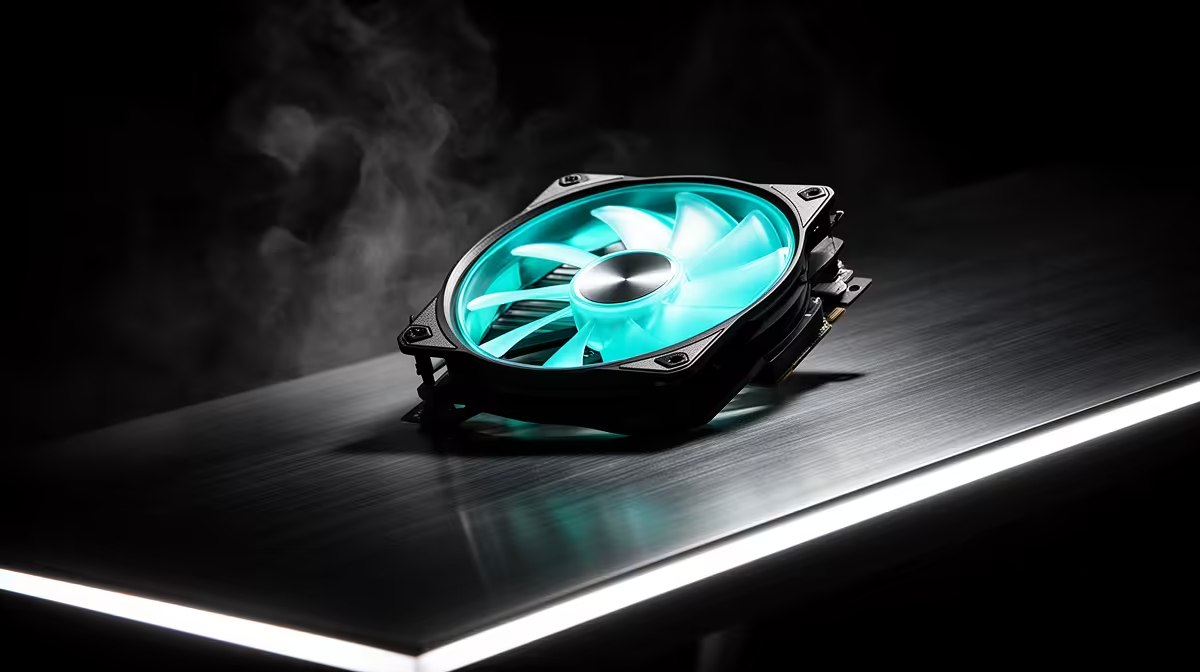
Recording lectures at home, whether you teach or capture sessions, means your PC's noise can end up in the audio. The case fan upgrade path focuses on lowering that noise floor so recordings stay clear, which is a different priority from a performance build.
Quick Answer
For recording lectures from home, case fans matter so your PC stays quiet enough not to bleed into the recording, with the path moving from noisy stock fans to quiet 140mm PWM fans under 25 dBA near R250 to R400 each. Prioritise low noise and a smart fan curve over raw airflow for clean lecture audio.
Starter: replace whining stock fans
Cheap or worn stock fans often whine or rattle, and a microphone near the PC captures it. The first step is fitting quiet PWM fans rated under 25 dBA, around R250 to R350 each, controllable through the motherboard's fan curve. This immediately reduces the background hum in recordings, so a lecture capture is not undermined by constant fan noise picked up alongside your voice.
Step up: bigger fans, quieter operation
Moving to 140mm fans lets the system cool with slower, quieter spinning, because larger fans shift more air per rotation. Combined with a fan curve that stays low until components warm, the PC runs near silent during a recording session at a desk. A fluid-dynamic-bearing 140mm fan avoids rattle over long sessions, which matters more than peak airflow for clean lecture audio.
Serious: a fully quiet recording rig
For the cleanest results, pair quiet fans with a quiet CPU cooler, position the PC away from or below the mic, and avoid running heavy background tasks that spin fans up mid-recording. Sound-dampened cases help further. The aim is a noise floor low enough that the mic records only the lecture; quiet fans are the foundation, and a tuned, well-placed rig delivers professional-sounding captures.
FAQ
Will PC fans show up in my lecture recordings?
They can, if a mic sits near the PC. Whining or rattling fans add background noise to recordings. Quiet PWM fans under 25 dBA near R250 to R400 each lower the noise floor so captures stay clean.
What fans keep a recording PC quiet?
Quiet 140mm PWM fans under 25 dBA with a fluid-dynamic bearing. Larger fans run slower for the same airflow, and a fan curve keeps them near silent during recording while still cooling the system adequately.
How do I stop fan noise during a recording?
Fit quiet fans, set a low fan curve, place the PC below or away from the mic, and avoid heavy background tasks that spin fans up. A quiet CPU cooler and a dampened case further reduce captured noise.
PWM fans under 25 dBA, set a low fan curve, and keep the PC away from your mic; avoid heavy background tasks mid-recording so fans never spin up into the audio.