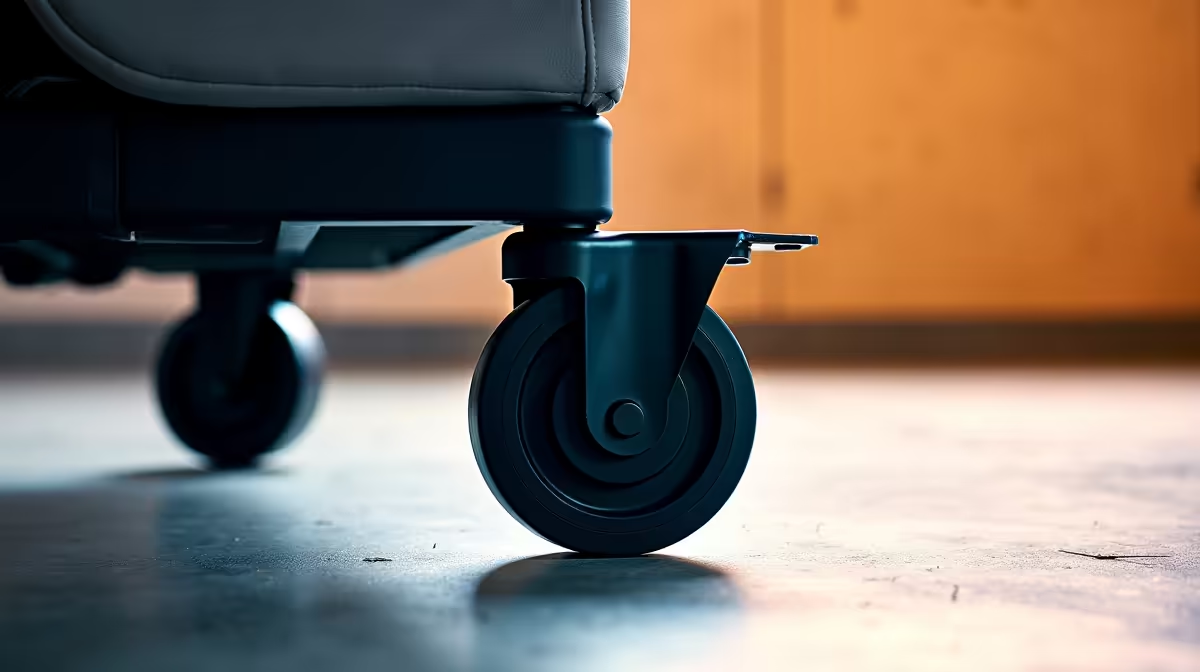
Kla-dunk! That’s the sound. The jarring noise of your gaming chair’s caster wheel slamming into your desk’s footrest… right as you’re about to clutch a 1v3. It’s a small frustration, but it shatters your focus and scuffs your expensive gear. For South African gamers who've invested in a slick setup, this is one battle you shouldn't have to fight. Luckily, we’ve found a simple, near-perfect fix to stop it for good.
Why Caster-Footrest Collisions Keep Happening
So, what causes this all-too-common gaming setup gripe? It's a simple clash of design. Most modern gaming desks feature a sturdy T-leg frame, often with a horizontal bar that doubles as a footrest. Your gaming chair glides on a five-star base with caster wheels built for mobility. When you lean in or adjust your position, those front casters inevitably roll forward and collide with the metal bar.
This isn't just an issue for one type of setup. We see it on everything from budget rigs to pro-level battle stations. Whether you're rolling in one of the many excellent affordable gaming chairs or a top-tier throne, the physics are the same. Over time, these constant impacts can leave ugly scuff marks on both your chair base and your desk frame.
The Easiest Fix to Prevent Caster-Footrest Collisions 🔧
After testing a few methods in the Evetech workshop, we landed on a solution that is cheap, effective, and takes about 30 seconds to implement. The secret weapon? Small, adhesive silicone bumpers, which you can find at most hardware stores in Mzansi.
Here’s the simple process to prevent caster-footrest collisions forever:
- Find the Impact Points: Roll your chair forward gently until it makes contact. Note which parts of the caster housing or chair base hit the desk frame. It's usually the two front-facing "legs" of the star base.
- Clean the Surface: Give those spots on your chair base a quick wipe with a clean cloth to remove any dust.
- Apply the Bumpers: Peel and stick one bumper onto each of the two forward-facing points of impact.
And you're done. The soft bumper now acts as a silent, shock-absorbing cushion. No more jarring noises, no more scuffs… just smooth, quiet movement. This tiny tweak even protects the finish on beautiful premium models, keeping your investment looking factory-fresh for longer.
Pro Adhesion Tip
For a rock-solid bond, wipe the chair base with an alcohol swab before applying the bumper. This removes any oils or residue, ensuring the adhesive sticks properly and won't fall off mid-session.
Other Smart Ways to Stop Your Chair Hitting the Desk ✨
If the bumper fix isn’t for you, or you want to explore other options, here are a few more strategies our team recommends for creating a collision-free zone.
Upgrade to Locking Casters
Many modern chairs feature locking casters, which have a small lever you can flip with your foot to stop the wheel from rolling entirely. If your chair doesn't have them, you can often buy a replacement set. This is a brilliant solution if you prefer your chair to remain completely stationary during intense gaming moments.
Use a Strategic Floor Mat
A good quality floor mat not only protects your floor but can also serve as a subtle barrier. Some mats have a slightly raised lip or edge. By positioning your setup so the casters have to roll over this lip to hit the footrest, you create a gentle physical stop that you'll feel long before you hear a crash.
Re-optimise Your Ergonomics
Sometimes the simplest solution is a quick posture check. Are you sitting too close to your desk? Simply adjusting your chair’s height and its distance from your monitor can not only improve your posture and reduce strain but might also naturally solve the collision problem. It’s a core part of dialling in the perfect setup with any of the gaming chairs in South Africa we stock.
Ready for a Smoother Ride?
A quiet setup is a winning setup. If it’s time for an upgrade that eliminates all the little frustrations, explore our massive range of chairs. Check out our latest gaming chair deals and find the perfect fit for your battle station today.