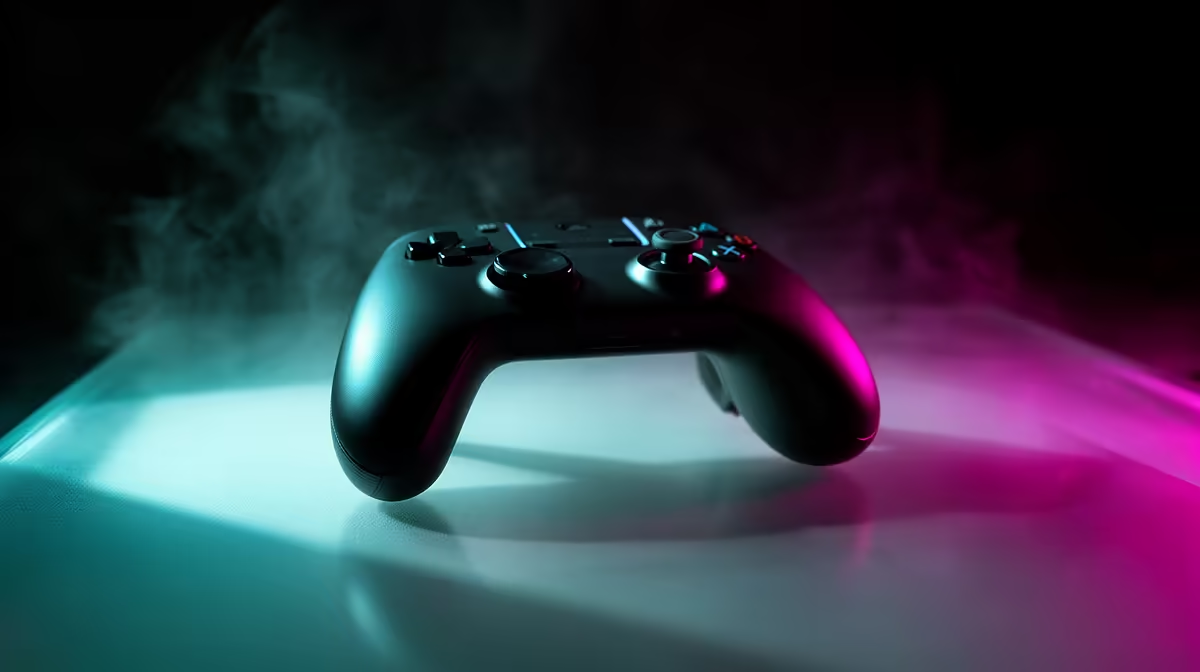
A casual gamer should choose a controller from the games, platform, hand size and preferred connection. Button count and styling matter less than comfort, native support and dependable input. The verified facts contain no game-controller SKU, so source one elsewhere after checking Windows, console or mobile compatibility and the return policy.
Start with the main game list
List the three games played most often and check whether each supports the controller layout without third-party mapping. Decide between wired reliability and wireless freedom. For wireless models, check battery type, receiver requirements and whether Bluetooth latency or pairing causes problems on the target computer. A Lenovo LOQ at R9,500 supplies verified Core i5-12600HX, RTX 3050, 8GB memory and 512GB storage for compatible casual gaming.
Test physical fit and recovery
Hold the controller through a full session, reach triggers without shifting grip and check whether stick tension or vibration causes fatigue. Confirm that games show the correct button prompts. Keep a wired keyboard and mouse available when pairing fails. Update firmware only through approved software and save custom mappings under clear profiles. If the player uses one title occasionally, borrowing or testing a controller may prove fit before purchase. Check shoulder-button reach and stick control during a complete match, since a comfortable first grip can still become tiring after sustained play.
Building a casual gaming setup? > Share the games, platform, connection preference and hand-fit needs with Evetech.