Quick Answer
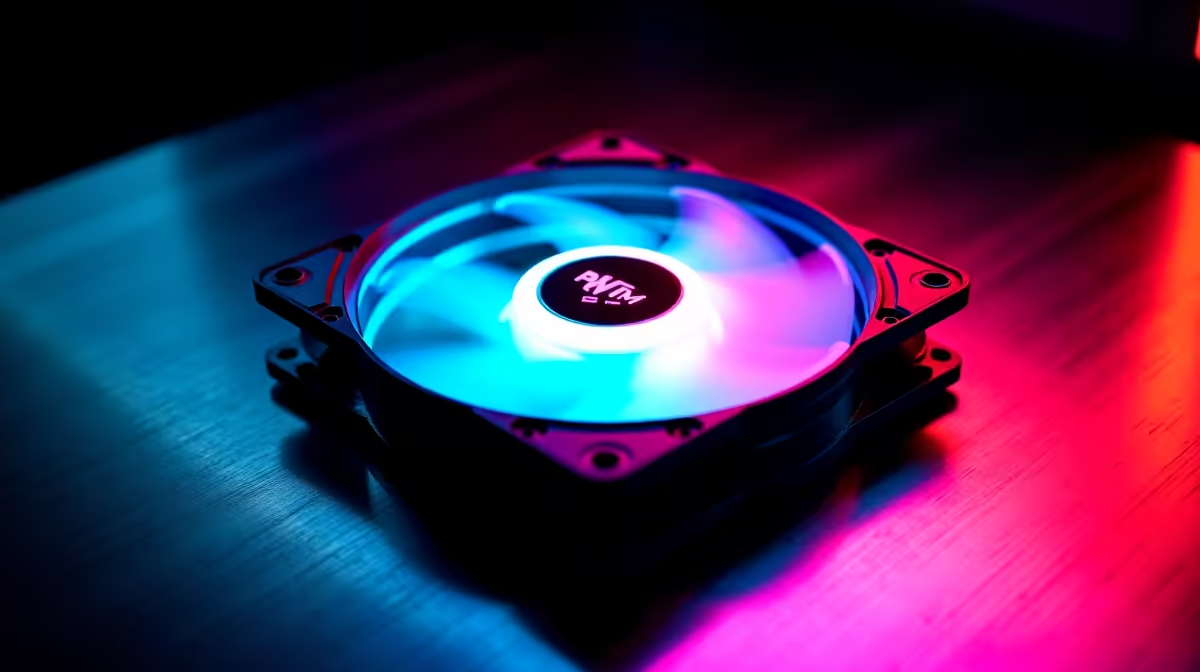
For South African gaming PCs, choose 120mm PWM fans with a minimum 1,500 RPM max speed, fluid dynamic bearings, and a PWM start point below 20% duty cycle. Creator workstations benefit from the same specs plus MTBF ratings above 40,000 hours for sustained multi-hour render loads.
Key Specs That Separate Good from Great 🎮
Three specifications separate a capable 120mm fan from an adequate one. First, the minimum controllable speed: fans that stall below 40% duty cycle are useless for silent builds. Look for a minimum rated RPM of 300 to 500. Second, static pressure versus airflow: gaming PCs with AIO radiators or dense heatsinks need fans rated above 2.0 mmH2O static pressure; open cases with mesh fronts benefit more from high CFM (55 to 65 CFM). Third, noise rating at max RPM: anything above 30 dBA at max will be clearly audible in a quiet home. Premium fans rated at 22 to 26 dBA at maximum allow aggressive cooling without the jet-engine effect.
SA Climate Considerations for Fan Selection 🌡️
Gauteng summers regularly hit 32 to 36 degrees Celsius in a poorly ventilated room. Coastal cities like Durban add humidity that accelerates sleeve-bearing degradation. For SA builders, bearing longevity is not an abstract spec-sheet metric: it translates directly into whether your fans last three years or eight. FDB bearings handle both heat and humidity significantly better than sleeve or rifle bearings. This bearing choice becomes the single most important purchasing decision if your PC lives in a home office that heats up during the day, outweighing CFM numbers or ARGB features.
Creator Workstation Specifics 🖥️
A creator rig running Blender on a Ryzen 9 9950X with an RTX 5080 sustains CPU loads of 95% or more for hours. This sustained operation is where cheap bearings fail fastest. Choose fans rated for continuous operation at up to 60 degrees Celsius ambient internal case temperature. Multi-hour render sessions also mean any vibration noise becomes a persistent annoyance, reinforcing the case for anti-vibration silicone corner mounts. Budget around R350 to R480 per fan for units that meet all these criteria, stocked locally at Evetech.
Test Fan Balance Out of the Box ⚡
Spin each new fan by hand before installation. Premium fans coast smoothly for two to three seconds. A fan that stops abruptly or wobbles during spin-down has an impeller balance issue from the factory. Exchange it before building, as an unbalanced impeller generates vibration noise that worsens over time.
FAQ
How many fans should a gaming PC have versus a creator workstation?
A gaming PC performs well with three intake and two exhaust fans in a standard mid-tower. A creator workstation benefits from the same layout plus positive pressure bias, meaning slightly more intake than exhaust, to keep fine dust from infiltrating during long render cycles.
Is there a meaningful airflow difference between 1,500 RPM and 2,000 RPM max-speed fans?
At max RPM, a 2,000 RPM fan moves 15 to 20% more air than a 1,500 RPM variant. The noise difference is significant though; always check the noise rating at actual operating speeds rather than peak RPM alone.
Do ARGB fan controllers in SA need special voltage consideration?
No. Standard 220V power is handled by the PSU before reaching fan components. ARGB headers operate at 5V from the motherboard regardless of wall voltage. Choose a hub that supports your motherboard's ARGB standard (ASUS Aura, MSI Mystic Light, or Gigabyte RGB Fusion).
Building a gaming rig or creator workstation in SA?
Evetech carries 120mm PWM fans suited to both use cases, with options for high static pressure, high airflow, and ultra-quiet operation. Browse the cooling section to find the right match.