Quick Answer
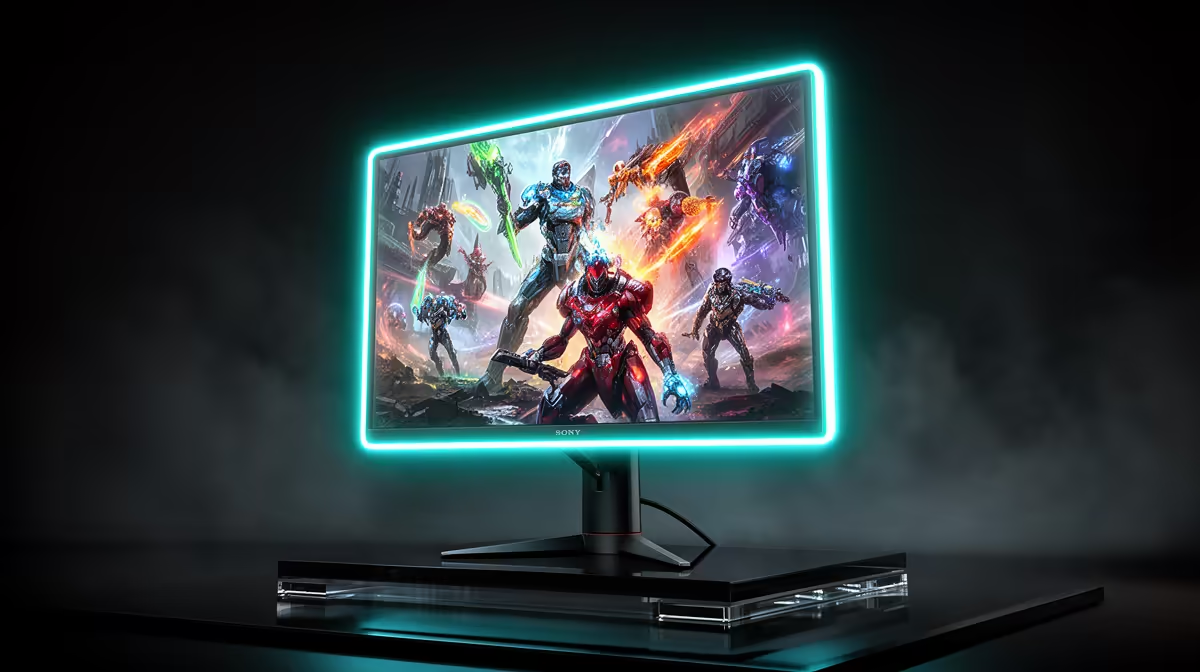
For mmo and live-service games a 144Hz panel at 1440p is the value sweet spot in South Africa. Budget R4,500 to R9,000 for a screen that pairs the right refresh rate with a GPU that can actually feed it.
Matching refresh rate to the games
MMO and live-service games benefits from a 144Hz panel, but only if your GPU can hold the frame rate. A 27-inch (2560x1440) screen at 144Hz is a sensible target; chasing higher numbers wastes money if your card tops out around 90-120 fps in these titles. Match the panel to what your graphics card realistically delivers.
Panel type and response
A fast IPS panel gives the best mix of colour and motion for mmo and live-service games, with grey-to-grey response near 1ms and adaptive sync to kill tearing. Confirm FreeSync or G-Sync compatibility so frame pacing stays clean, and check the input lag figure rather than just the marketed response time.
Where to put your money
Screens start near R4,500 for a capable 1440p panel and climb toward R9,000 for higher refresh, better HDR, and a sturdier stand. Spend on the panel that matches your GPU, not the biggest number on the box, and keep a little back for a quality DisplayPort cable.
Before you check out
Buy the option that solves your specific problem, not the one with the longest feature list. The right fit at a fair price will serve you better than chasing headline numbers you will never push.
FAQ
How much do I really need to spend?
Plan for R4,500 to R9,000. The lower end covers solid 1440p play; the upper end adds refresh headroom, HDR, and build quality for mmo and live-service games.
What GPU should I pair with this?
Match the card to the panel: a mid-range GPU handles 1440p comfortably at this resolution, while 1440p at high refresh wants a stronger card. Check that your graphics card can sustain the fps your panel can show.
Is adaptive sync worth it for mmo and live-service games?
Yes. FreeSync or G-Sync removes screen tearing and smooths frame delivery, which matters in mmo and live-service games where frame rates swing. It is now standard on most panels in this band.
FreeSync or G-Sync in the GPU control panel and set the monitor to its highest 144Hz refresh before your first session.