Quick Answer
For architecture and BIM software, choose a gaming PC with 32GB RAM, a 1TB NVMe SSD, and a GPU or CPU tier that matches the real workload instead of only the headline spec. A sensible SA shortlist usually sits around R30,000-R65,000, with RTX 4070, RTX 4080, Ryzen 9, and 32GB DDR5 as the kind of hardware worth comparing. Aim for 60 fps gaming after hours without slowing study or work apps if performance matters alongside the main task.
Match the hardware to architecture and BIM software
Start with the part that removes the biggest delay in daily use. For architecture and BIM software, that usually means enough memory for multitasking, a fast SSD for project files, and cooling that can hold performance through a full session. RTX 4070, RTX 4080, Ryzen 9, and 32GB DDR5 is a practical reference point because it gives you a named spec tier instead of a vague mid-range label. If the system will also play games, keep the screen or monitor target realistic: 1080p high refresh is easier to drive than 4K, and 1440p is the useful middle ground for many SA desks.
Budget and SA buying checks
Use R30,000-R65,000 as a cautious category band, then compare the actual stocked configuration before ordering. Do not spend the full budget on one component while leaving only 8GB RAM, a small SSD, or a weak display. South African buyers should also check local warranty support, courier practicality, and whether the machine is available with the memory or SSD already fitted. Keep part of the budget for the monitor, mouse, keyboard, storage, or headset that completes the setup.
Comfort, ports, and upgrade room
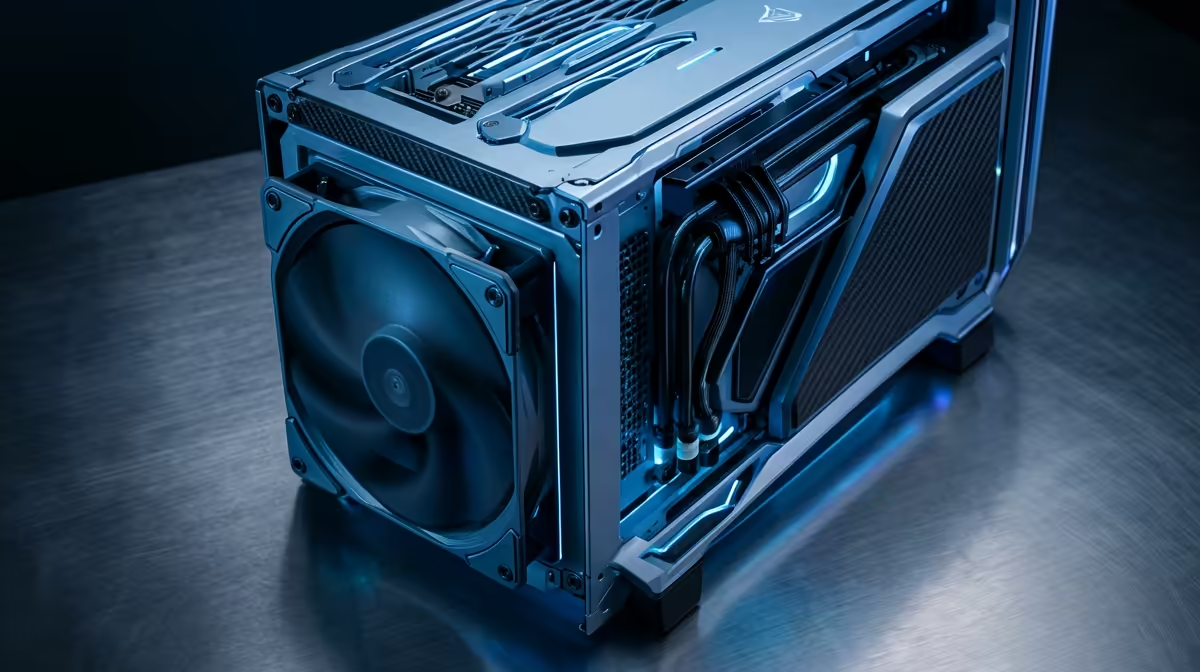
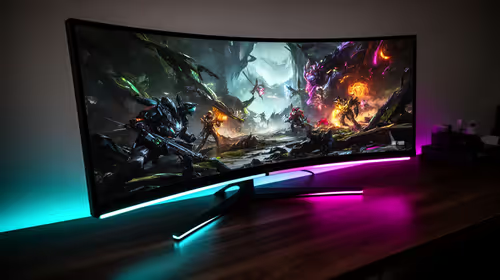
The best spec still fails if case airflow, monitor pairing, desk space, and future part swaps is wrong for the way you work. Check HDMI or USB-C display support, Wi-Fi stability, fan noise, keyboard layout, and whether the RAM or SSD can be upgraded later. For architecture and BIM software, a 27-inch 1440p monitor, a comfortable chair height, and a quiet cooling profile can improve the experience more than a small benchmark gain. Keep at least 20% free SSD space so updates, clips, and project caches do not slow the system down.
FAQ
What spec is the minimum I should shortlist?
For most SA buyers, start with 32GB RAM, a 1TB NVMe SSD, and a current Ryzen 5, Ryzen 7, Core i5, or Core i7 class CPU. If the task uses GPU acceleration, move from entry graphics to RTX 4060 or better before paying for cosmetics.
Is a laptop or desktop better for architecture and BIM software?
A gaming laptop is better when you need one machine for campus, office, and home. A gaming PC is better when sustained cooling, a larger monitor, and cheaper future upgrades matter more than portability.
How much should I budget before accessories?
Use R30,000-R65,000 as the broad hardware range, then add extra for a mouse, headset, monitor, storage, or software if the workflow needs it. Prices move with stock and exchange rates, so compare the exact configuration before treating any band as final.
Buying check
Before ordering, confirm RAM, SSD capacity, screen refresh rate, and warranty terms on the exact gaming PC configuration; those four details decide daily value for architecture and BIM software.