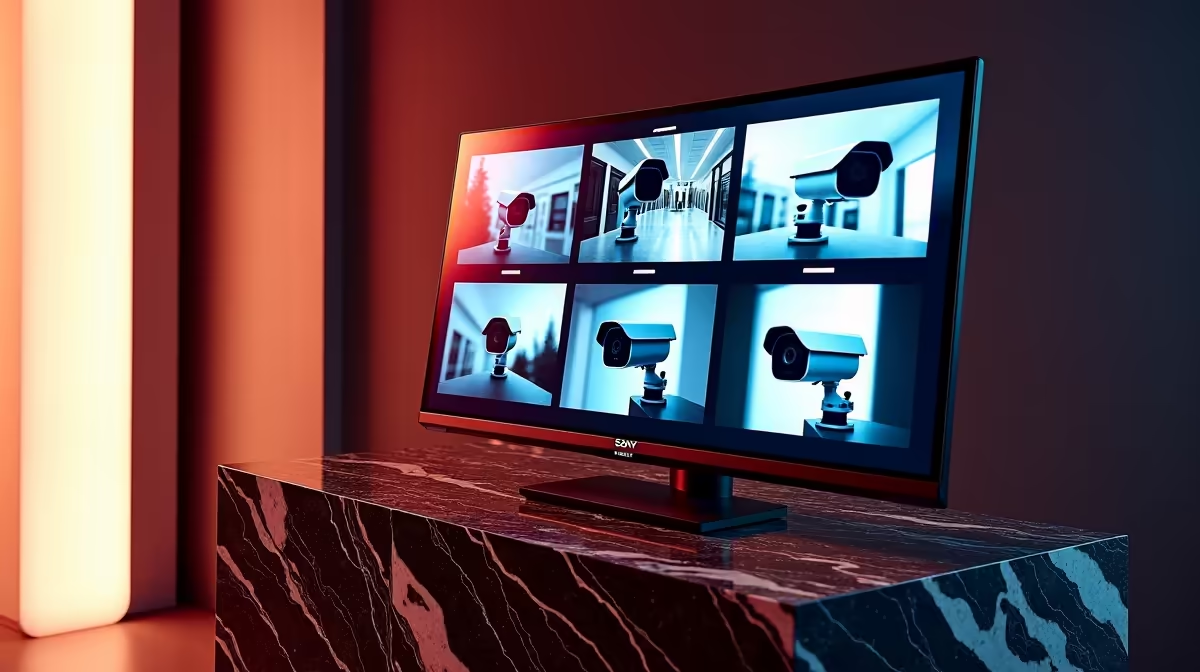
A network video recorder is only as good as the screen you watch it on. Plug an 8MP camera array into a budget display and the NVR monitor downscales everything, blurring the exact detail you bought high-resolution cameras to capture. Choosing the right screen, sized to your camera count and built for round-the-clock use, is what turns a security system into one you can actually read at a glance.
Quick Answer
For full-resolution playback of 8MP cameras, pair your NVR with a 4K monitor connected over HDMI, since the NVR outputs its live feeds digitally. A dedicated always-on screen keeps perimeter feeds visible without tying up a PC, and a VA panel copes well with bright South African daylight in the room.
Match resolution to your cameras
The single most important spec is resolution, and it should track the cameras feeding the system. An 8MP camera produces roughly 4K worth of detail per channel. View that on a 1080p monitor and the NVR has to shrink the image, throwing away the fine detail like a face or a number plate that matters most in a security review. A 4K monitor lets the NVR present those feeds at native resolution. If you run a multi-camera split view, a larger 4K panel also keeps each tile big enough to be useful rather than postage-stamp sized. Screens suited to this duty sit among the wider smart home and security range at Evetech.
Check the inputs first
NVRs almost always output over HDMI, so confirm the monitor has an HDMI input that accepts the NVR's output resolution. Some NVRs also offer VGA as a fallback, but HDMI carries the clean digital signal you want for sharp playback. If your NVR supports HDMI 2.0 output at 4K, make sure the monitor's HDMI port also accepts that signal rather than downgrading it. Verify the port and the supported resolution before you buy rather than assuming compatibility.
Why panel type matters for always-on use
A security monitor often runs continuously, so the panel choice is about endurance and readability, not gaming response times.
A VA panel is a strong fit for surveillance use. Its high contrast renders dark scenes and night-time footage clearly, and it holds up in a bright room where ambient light would wash out a lower-contrast screen. For a control nook that catches afternoon sun, that contrast advantage is genuinely useful.
IPS panels offer better colour accuracy and wider viewing angles, which matters if multiple people view the screen from different positions in a control room or office setup. For a home security monitor viewed from a single position, a VA panel's higher contrast is generally more useful than IPS colour accuracy.
Brightness and ambient light
An always-on security monitor in a well-lit room benefits from a higher brightness rating, typically 250 to 300 nits or more. Screens designed for prolonged monitoring use are often rated for 30,000 to 50,000 hours of continuous operation, so check the panel's rated lifespan rather than assuming any consumer monitor will handle 24/7 use comfortably.
Sizing to your camera count
The more cameras you run, the larger the screen needs to be so each feed in the grid stays legible. A handful of cameras is comfortable on a mid-sized 4K panel, while a busy multi-channel setup benefits from a larger display so a four or nine-way split still shows usable detail in every tile. A 24-inch 4K panel is a practical starting point for a four-camera system; a nine-camera grid benefits from 27 inches or more.
Aspect ratio and split-view layouts
Most NVRs display a multi-camera grid on a 16:9 screen, and the split-view layout changes meaningfully with screen size. A 24-inch 4K monitor in a 4-channel view gives each tile roughly 12 inches of diagonal space, which is legible for a driveway or entrance. Move to a 9-channel layout on the same screen and each tile shrinks to under 8 inches, where fine detail becomes harder to read at a glance. For a property with six or more cameras that you want to monitor simultaneously, a 32-inch 4K panel makes each tile genuinely useful without needing to zoom in. Sizing the screen to the channel count, rather than buying the cheapest compatible display, is where many setups fall short.
Keep it off your main PC
Running the security feed on a dedicated screen, rather than your working computer, means the footage stays visible all the time without interrupting whatever else you are doing. It also keeps the monitoring independent of a PC that you might shut down. A few mounting and cabling extras from the best-selling accessories range make a tidy, permanent install straightforward.
Frequently Asked Questions
What resolution monitor do I need for an NVR?
Match it to your cameras. For 8MP cameras, a 4K monitor lets the NVR show full-resolution feeds, while a 1080p screen forces it to downscale and lose detail.
Does the monitor connect to the NVR over HDMI?
Yes, in almost all cases. NVRs output their feeds over HDMI, so the monitor needs a compatible HDMI input that accepts the NVR's output resolution.
Is a VA panel good for security monitoring?
It is well suited. VA panels offer high contrast that renders dark and night-time footage clearly, and they hold readability in bright rooms, which suits an always-on perimeter display.
What size monitor should I get for multiple cameras?
The more cameras in your split view, the larger the screen should be so each tile stays legible. A 24-inch 4K panel suits a four-camera setup; nine or more cameras benefit from 27 inches or larger.
Can I leave a monitor on all the time for CCTV?
Yes, and a dedicated always-on screen is the recommended setup. It keeps feeds visible continuously and independent of your main PC, which you might switch off. Choose a panel rated for continuous use rather than a standard consumer screen.
Should I choose a VA or IPS panel for security monitoring?
VA is generally the better fit for a dedicated home security monitor because of its higher contrast, which makes dark and night-vision footage easier to read. IPS is worth considering if multiple people view the screen at different angles or if colour accuracy for other tasks also matters.
A security system you can read clearly starts with the right screen. Compare 4K and always-on display options across the smart home and security range at Evetech and size your NVR monitor to your cameras.