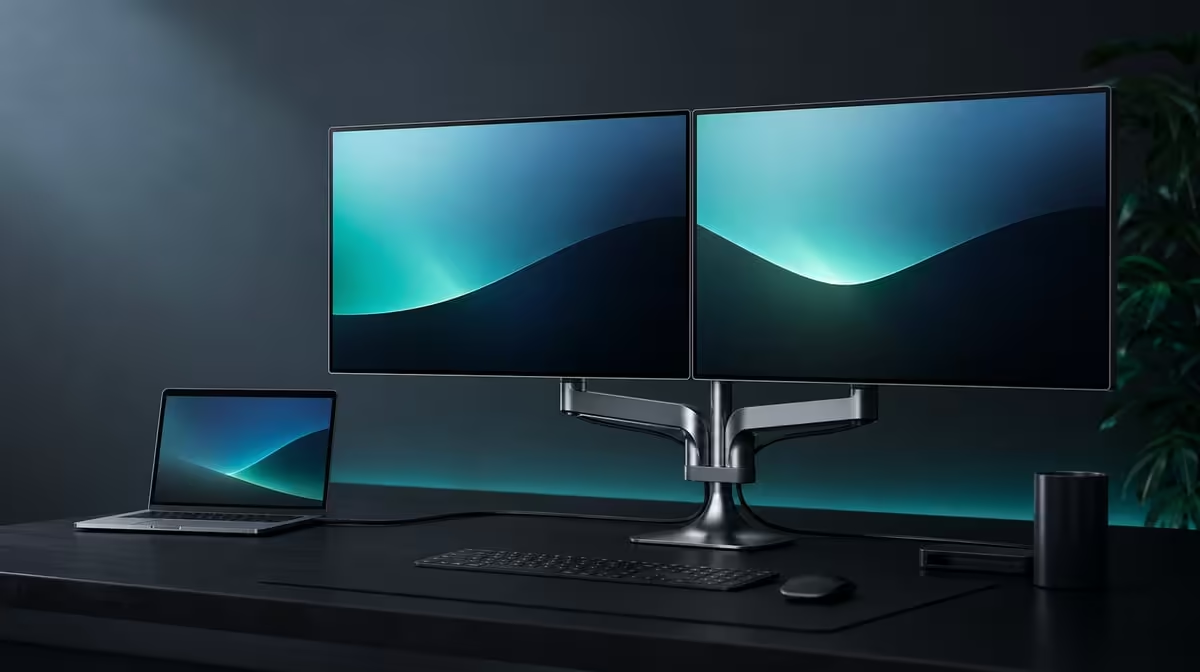
A budget ceiling should protect the work requirements, not encourage the buyer to spend every remaining rand. Choosing a dual business monitor under R10,000 starts with the laptop, desk and recurring tasks, then asks which useful features fit below that line.
Quick Answer
The UPERFECT Delta Mega costs R6,899, leaving R3,101 below a R10,000 ceiling. Its paired Full HD IPS screens measure 23.8 inches each and run at 100Hz. Type-C, HDMI, flexible folding, speakers and low blue light complete the business package without consuming the saving.
💰 Define what R10,000 must achieve
Write mandatory, useful and optional columns before comparing displays. Two working laptop outputs, native readable panels and a stable desk arrangement belong in mandatory when the goal is a large dual workspace.
Put 100Hz, vertical stacking, speakers and low blue light in the column that reflects actual work. A user who scrolls and moves windows continuously may rank refresh highly, while someone using still reports may give it less weight.
The Delta Mega sits R3,101 below the ceiling. That amount is not an instruction to add accessories. Keep it available until a repeated cable, support, audio or room problem is identified.
Measure the desk around the laptop, not only the panel diagonal. Two 23.8-inch screens need clear width or height, a stable stand position and a safe folding path.
Use Evetech's portable monitor collection to compare live dual-screen choices after the requirements are fixed.
Correct price framing
The title's R10,000 amount is a ceiling, not the Delta Mega price. Every product reference should remain R6,899, with R3,101 described as the difference.
Avoid attaching the whole ceiling to the screen's feature list. This keeps the comparison honest when another model is assessed.
🖥️ Make the two panels earn their share
Set both screens to native 1920 x 1080 and use comfortable scaling. Open the actual business applications, then assign a clear role to the left and right screens or the lower and upper pair.
Two Full HD panels can create separate task zones for documents, communication, research, monitoring or previews. The value is lower when the second display holds only an unused desktop.
Enable 100Hz through the compatible Type-C or HDMI laptop path after detection is stable. Compare scrolling, cursor movement and window animation with another rate while keeping resolution and scaling unchanged.
The Delta Mega also lists 14ms response. Treat it as a motion characteristic distinct from refresh. Business value comes mainly from readable work areas and smooth compatible movement.
Start colour comparison from matched IPS settings. Test low blue light separately because the comfort mode can warm the picture.
Run the arrangement for a complete workday. Record window switching avoided, time spent on the second panel and any discomfort caused by side or upward viewing.
🔌 Count connection and folding value
Both Windows and Mac computers can use the monitor, with Type-C and HDMI offered as connection choices. Prove the exact laptop, output and cable rather than giving platform names automatic credit.
Create one source card with both panels detected, native resolution, refresh, software map and speaker route. Restart and confirm that the setup returns without random cable changes.
Test side-by-side and stacked layouts. The 360-degree folding range adds value only when a second arrangement improves desk width, task priority or sharing.
Keep the cable clear of the joints and check stand balance after each fold. The desktop should remain usable when the laptop lid, keyboard and chair move normally.
Built-in speakers may avoid a separate casual audio device. Select the Delta Mega playback route and decide whether its sound suits meetings, notifications and basic media.
Vary the picture comfort setting only after the neutral work baseline. Low blue light should not be credited as a colour-accuracy feature.
Compare fixed alternatives through Evetech's PC monitor category if the setup will never fold or move.
📊 Protect the R3,101 remainder
Run a thirty-day no-extra-spend trial. Record every moment when another item seems necessary and group the entries into connection, support, sound, cable organisation and comfort.
Verify any proposed purchase against the exact laptop and Delta Mega arrangement. A cable that fits but cannot support the intended screens or refresh is not a useful budget addition.
Test the included stand and speakers before pricing replacements. Existing desk organisation or laptop audio may already solve the perceived gap.
At the end of the month, total only products actually chosen. If the standard R6,899 package passes, close the budget and keep R3,101.
Compare a second under-R10,000 option through the same applications, room and source. Do not introduce a new requirement merely because the alternative advertises it.
The best result under the ceiling is the lowest complete amount that stays connected, readable and comfortable through real work.
Review Evetech's popular monitor listings at decision time and check current availability without turning it into a permanent claim.
Create a two-stage budget review. The first stage ends after the initial desk, connection and application tests; the second follows a month of ordinary work.
At stage one, write every unresolved item without buying it. A longer cable, different audio route or mounting idea remains a question until the standard package is fully understood.
At stage two, keep only problems that repeated and affected real tasks. One awkward first fold may disappear after learning the mechanism, while a daily cable obstruction deserves attention.
Record whether the laptop used Type-C, HDMI or both. An unused alternative input should not receive the same value as the dependable daily route.
Do the same for 100Hz. Count motion-heavy sessions and keep static document work separate, so the refresh feature receives a realistic share of R6,899.
Evaluate speakers through actual meetings and media. If they replace a desk device already owned, note the simplification; if headphones remain the normal route, reduce the speaker score.
For low blue light, compare comfort while preserving a neutral picture profile. Do not let the warmer mode become an accuracy benefit on the budget sheet.
At the end, state the final total, unspent R3,101 and the tasks that passed. A budget is complete when no unexplained premium remains, not when the ceiling is reached.
Preserve both review sheets for the next purchase. They show which early concerns became real ownership costs and which disappeared after the Delta Mega was configured properly.
Any later addition should begin a new evidence row rather than quietly consuming the remaining ceiling.
Frequently Asked Questions
Does the Delta Mega cost less than R10,000?
Yes. It costs R6,899, leaving R3,101 below the ceiling.
What screen hardware fits inside that amount?
The package includes two 23.8-inch 1920 x 1080 IPS panels.
How does 100Hz contribute to the budget choice?
It can smooth compatible scrolling and cursor movement when the laptop connection exposes the mode.
What connection flexibility is included?
Compatible Windows or Mac sources can connect by the available Type-C and HDMI methods.
Which ergonomic features matter most?
The 360-degree fold supports horizontal, stacked and sharing layouts, while task placement determines comfort.
What trade-off should speed-focused users consider?
The panels list 14ms response, so motion-sensitive buyers should weigh that alongside 100Hz.
What must justify spending the full R6,899?
The dual work areas and other features should remove repeated friction in the actual laptop workflow.
Ready to keep two large business screens below a firm ceiling?
Compare Evetech's dual monitors, test the R6,899 Delta Mega package and leave the remaining R3,101 untouched until a recurring need earns it.